
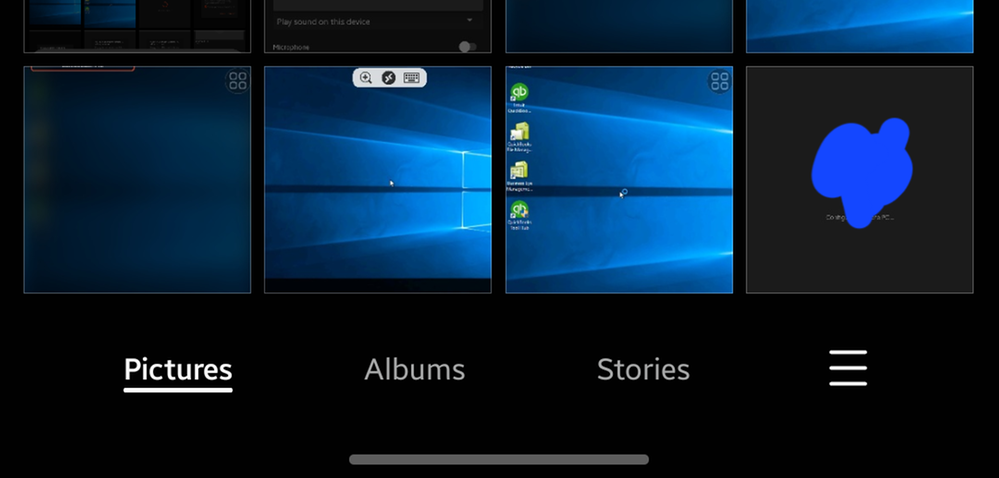
1.Go to Gallary App and Click Three Line Icon on Right Bottom on the Screen.
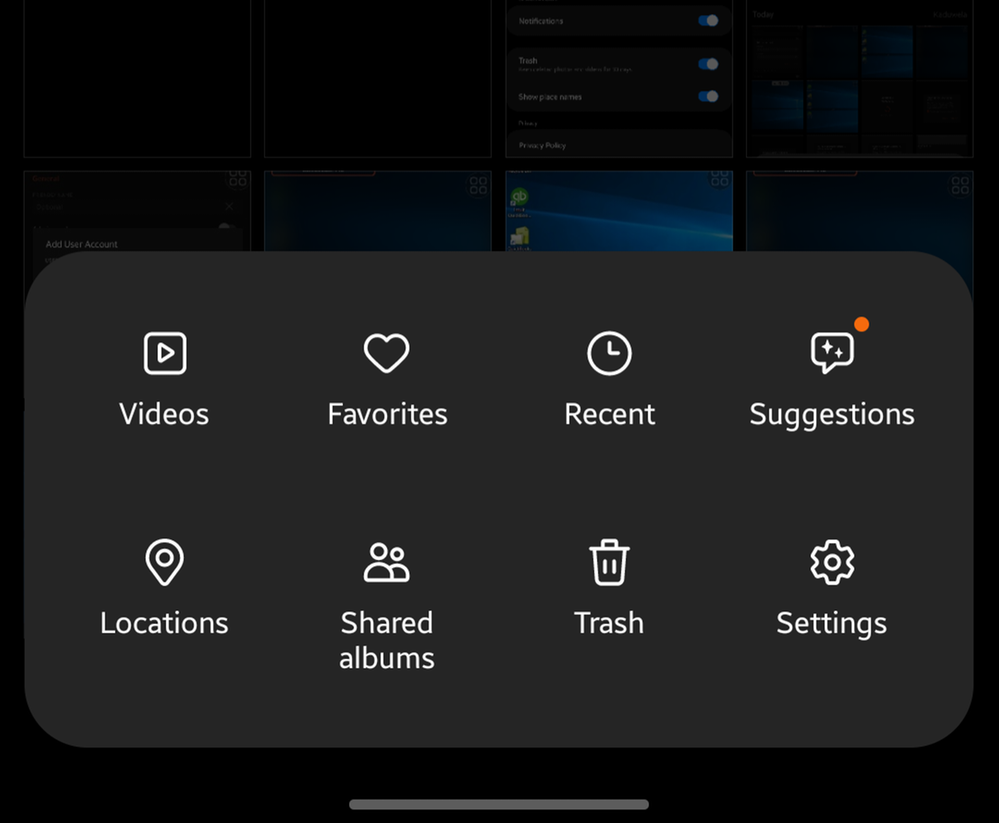
2. After click a small menu will popup
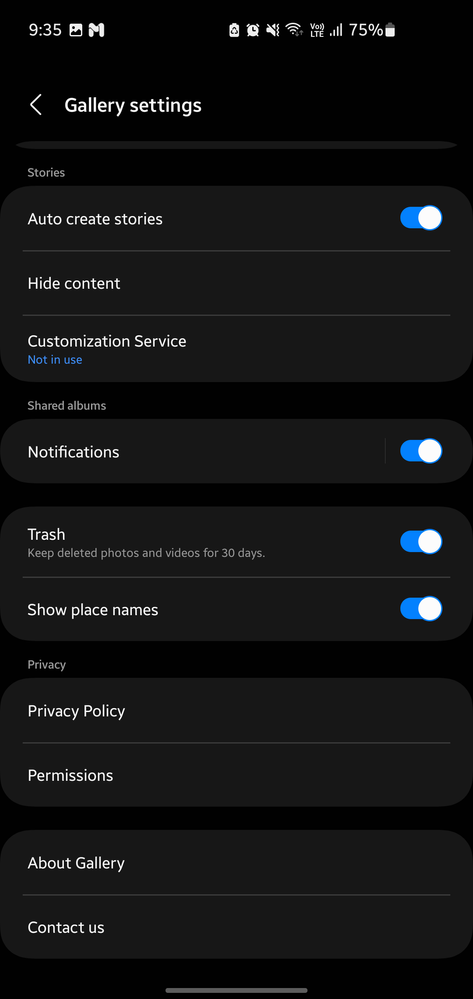
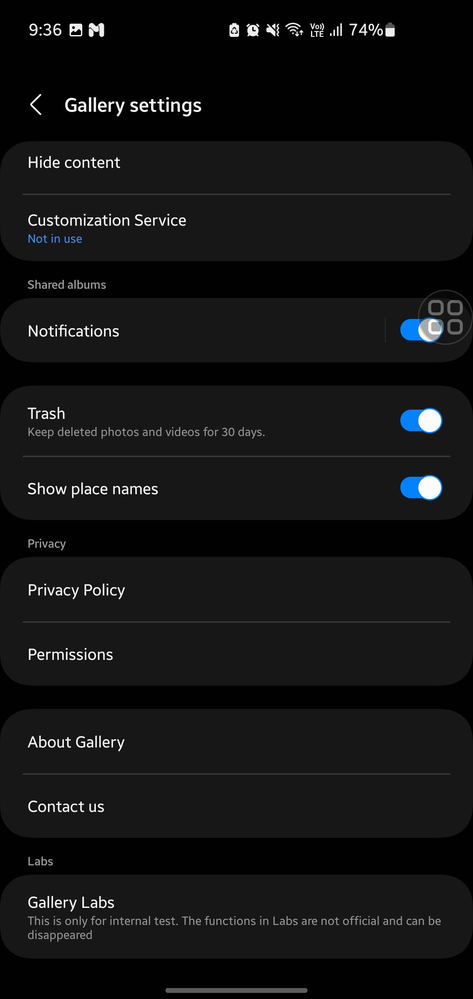
Then Click Settings
3. Go the bottom of the settings. And select About Gallary
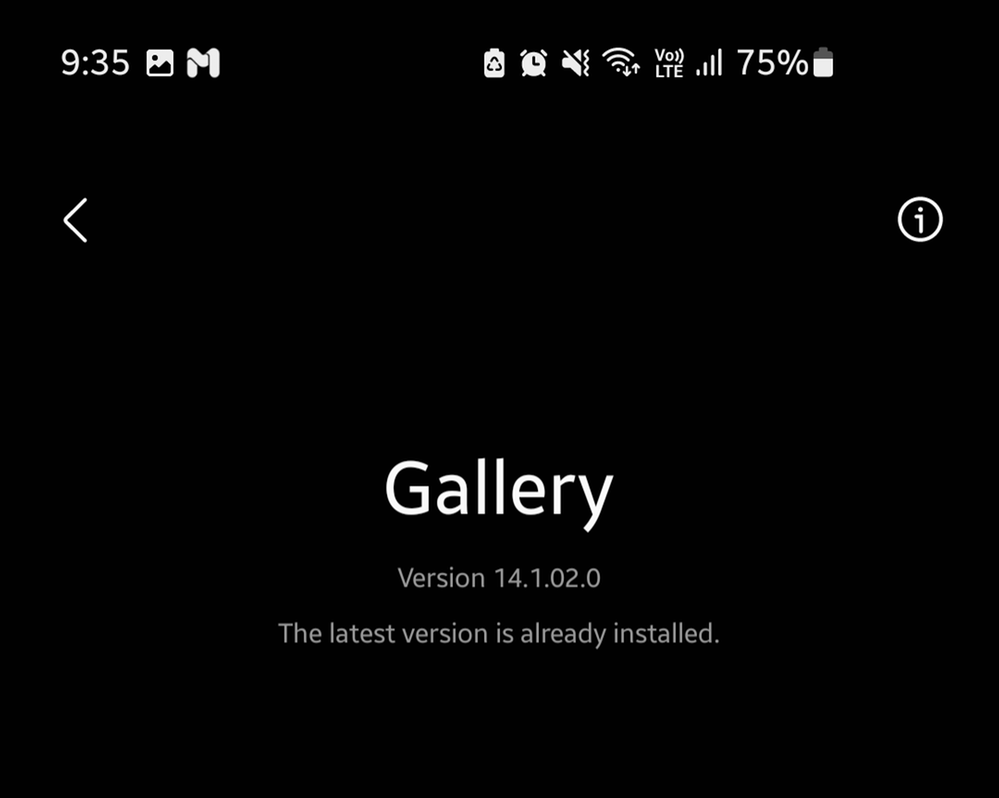
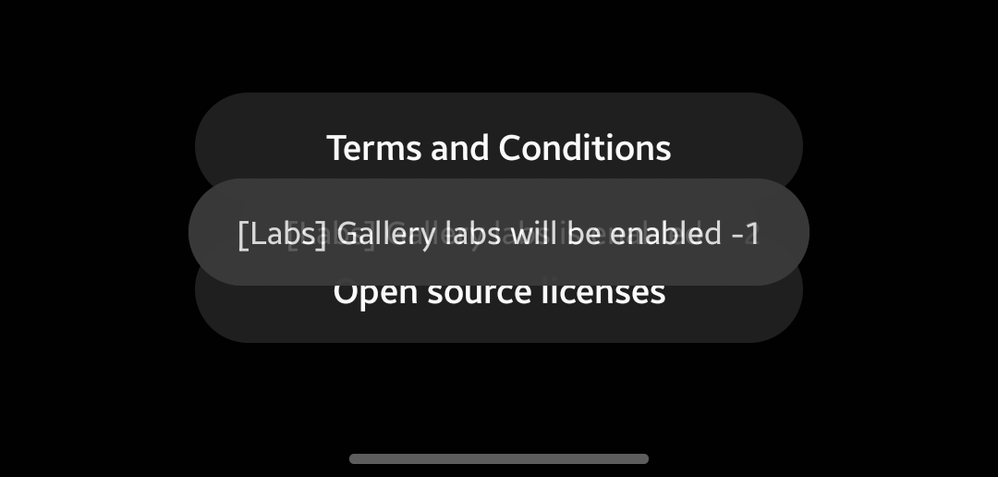
4. Tap on rapidly on the vesrion number
5. You can see , gallary labs -1 countdown
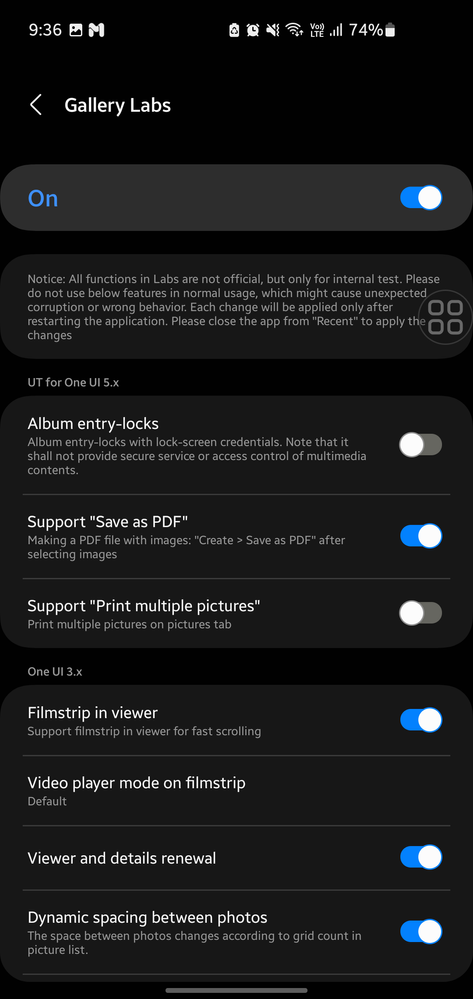
6. After that you will enable the new menu. You can see a new menu called Gallary Labs.
7. You can test, preview the changes in the gallary app.
Dr_Sadesh_Abey
★
02-24-2023 11:05 AM
in
wasanthaaaa
Active Level 6
02-9-2025 03:35 PM
in
Dushan_Kumara
★
02-9-2025 03:41 PM
in