
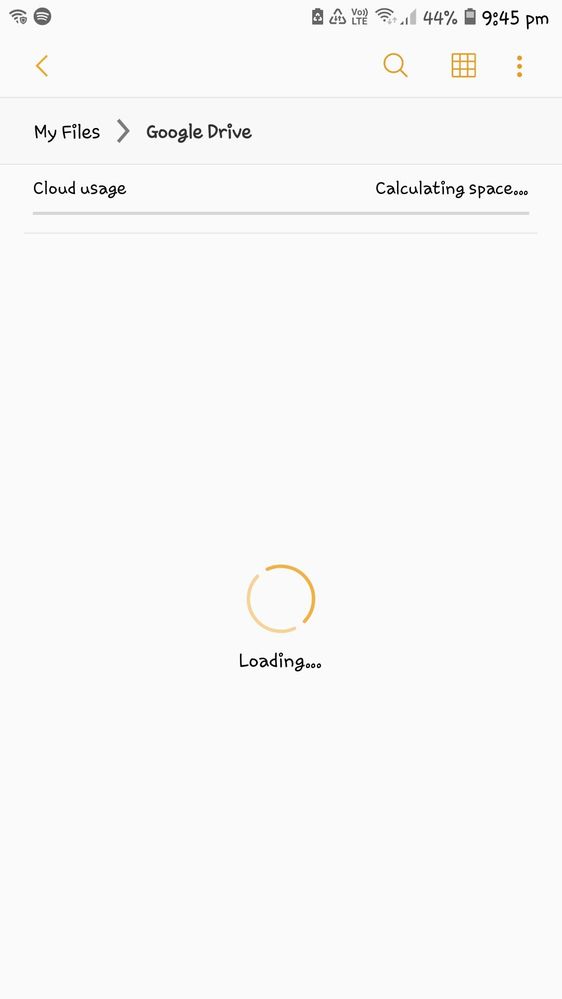
I am using a J7 max. I connected my OneDrive account to My Files and it works fine, but when I connected my Google account, it connected but it won't show anything and just shows syncing. Here is a screenshot of what I see. It just keeps on loading. Would appreciate it if anybody can help me solve this issue...
Selected Answer
Ranod_Lakshitha
★
5 years ago
in
First go to Settings > Apps > My Files > Permissions > Storage > see all apps with this permission > click 3 dots in upper corner> Show System > (scroll way to down and find My Files under the denied permissions) > Allow storage permissions.
If it's not working, remove your Google account and add again and try.
If still not working, try a different account and make sure it's not an issue with your Google account. 😃
If my comment is helpful to you, kindly click on the 3 dots and select "Accept Solution"
Thank you 😊
anonymousUser
★
5 years ago
in
ShenalDe
★
5 years ago
in
Kindly note that when enable these settings background data access is restricted due to less power consumption and low data use.
Follow these steps to gain background sync again.
1. Close all the background running apps
2. Off all the above mentioned items Data saver and power saver.
3. Reopen the sync app and then do the process make sure you have a stable WiFi connection.
If you found my comment useful, kindly click on the 3 dots and select "Accept Solution"
Thank you so much 😊