
Samsung seemingly provides a developed android with more functionalities
But I doubt it some sections
One UI 2.0 Smart View
Does mirror screen
With Audio
Android 10 Screen Cast
Does same
Additionally......
"Can control mobile phone remotely....like wireless mouse "
Pretty Interesting feature to have
Finally What I see is a One UI fancy android version 💭
While Android One straight forward & clear 💬
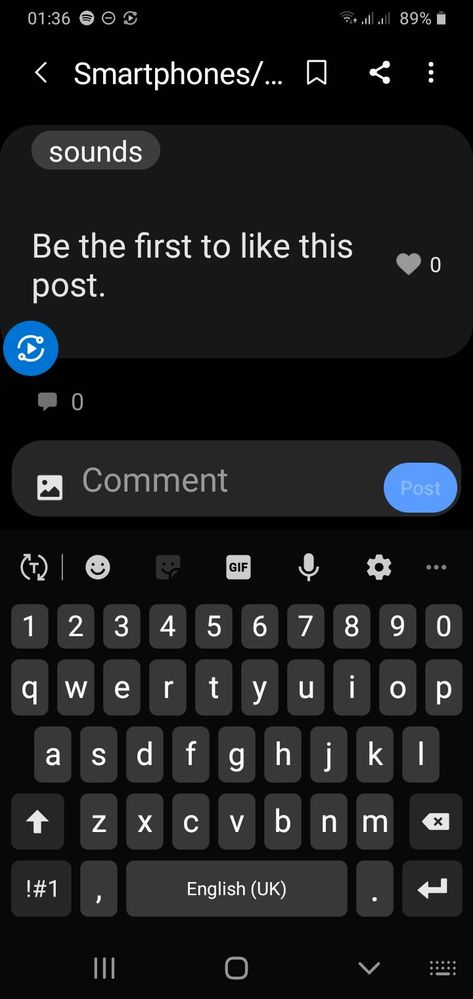
Really fancy (floating icon )🤣🤣
Don't know whether its......well....Updated in UI 3.0
But disappointing
Selected Answer
nipoo
★
01-8-2021 02:02 AM
in
2. Tap on 3 dots in the upper right corner and tap Settings.
3. Turn off the Floating icon feature.
nipoo
★
01-9-2021 06:06 AM
in
https://play.google.com/store/apps/details?id=com.apowersoft.mirror
But you need cracked version for PC.
Other methods:
Link to Windows
https://android.gadgethacks.com/how-to/cast-your-samsung-galaxys-screen-your-windows-pc-0215792/
Samsung Flow
https://www.samsung.com/us/support/answer/ANS00079857/
Cheers_bruh
Expert Level 1
01-9-2021 03:48 PM
in
Smart View only mirror screen and share audio
2.I hate windows Your phone
3.Having original...so don't wanna loose it for such small feature (Yes The function I asked is pretty useless)
Members_XrBsCRs
Beginner Level 2
01-3-2025 12:26 PM
in
Hi
0 likes
Selected Answer
nipoo
★
01-9-2021 06:06 AM
in
https://play.google.com/store/apps/details?id=com.apowersoft.mirror
But you need cracked version for PC.
Other methods:
Link to Windows
https://android.gadgethacks.com/how-to/cast-your-samsung-galaxys-screen-your-windows-pc-0215792/
Samsung Flow
https://www.samsung.com/us/support/answer/ANS00079857/
0 likes