
Wanted to quickly change brightness without having to swipe down twice?
Quick panel layout
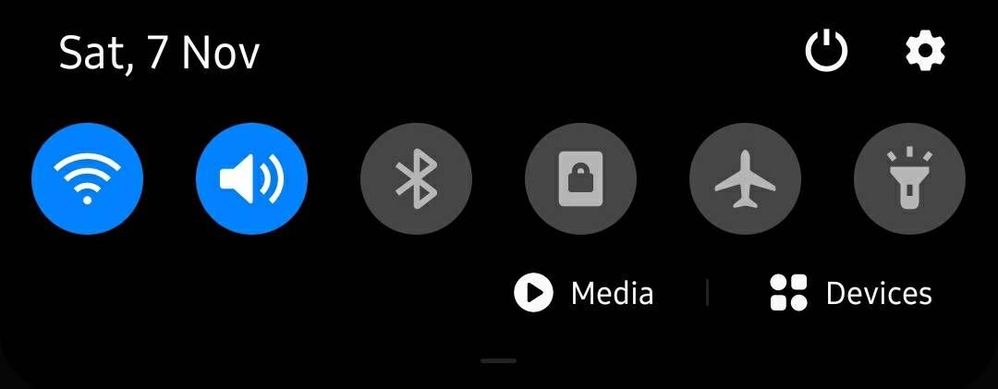
Normal settings:
There is no Brightness Slider
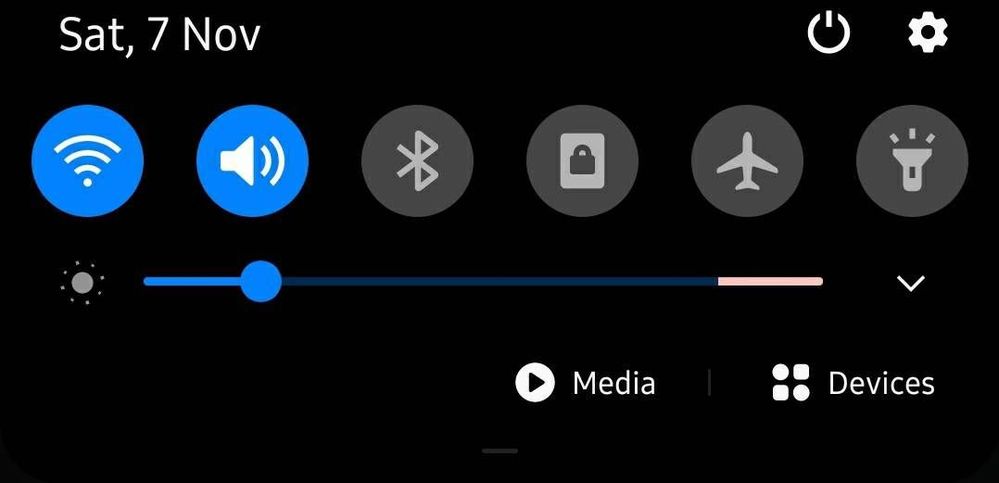
Quick Brightness Slider:
Step 1: Swipe Notification Bar down twice
Step 2: Tap on the three vertical dots on the top right.
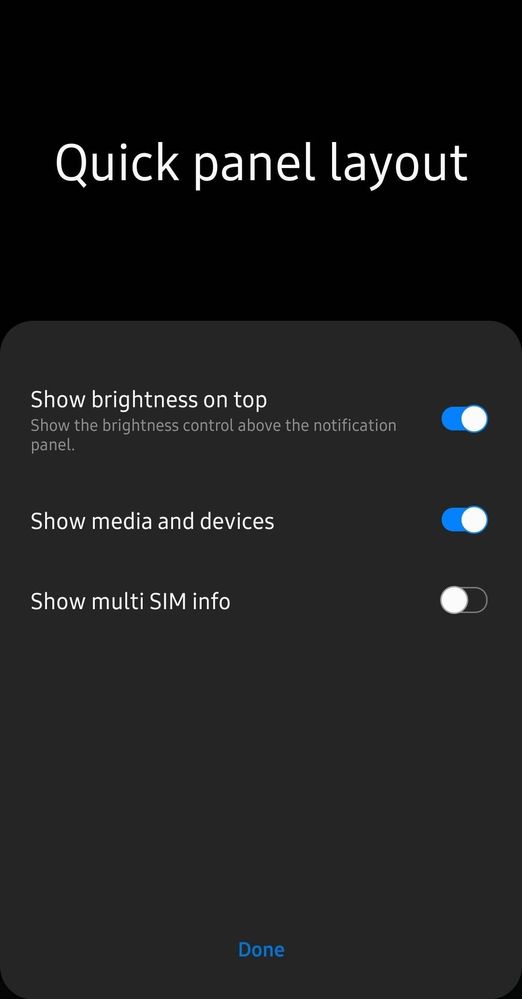
Step 3: Tap on Quick panel layout.
Step 4: Enable Show brightness on top and tap Done.
Step 5: Now you can swipe down once to get Brightness Slider
No replies and comments found