
Samsung One UI 7 introduces a significantly redesigned Quick Settings and Notification Panel. However, Samsung added an option to unify Quick Settings and Notification Panel in One UI 7.
Quick Panel Toggle Arrangement
Comparison
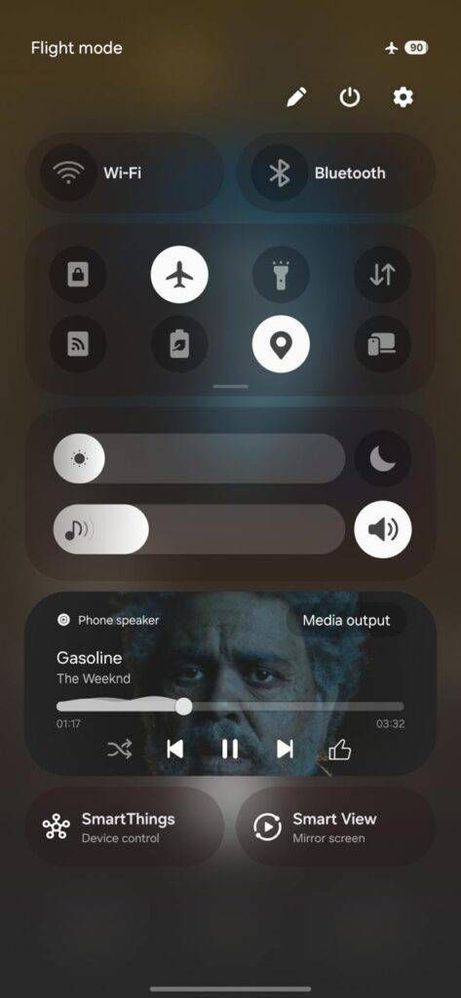
One UI 7 Quick Panel - Separate
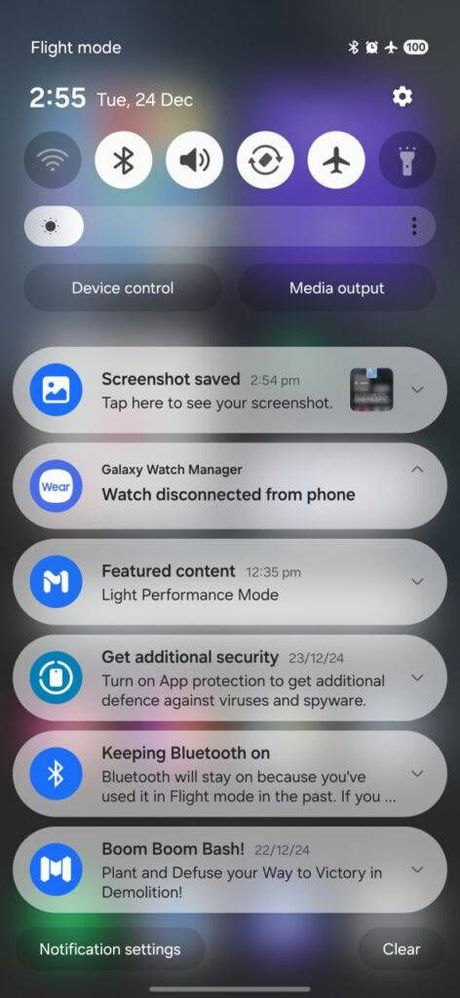
One UI 7 Quick Settings & Notification Panel - Together
How to bring Quick Settings and Notification Panel “Together”
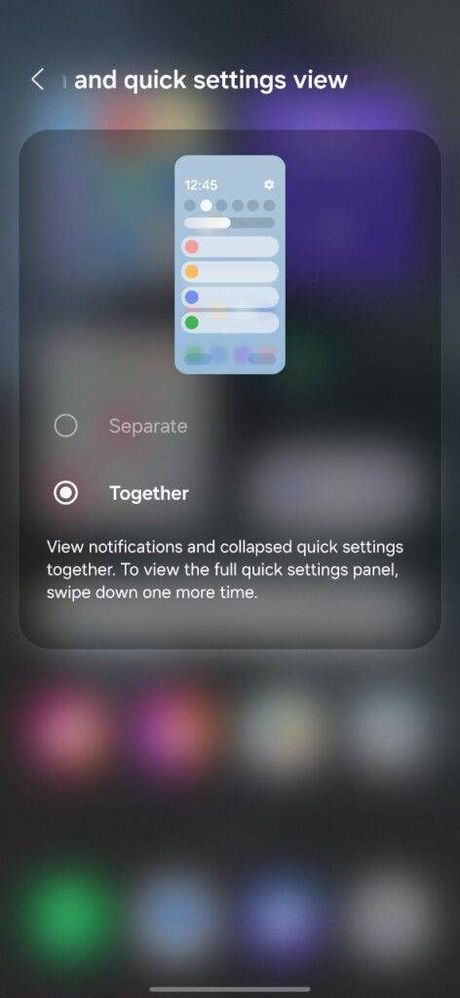
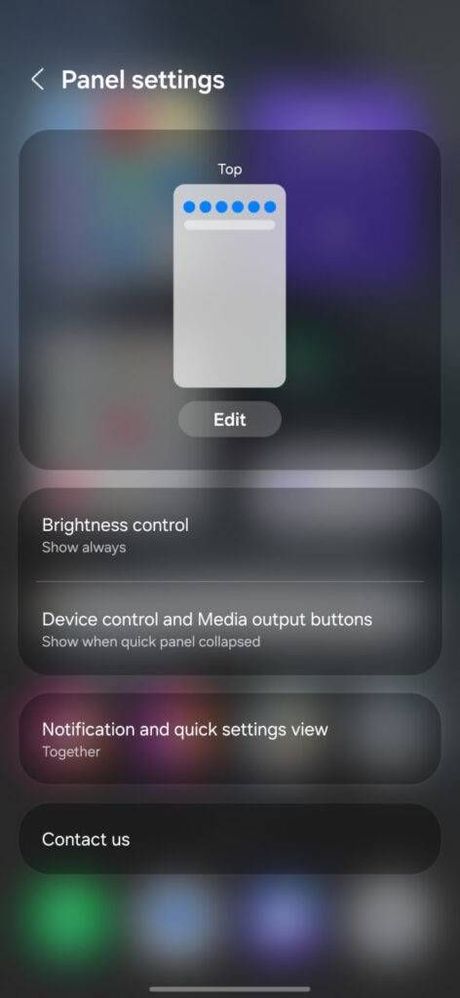
1. Expand the Quick Panel in One UI 7, and press the “pencil” icon to edit the user interface. Here, you get a new menu to manage “Notification and quick settings view.”
2. Separate and Together are the two options available in the software. You need to toggle Together to bring the old-style unified Notification Panel and Quick Settings.
Notification and quick settings view
Customization
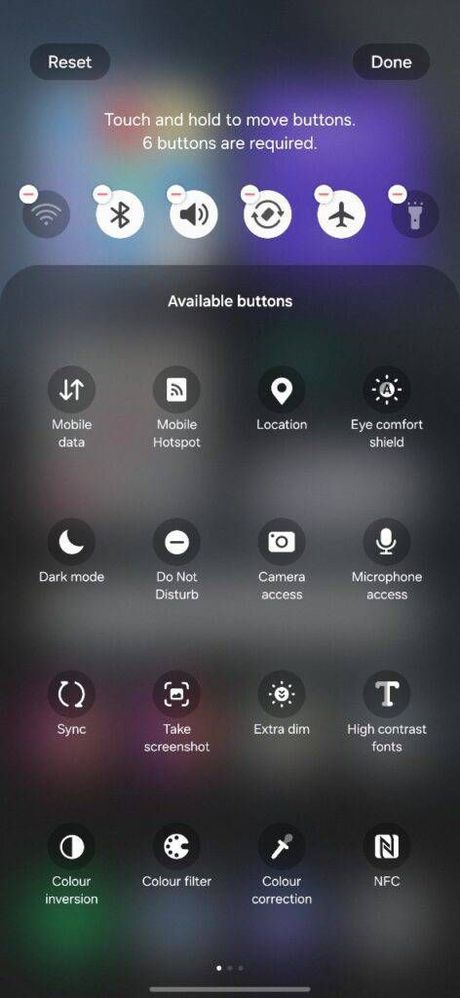
1. Toggle Arrangement: You get the option to adjust toggle placement within the Panel Settings section.
2. Additional Quick Tools: You will have Brightness Slider, Device Control and Media output toggles next to the Quick Settings.
Quick Panel Personalization
Source: SammyFans
No replies and comments found