
In the Gallery App itself, you can select photos and make a collage.
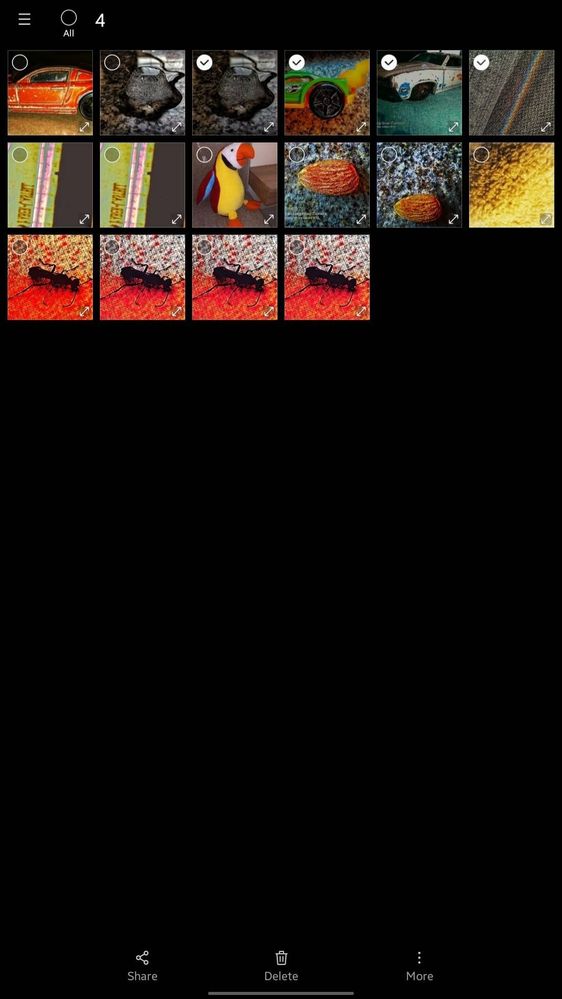
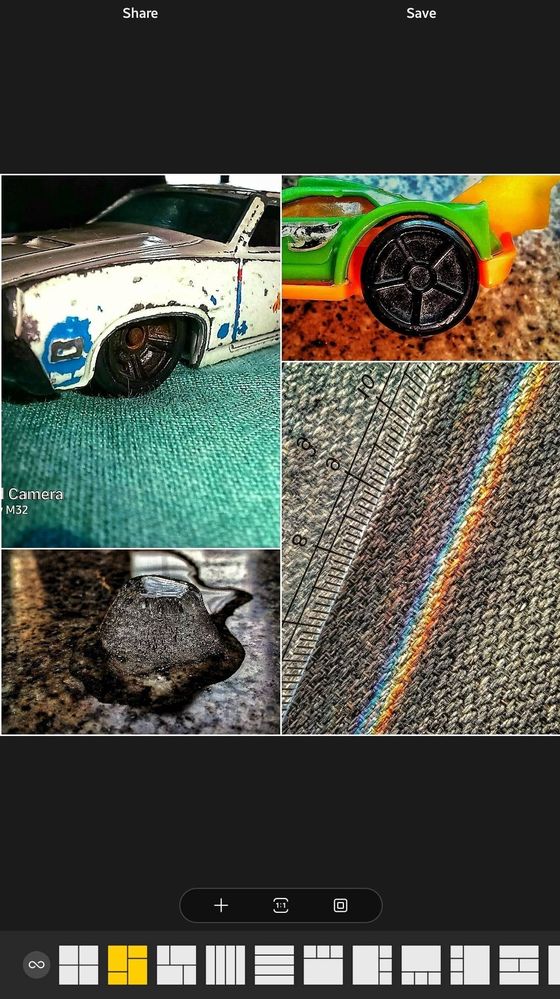

Steps are-
1) Open Gallery App
2) Long press and select the photos of which you want to create a collage
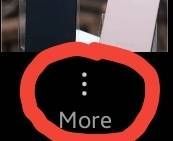
3) Click on More, the three dots
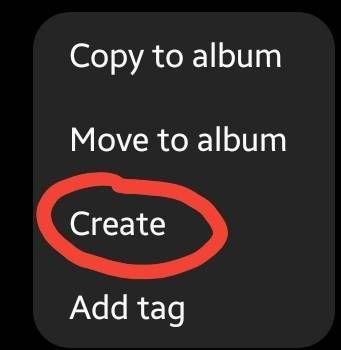
4) Click on Create
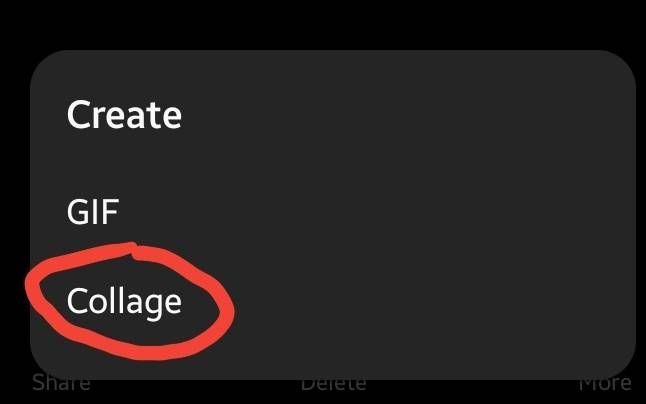
5) Click on Collage
6) Now choose how you want the pictures to get displayed
7) Click On Save
And Done you created a collage
Follow me for more such awesome tips
rush20
Expert Level 5
03-9-2022 10:55 AM
in
MohammedKhatri
Expert Level 5
03-9-2022 10:57 AM
in
Anonymous User
Beginner Level 1
03-9-2022 12:57 PM
in
VedantKalore
★
03-9-2022 11:25 AM
in
MohammedKhatri
Expert Level 5
03-9-2022 12:26 PM
in
Anonymous User
Beginner Level 1
03-10-2022 08:26 AM
in
Are u kidding me bruh??
I have been using this feature since Android 8 on my mom's phone and u say I just learned it
Lol
#Learningtime📖 to Mohammed Khatri
MohammedKhatri
Expert Level 5
03-10-2022 08:28 AM
in
RαʝҽʂԋKυɱαɾ21
Expert Level 5
03-9-2022 02:34 PM
in
(ANDROID 8.0)
MohammedKhatri
Expert Level 5
03-9-2022 02:37 PM
in
0 likes
anoymous_user
Active Level 7
03-10-2022 09:30 AM
in
0 likes