
After update of UI 2.0 BETA version in my Samsung galaxy note 9 . The AR doddle option is added in my camera but it not working in my Note 9.
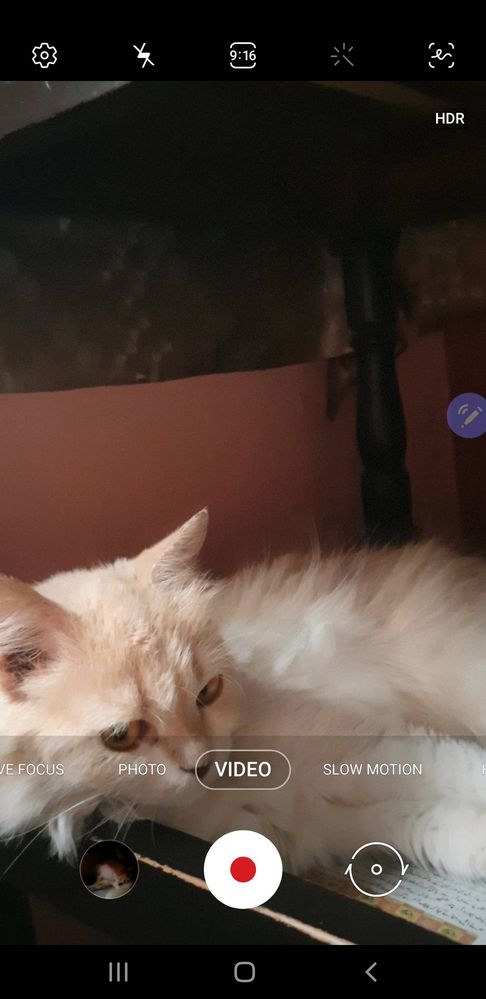
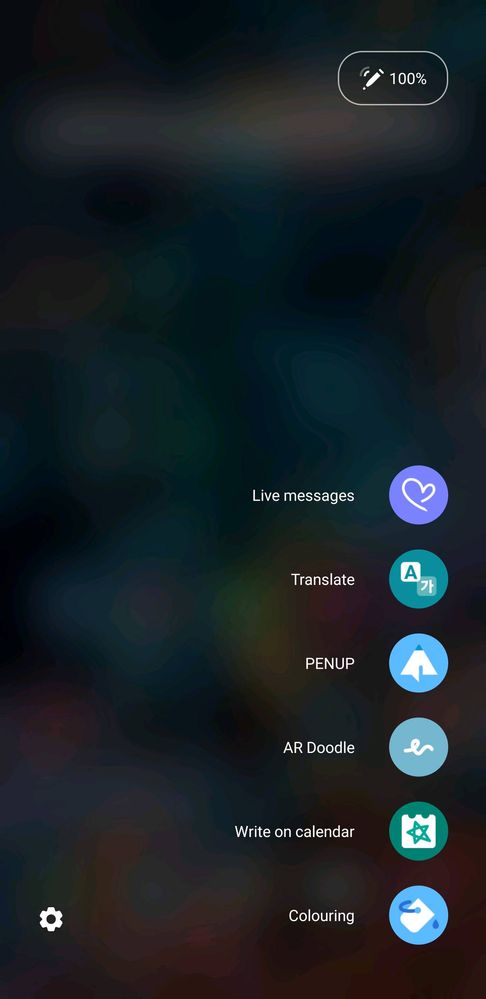
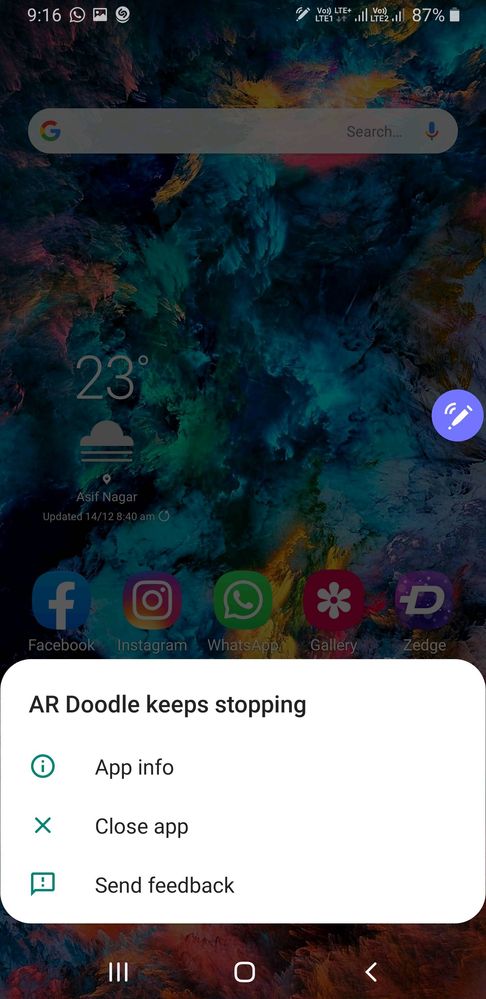
So any reason or Solution for this not working of AR Doddle in Galaxy note 9.
CrazyBoy28
★★
7 years ago
in
0 likes
Demiguise
Active Level 5
7 years ago
in
monark19
Active Level 5
7 years ago
in
0 likes
Demiguise
Active Level 5
7 years ago
in
monark19
Active Level 5
7 years ago
in
0 likes
Demiguise
Active Level 5
7 years ago
in
Samsung_Support6
Moderator
7 years ago
in
Hi there,
Please follow the below mentioned steps in order to resolve the issue:-
> Clear the Cache of the camera (setting>>apps>>camera>>storage>>clear data and cache).
> Do the reset settings of the camera (camera>>setting>>reset setting).
>Run the device in Safe mode and check the issue.
> Do the reset app preference (setting>>apps>>three dots on the right top>>reset app preferences).
Then kindly restart the device and check the issue.
For further assistance, register your concern in Samsung members app (click on “+“icon>send feedback>Error report/ Ask Questions).
Regards,
Team Samsung Members
0 likes