Please reset all settings of your's device in general management settings also Flight ✈️ mode on n off one time also optimize your's device in device care too also clear catche of all apps manually then try to it's again. If you like please accept as a solution it's help to others users also,click on 3dots in my reply section and click on accept solution . Thanks.

anurathi332686293809
Active Level 8
01-17-2025 11:29 PM
in
0 likes
Abhiisam24
Active Level 4
01-18-2025 12:25 AM
in
---
1. Restart Your Phone
A simple restart can clear temporary glitches and optimize battery usage.
---
2. Update the App/Software
Ensure your device is running the latest version of One UI and Android.
Check for updates for the Digital Wellbeing and Device Care app in Galaxy Store or Google Play Store.
---
3. Optimize the Device
Go to Settings > Battery and Device Care and tap Optimize Now.
This clears unnecessary background processes and improves overall performance.
---
4. Restrict Background Activity
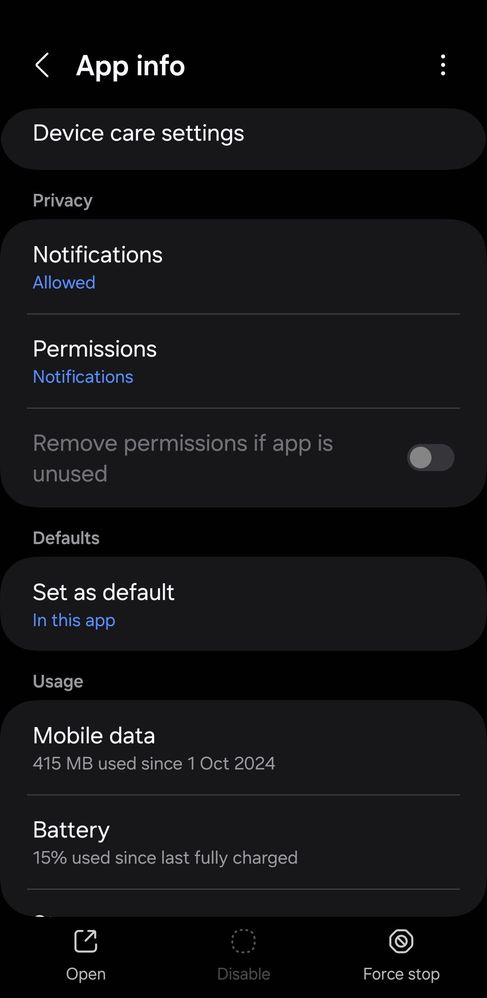
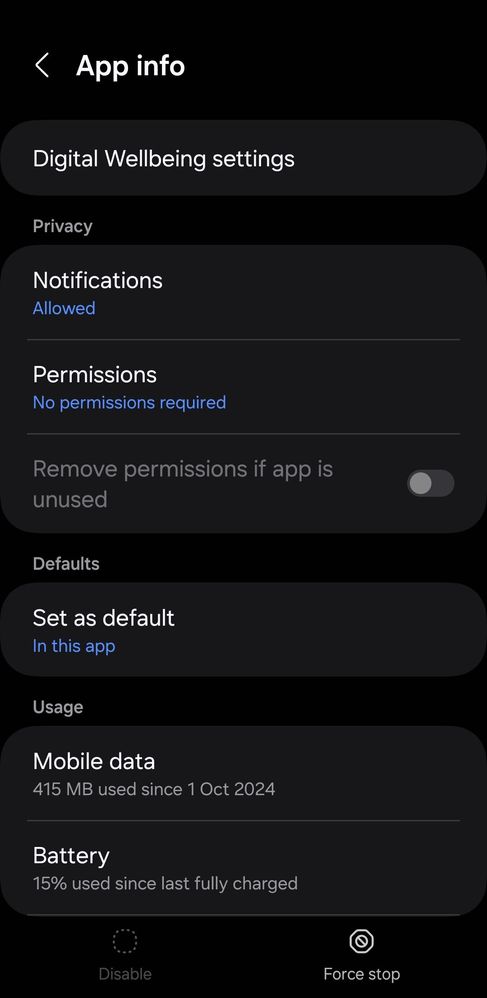
Settings > Apps > Digital Wellbeing and Device Care:
Tap Battery, then select Restricted.
This prevents unnecessary background activity.
---
5. Turn Off Features You Don’t Use
If you don’t use certain features, consider turning them off:
Settings > Digital Wellbeing > Focus Mode or Sleep Mode: Disable if not in use.
Turn off unused Battery Monitor notifications under Device Care settings.
---
6. Clear Cache
Go to Settings > Apps > Digital Wellbeing and Device Care > Storage:
Tap Clear Cache to remove temporary files.
---
7. Disable Unnecessary Widgets
Avoid keeping widgets related to Digital Wellbeing or Device Care on the home screen as they may drain battery.
---
8. Monitor Other Apps
Check if another app is indirectly causing higher battery drain by triggering Digital Wellbeing usage.
Go to Settings > Battery and Device Care > Battery Usage for detailed stats.
---
9. Reset App Preferences
Resetting app preferences can solve misconfigurations:
Settings > Apps > Three-dot menu > Reset app preferences.
---
10. Contact Samsung Support
If the issue persists, it might be a bug. Contact Samsung support via the Samsung Members app or visit a nearby service center.
Please like if it helps somehow to you and also you may click the 3 dots of the comments and accept this as a solution once works.
0 likes
goodthings
Expert Level 5
01-18-2025 04:23 AM
in
0 likes
goodthings
Expert Level 5
01-18-2025 04:23 AM
in
0 likes