
Hey all I found this very usefull and now i can see one of the things i was looking for. So i m sharing with you all i know many of you had already known this setting but still shring for those who dont know. 1. Open goodlock 2. Open lock star 3. On lock screen click on shortcut app icon, you will find two option one for basic setting and another one will multiple apps. You will find below on my 1st image, you will find multiple apps like torch, camera etc
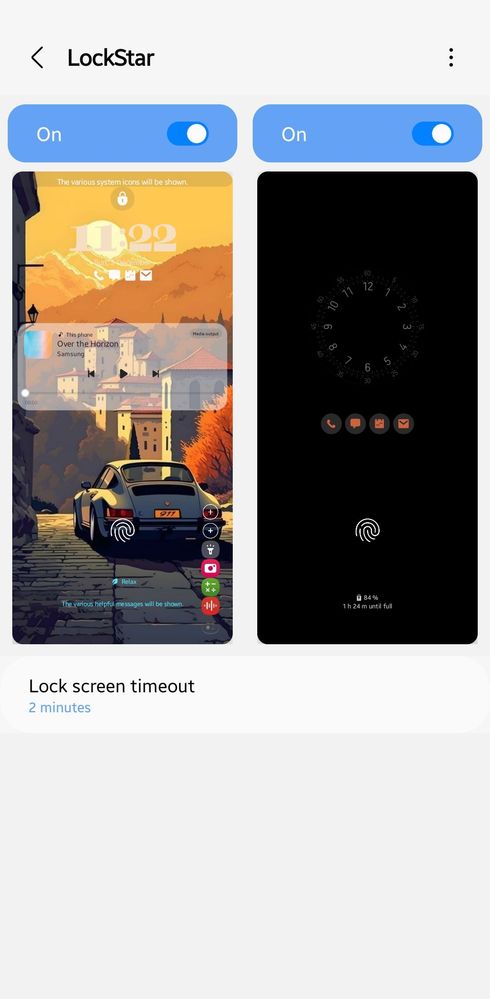
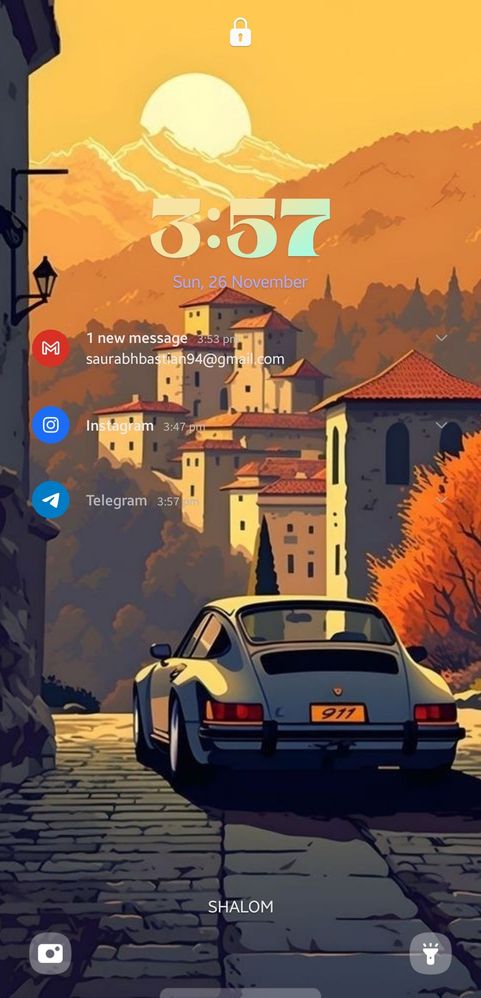
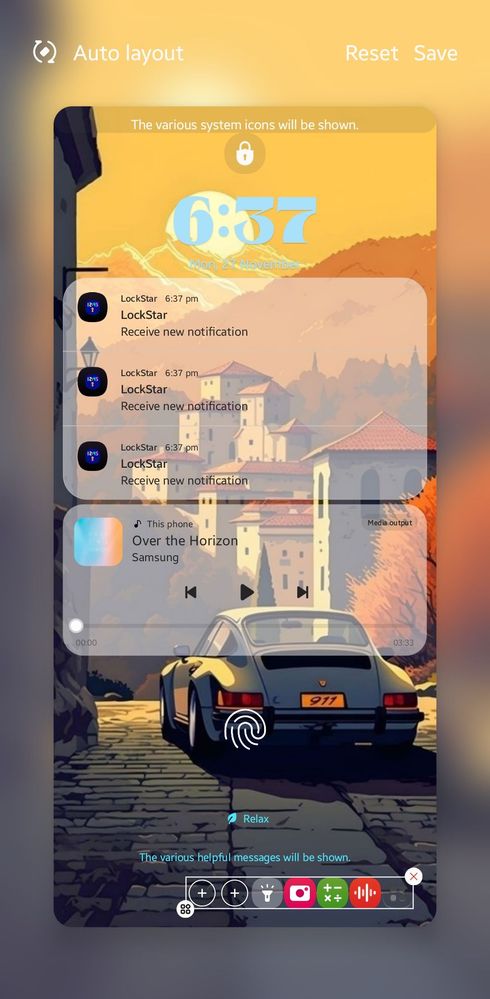
This is old setting. You can change this 2 shortcut apps to multiple shortcut apps.
Follow the instructions and you will see 😁.
Check the bottom apps shortcut icon
No replies and comments found