
Hi Guys, I have been using M30s for quit a bit. And I was wondering if I could use my own wallpapers as rotating Lock screen. So I found a way where you can use Dynamic lock screen option to set rotating lock screen.
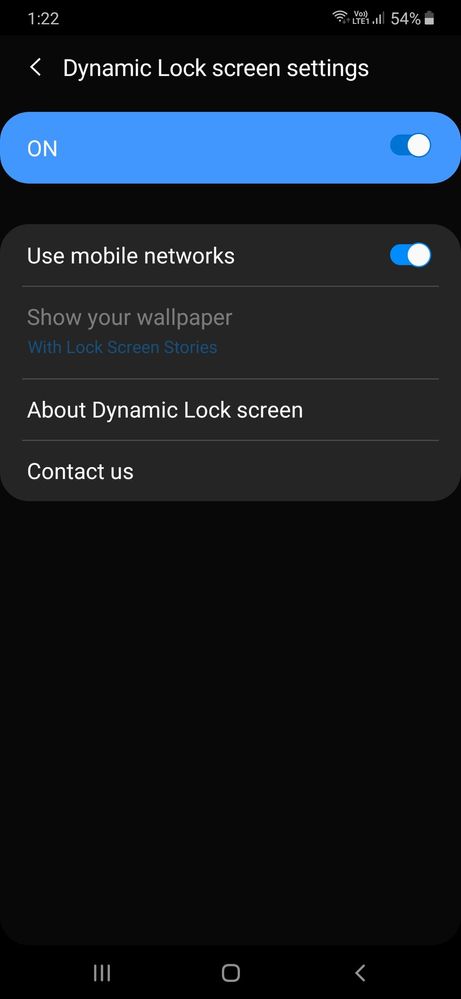
Now, Samsung does give you an option where you can set your own wallpapers but you can't select that option. It will always be disabled and you won't be able to enable it. Check below.
Can anybody help?
Sciphile
Active Level 10
03-15-2020 08:29 AM
in
UtkarshBengani
Active Level 3
03-15-2020 08:39 AM
in
0 likes
Sciphile
Active Level 10
03-15-2020 09:26 AM
in
0 likes
UtkarshBengani
Active Level 3
03-17-2020 05:05 AM
in
select wallpaper
select Gallery
Go to album which has your wallpapers
multi select wallpaper (upto 15)
set as lock screen
0 likes