
☆ Useful for Gamers, note-takers, and heavy power users
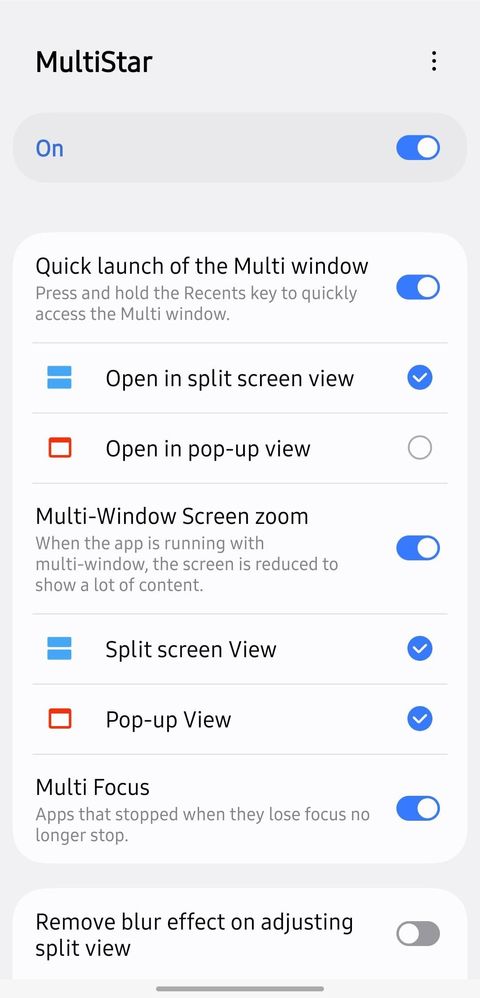
Features :
- Turn on Quick launch Multi window ➔ Hold the Recents key to snap your current app to split-screen instantly.
- Enable Multi-Window for all apps ➔ Force split-screen compatibility even for apps that restrict it natively.
- Enable Pop-up view action ➔ Swipe down diagonally from the top corner of any app to open it in a floating pop-up window.
- Do you use Split Screen or Floating Windows more on your Galaxy? Let's discuss!"
No replies and comments found