
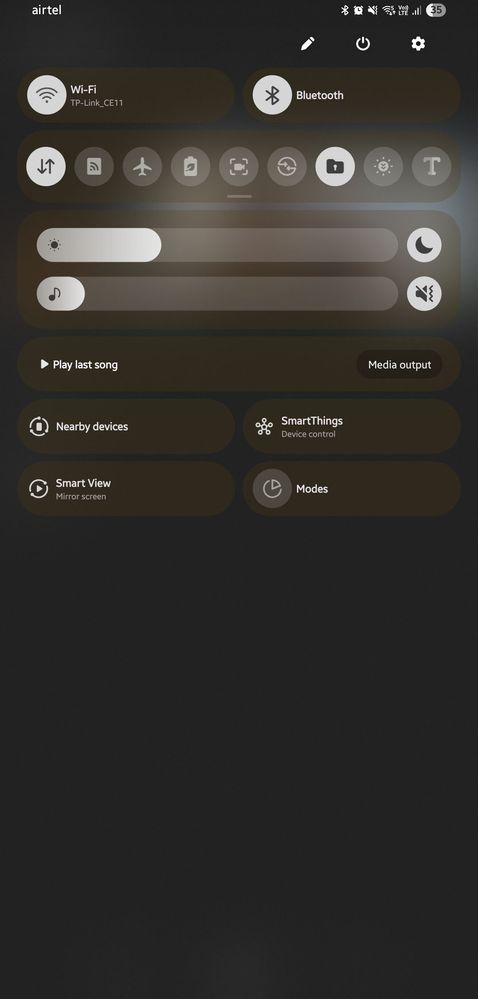
can anyone tell me whats going on with my quick panel it automatically changed its color after restart, is anyone encountering the same issue?
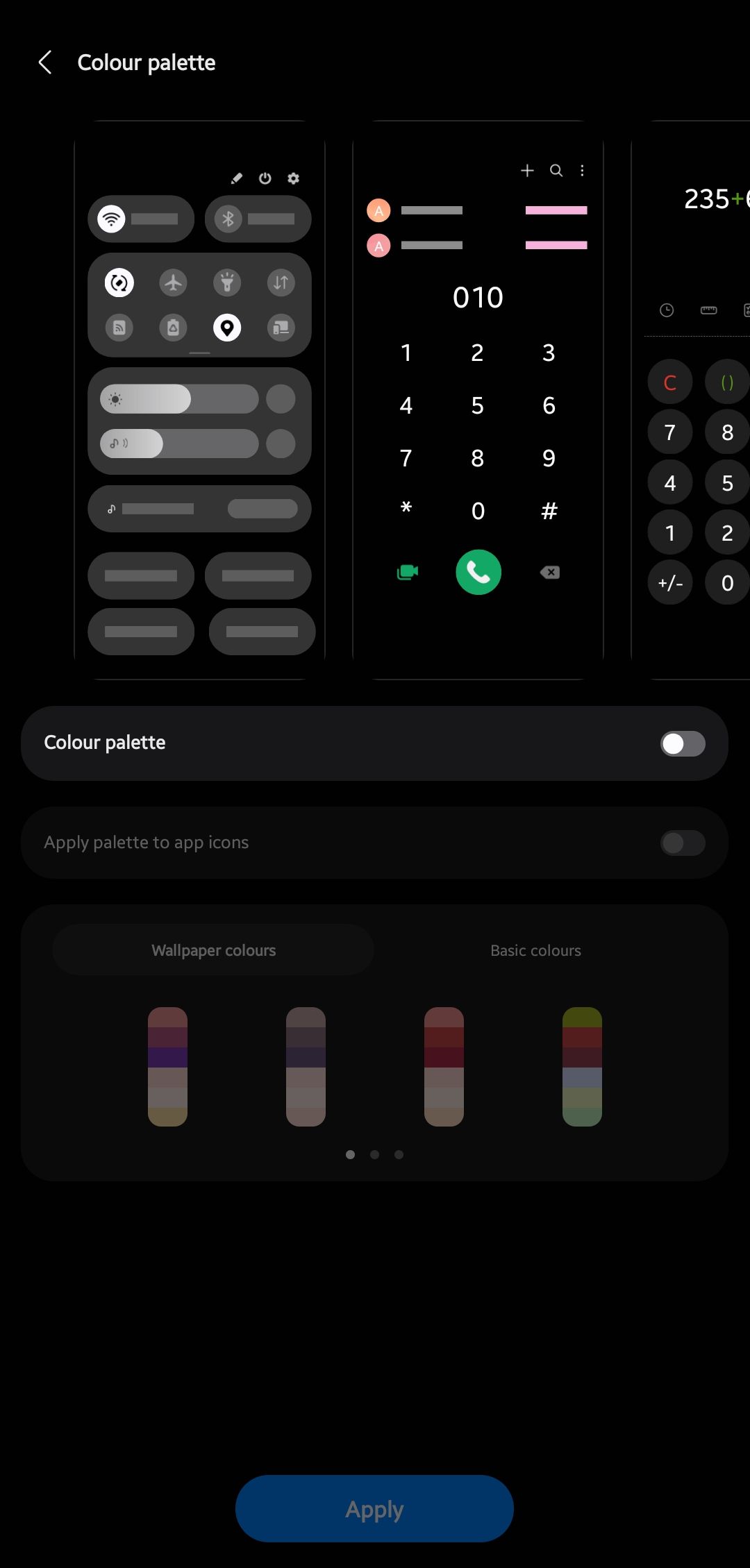
i tried to make changes in color palette but turns out it was never turned on so thats not the issue
its supposed to have a white shade instead of this yellowish thing
Loiz
Active Level 7
07-19-2025 04:27 PM
in
0 likes
smitrautt
Active Level 2
07-20-2025 03:54 AM
in
0 likes
Loiz
Active Level 7
07-19-2025 04:27 PM
in
0 likes
cs_member10
Moderator
07-20-2025 06:52 AM
in
Dear Samsung Member,
Greetings from Samsung Customer Support!
As per your query, we request you kindly share the log file. Also, share video clips and images for better understanding. This will help us to investigate further and resolve this issue.
Samsung Members Application (Open Samsung Members Application > Support> Tap on send feedback> Choose Composer> Select error report> select the appropriate issue category> Type your query and send.)
Note: To ensure relevant log information is included in the error report, submit the report within 3 minutes of encountering the bug or error, and do not terminate (swipe away) the Samsung Members application until you are notified that the report has been sent. This can take up to 5 minutes.
Warm Regards,
Samsung Customer Support
0 likes
smitrautt
Active Level 2
07-20-2025 05:23 PM
in
0 likes