
title:

Sim card manager keeps crashing

(Post creation time:  

3 years ago

)

7727 Views

A

atechfreak

Active Level 8

last edited


3 years ago


in

 
Sim 1 & Sim 2 physical Sim both enabled
Sim 3 E-Sim disabled

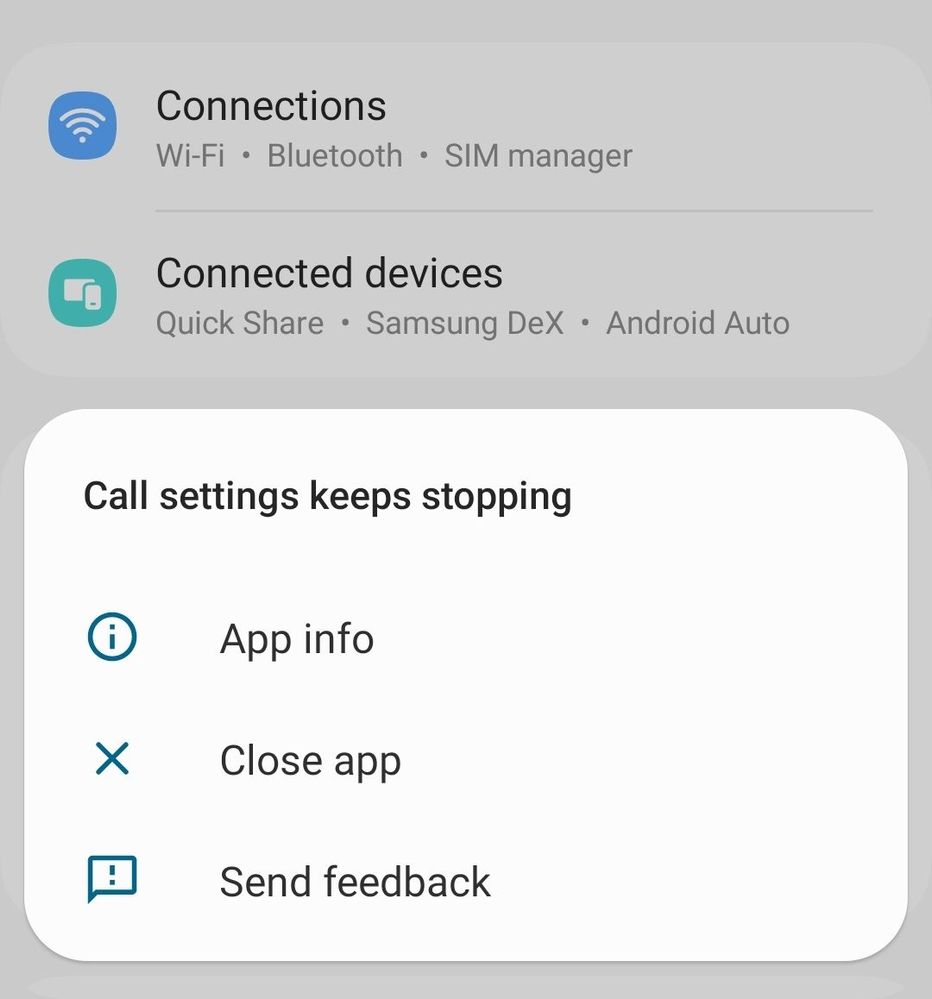
When ever I turn on E-Sim I get no network and the sim manager crashes. 

Usually when I used to turn on E-Sim the sim manager used to automatically disable sim 2 and enable E-Sim.

This issue has started from August security patch on my S23.

Samsung team can you please look into it. 

image


    • D

      Devv_007

      Expert Level 5

      3 years ago


      in


      Are you using two physical sims + esim?

      If yes then it'll crash like this.

      0 likes

      A

      atechfreak

      Active Level 8

      3 years ago


      in

       
      I have been using 2 physical sims & 1 esim since day 1 of s23 launch and I frequently kept switching between sim 2 and esim ( Sim 1 primary always on) and it never crashed like this until August security patch.

      0 likes

      S

      samarthjogi167

      Active Level 1

      2 years ago


      in

       
      Did find any fix brother?

      0 likes

    • T

      Taheerkha

      Beginner Level 2

      3 years ago


      in

       
      H

      0 likes

    • RD

      Ťrue_Prẹdictør

      Active Level 8

      3 years ago


      in

       
      Reset you device to factory data it will be fixed i was also facing this but after the process it is fixed

      0 likes

      RD

      Ťrue_Prẹdictør

      Active Level 8

      3 years ago


      in

       
      Yes then wait for the next update

      0 likes

      A

      atechfreak

      Active Level 8

      3 years ago


      in

       
      Yes, given that @Samsung fixes it in the next update!

      0 likes

      S

      samarthjogi167

      Active Level 1

      2 years ago


      in

       
      Did it actually get fixed after factory reset?.

      0 likes

    • U

      umesh30

      Expert Level 2

      3 years ago


      in

       
      You may use up to two physical SIMs or 1 eSIM & 1 physical SIM at the same time....

      0 likes

      A

      atechfreak

      Active Level 8

      3 years ago


      in

       
      Appreciate your expert advice!

      0 likes

      U

      umesh30

      Expert Level 2

      3 years ago


      in

       
      Thank you... 😊
      If you find my answer useful, then accept my answer as a solution by clicking three dot menu on above my answer post and select 'Accept solution' and help other Galaxy users to find this post helpful 😊

      0 likes

      A

      atechfreak

      Active Level 8

      3 years ago


      in

       
      It was Sarcasm 😉

      0 likes

    • C

      cs_member10

      Moderator

      3 years ago


      in


      Dear Samsung Member,

      Greetings from Samsung Customer Support

      As per your issue, we request you to please report the problems with a log file. To share a log file, click on the Samsung Members Application (Open Samsung Members Application > Support> Tap on error report > Type your query > Send).

      Warm Regards,
      Samsung Customer Support.

      0 likes

      A

      atechfreak

      Active Level 8

      3 years ago


      in

       
      I have already mentioned the details of the crash in my post. The issue can be replicated and tested in your test units by inserting SIM 1 & SIM 2 PHYSICAL SIM & adding one more E-Sim and when both SIM 1 & 2 are active enable E-Sim. Theoretically when you enable E-Sim, Sim 2 should disable and E-Sim should get enable instead the sim manager only crashes.

      0 likes