
samsung s9 plus camera pic and slow motion video is very bad quality and blury
1. Normal photo note clear to all light conditions
2. portrait mode photo click blury and dark becouse live mode camera function is not alv manual light set
3. slow motion video is very dark note
clear see all light conditions
4. samsung care ask this problem all samsung s9 plus device than I am see to other samsung s9 plus device all problam same to other device
Note: samsung s9 plus fail my test. samsung s9 plus not batter than iphone x and samsung s8 plus camera


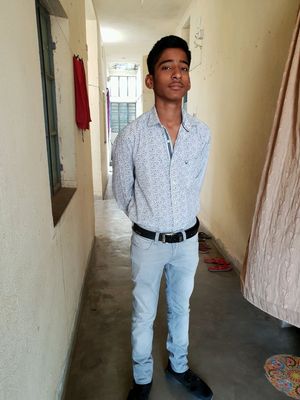

1. Normal photo note clear to all light conditions
2. portrait mode photo click blury and dark becouse live mode camera function is not alv manual light set
3. slow motion video is very dark note
clear see all light conditions
4. samsung care ask this problem all samsung s9 plus device than I am see to other samsung s9 plus device all problam same to other device
Note: samsung s9 plus fail my test. samsung s9 plus not batter than iphone x and samsung s8 plus camera
roshini96
Active Level 8
9 years ago
in
0 likes
pranab
Active Level 3
9 years ago
in
0 likes
vinayshah
Expert Level 5
9 years ago
in
0 likes
GalaxyTeam
Active Level 7
9 years ago
in
https://t.me/joinchat/DvvVrkv68Wr7Q3P0BKHnVA
0 likes
Anonymous User
Beginner Level 1
9 years ago
in
0 likes
admin_
Expert Level 5
9 years ago
in
- Check the Picture size (Camera Capacity) in camera setting (It should be Max according to Camera Capacity).
- Reset the Camera (From the Camera Setting).
In slow motion mode exposure time is shorter than the other mode hence in the low light the slow motion camera preview screen will be dark. It is the normal behavior of the device.
Be sure to hit ♡ when you find an answer that works for you. For Further assistance, you can get in touch with us via Live Chat option by following- http://livechat.support.samsung.com/Customer_new/IN. You can also connect us via Samsung Members web community by following mentioned url-https://community.samsungmembers.com/en_IN#/
0 likes
AvS1293
Active Level 4
9 years ago
in
0 likes