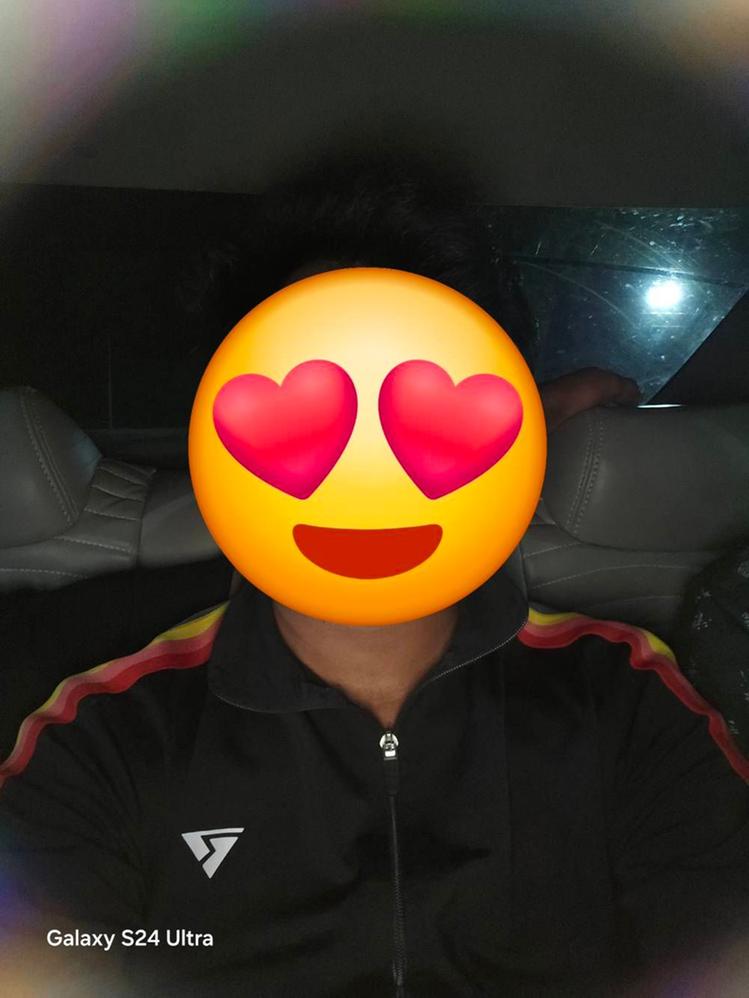
As per your query about the camera quality issue, we would request you Kindly perform some quick troubleshooting steps to resolve your issue:
Check the physical condition of your camera lens. 1. Broken camera lens. 2. Scratchy camera lens. Note: Please check that no laminated or tempered glass is pasted on the camera. Use a microfiber cloth or a cleaning wipe. Gently remove the fingerprints, dirt, and dust from the camera lens.
Reset the camera settings: Home screen tap on Camera>Settings>Reset settings>Reset.
If the issue still occurs, kindly report the problems with a log file. Also, share video clips and images for better understanding. To share a log file, click on the Samsung Members Application (Open Samsung Members Application > Support> Tap on error report > Type your query > Send).

Sravan_
Active Level 7
3 years ago
in
0 likes
Usmangani_Shekh
Active Level 6
3 years ago
in
0 likes
cs_member10
Moderator
3 years ago
in
Dear Samsung Member,
Greetings from Samsung Customer Support!
As per your query about the camera quality issue, we would request you Kindly perform some quick troubleshooting steps to resolve your issue:
Check the physical condition of your camera lens.
1. Broken camera lens.
2. Scratchy camera lens.
Note: Please check that no laminated or tempered glass is pasted on the camera.
Use a microfiber cloth or a cleaning wipe. Gently remove the fingerprints, dirt, and dust from the camera lens.
Reset the camera settings: Home screen tap on Camera>Settings>Reset settings>Reset.
Update the software if available: https://www.samsung.com/in/support/mobile-devices/samsung-galaxy-smartphone-how-to-update-software/
If the issue still occurs, kindly report the problems with a log file. Also, share video clips and images for better understanding. To share a log file, click on the Samsung Members Application (Open Samsung Members Application > Support> Tap on error report > Type your query > Send).
Warm Regards,
Samsung Customer Support.
0 likes
premsharma008
Beginner Level 2
2 years ago
in
0 likes