
Hello
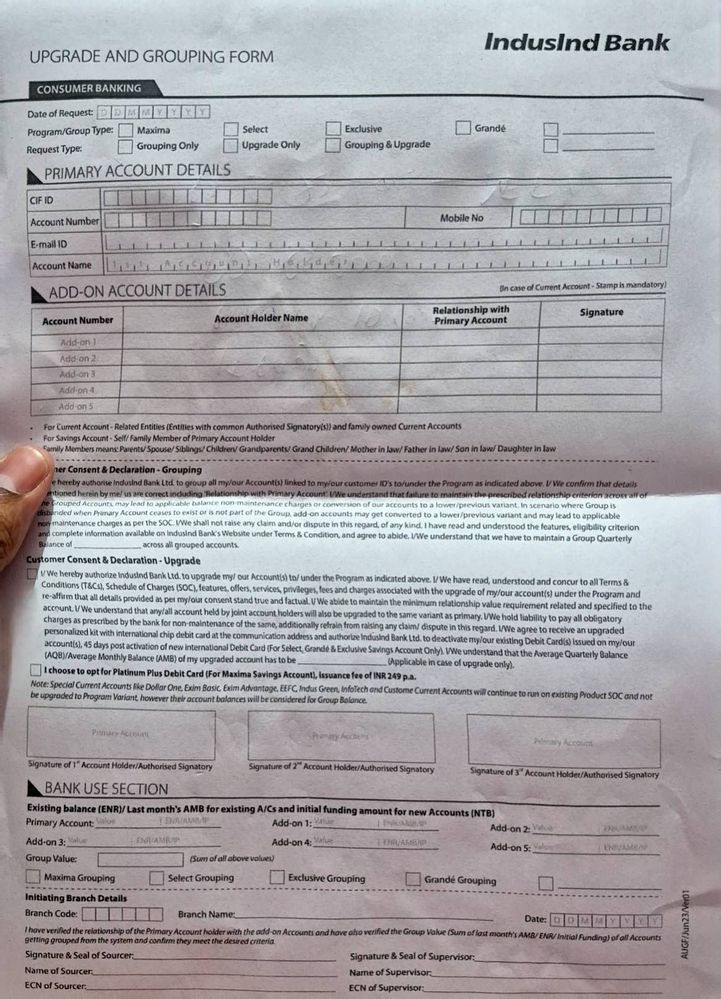
I have Samsung S24 Plus. I have turned on auto Scan, removed unwanted objects and scan documents ans text buttons
on
When I am showing a paper in front of back camera holding it phone doing auto Scan on own but it's unable to remove my fingers or background making it look like normal Scan from any normal phone that will need cropping. AI seems not working .
Kiaan_Official
Active Level 8
02-8-2024 07:23 PM
in
Please provide me with the images that require editing.
Once the images have been edited, you will find four circular editing options. The object eraser can be found within these options.
0 likes
bisdeo
Beginner Level 3
02-9-2024 02:55 AM
in
Here it's scanning and AI should remove the unwanted things while doing the Scan right?
0 likes
cs_member10
Moderator
02-22-2024 10:04 AM
in
Dear Samsung Member,
Greetings from Samsung Customer Support!
As per your query, we suggest you kindly follow the given steps to resolve your issue.
Select a photo in Gallery > Edit > Generative edit > tab ‘OK’ to turn on > draw or press and hold the objects to edit > select an action to move(press and hold)/resize/remove it > tab ‘Generative’ > save as copy.
If the issue persists kindly report the problems with a log file. To share a log file, click on the Samsung Members Application (Open Samsung Members Application > Support> Tap on error report > Type your query > Send).
Warm Regards,
Samsung Customer Support
0 likes
vamsidkr
Beginner Level 2
05-7-2024 11:34 PM
in
0 likes