
title:

MMI Code Not Working s24 ultra

(Post creation time:  

01-31-2024 04:03 PM

)

5487 Views

B

Bharatc143

Active Level 3

last edited


01-31-2024 04:03 PM


in

 
Hy 
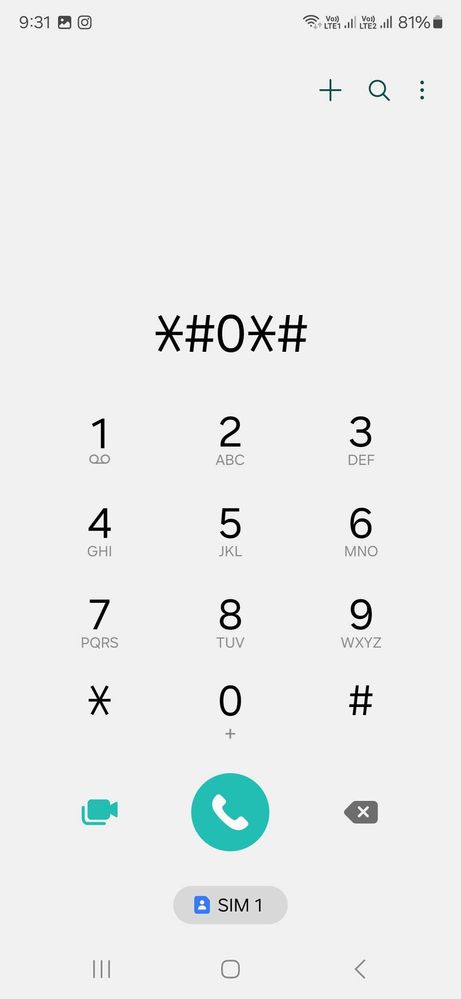
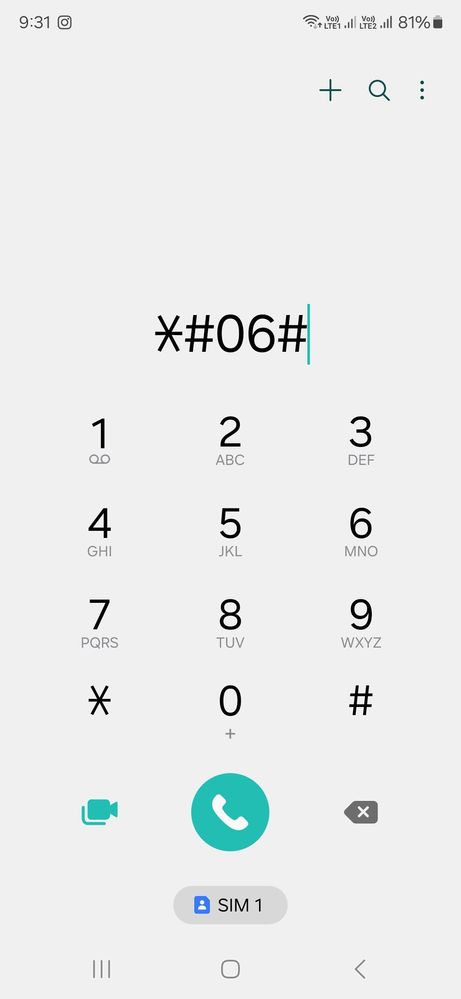
 I Am used Samsung s24 ultra mmi code not working 
example
chik imi number code is - *#06#
chik mobile code is - *#0*# 
code is not working

image


image

any solution plz help 
    • AU

      Anonymous User

      Beginner Level 1

      01-31-2024 04:06 PM


      in

       
      Let me tell you why: Auto Blocker.

      If Auto Blocker is on, you cannot use any of the codes.

      If Auto Blockers is off, you can use them.
      B

      Bharatc143

      Active Level 3

      01-31-2024 04:07 PM


      in

       
      Thanks.

      0 likes

      AU

      Anonymous User

      Beginner Level 1

      01-31-2024 04:08 PM


      in

       
      One recommendation: keep it on, unless required for specific task. Once you turn it off, do your job, turn it on.
      S

      Shahzaib_S23Ultra

      Active Level 7

      01-31-2024 04:26 PM


      in

       
      Thanks man. I was also searching for this.
    • V

      VISWA_BOLLOJU

      Active Level 8

      01-31-2024 05:25 PM


      in

       
      Those can be done only in maintenance mode
    • C

      cs_member8

      Moderator

      02-1-2024 09:47 AM


      in


      Dear Samsung Member,

      Greetings from Samsung Customer Support!

      As per your concern, we want to inform you that kindly turn off the Auto Blocker by the given steps to resolve your issue.

      Settings > Security and privacy > Turn off Auto Blocker.

      Warm Regards,
      Samsung Customer Support

    Related Content

    MMI Code not working

    MMI CODE NOT WORKING

    MMI CODE

    Invalid mmi code

    Mmi code error