
When i capture a photo, before all the Processing, it looks beautiful and natural. But once the Processing is over, it looks down right ugly. Why??? It's horrible to look at when the Processing is over. Some photos get distorted so badly, rendering them unusable. A processed photo and it's raw is given below. What's this?? Took with expert raw.
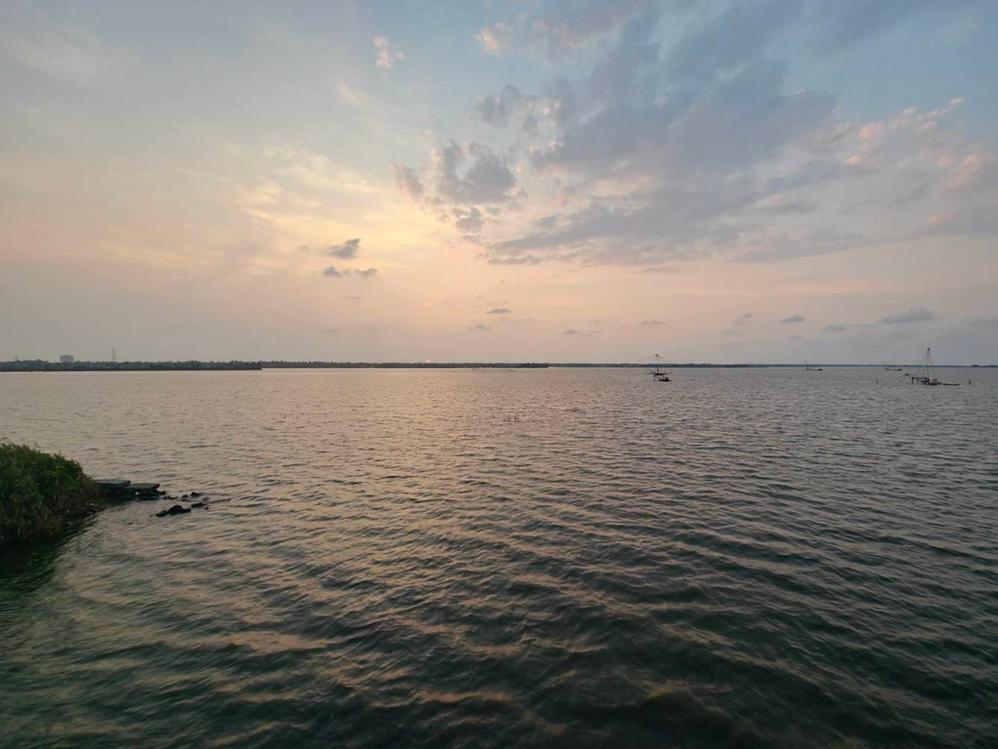
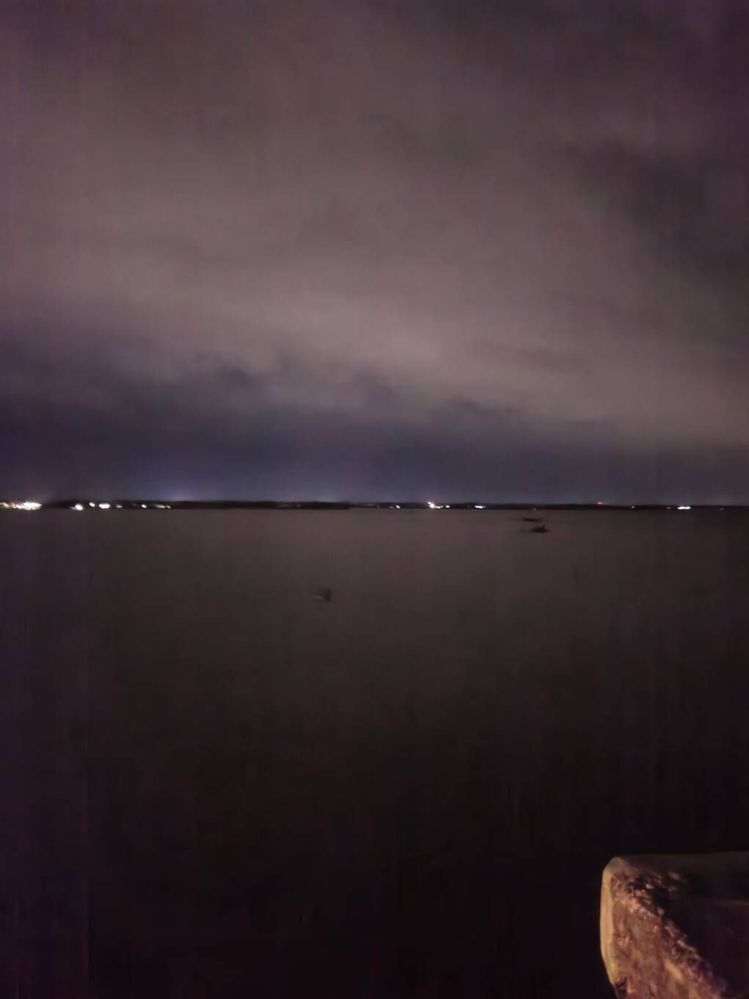
Same place After sunset. Processed by system
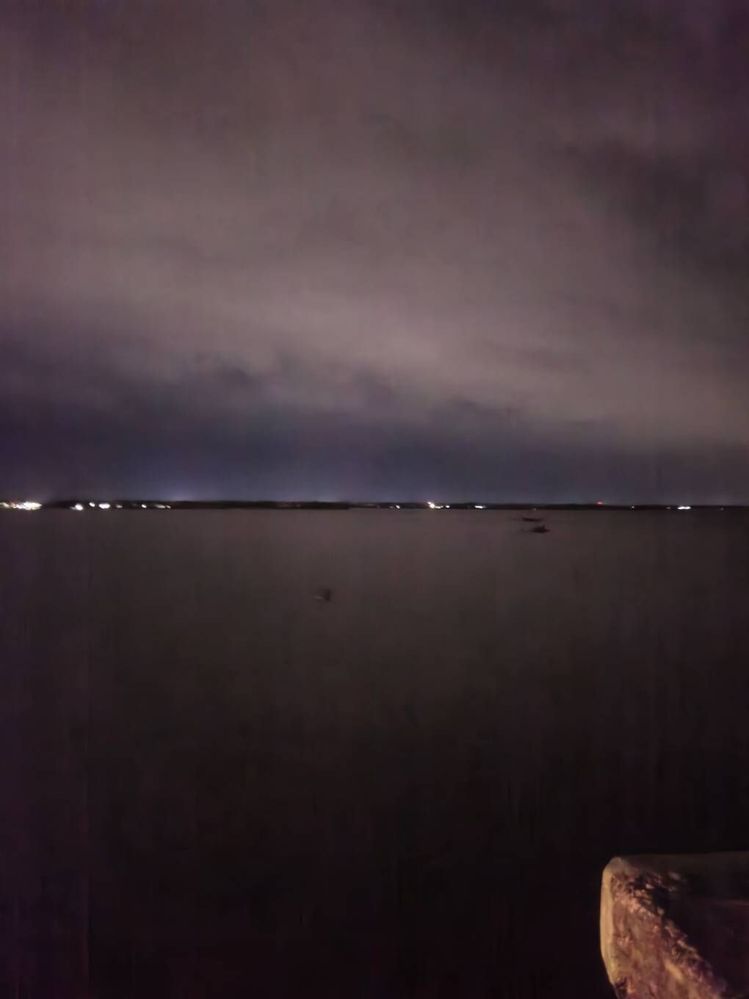
Real location close to sunset( processed by ai )
Raw image. After Processing
ReaperX
Active Level 3
04-13-2024 06:03 PM
in
0 likes
ReaperX
Active Level 3
04-13-2024 06:22 PM
in
osiris
Active Level 6
04-13-2024 06:23 PM
in
0 likes
ReaperX
Active Level 3
04-13-2024 06:24 PM
in
cs_member10
Moderator
04-14-2024 03:48 AM
in
Dear Samsung Member,
Greetings from Samsung Customer Support!
As per your query, we would request you to kindly perform the following steps to resolve your issue. However, we are taking your valuable feedback regarding this.
Reset the camera settings: Home screen tap on Camera>Settings>Reset settings>Reset.
Clear camera application data: Apps>Camera>Storage>Clear Data
Check app cache: Settings > Apps > Camera> Storage > Clear Cache.
Update the software if available: https://www.samsung.com/in/support/mobile-devices/samsung-galaxy-smartphone-how-to-update-software/
Reset your device: https://www.samsung.com/in/support/mobile-devices/samsung-galaxy-mobile-how-to-perform-a-factory-reset/
If the issue persists, kindly report the problems with a log file. To share a log file, click on the Samsung Members Application (Open Samsung Members Application > Support> Tap on error report > Type your query > Send).
Warm Regards,
Samsung Customer Support
sravangandham
Active Level 2
04-27-2024 04:17 PM
in
Reset of what?
Factory Reset or Setting Reset?
0 likes
osiris
Active Level 6
04-27-2024 05:34 PM
in
0 likes
sravangandham
Active Level 2
04-27-2024 04:18 PM
in
Any update from Samsung on this ?
0 likes