You can turn off notifications from popping, if you follow these steps: 1. Open 'Setting' app 2. Open 'Notifications' 3. Under 'Recently sent', Click on 'More' 4. Click on 'Most recent' and change it to 'All' 5. Click on the app for which you want to turn off the pop-up notification 6. (For example, Whatsapp) Under Chats, Click on Group notifications and turn off the toggle showing 'Show as pop-up'. You can do the same for the desired app.
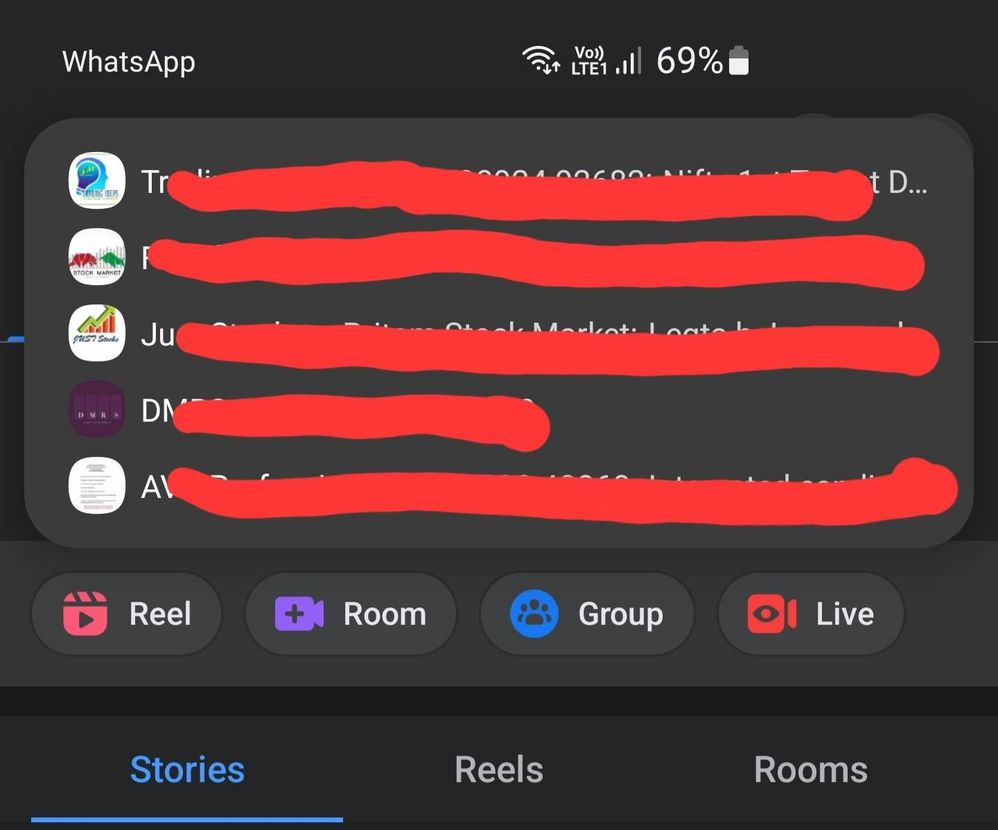
Thanks for the reply, but I m looking for disabling notifications displaying on my screen when I'm on a different app, meaning I can't go and do this for every app but there should be one generic setting which I am finding it difficult.

TheFastestIndian
Expert Level 5
03-22-2022 08:41 AM
in
0 likes
10300
Active Level 7
03-22-2022 08:54 AM
in
1. Open 'Setting' app
2. Open 'Notifications'
3. Under 'Recently sent', Click on 'More'
4. Click on 'Most recent' and change it to 'All'
5. Click on the app for which you want to turn off the pop-up notification
6. (For example, Whatsapp) Under Chats, Click on Group notifications and turn off the toggle showing 'Show as pop-up'.
You can do the same for the desired app.
Hope this helped you. 😊
Bonfire
Active Level 2
03-22-2022 10:35 AM
in
0 likes
imsrivatsa
Active Level 7
03-22-2022 12:13 PM
in
You can use brief popup instead of the banner style also.
0 likes