title:

Display size

(Post creation time:  

09-21-2024 03:37 PM

)

702 Views

J

Jebunnesa_Rimi

Active Level 7

last edited


09-21-2024 03:37 PM


in

 
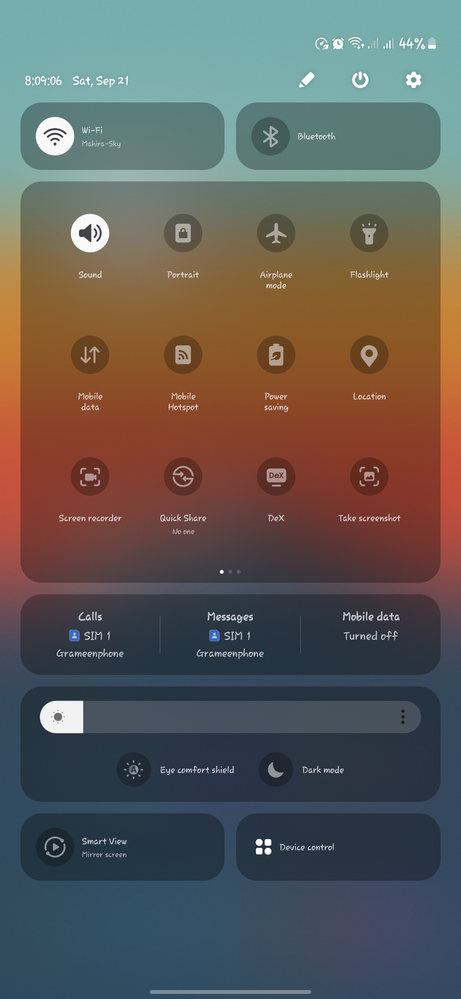
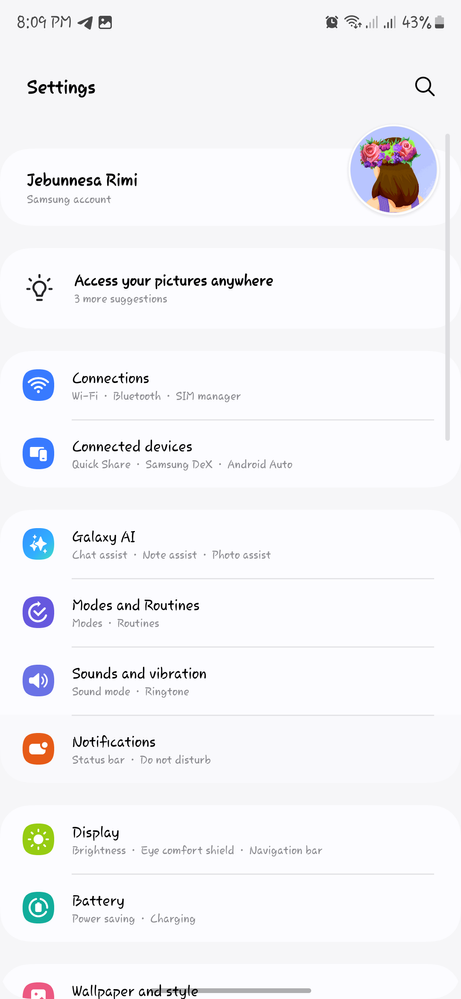
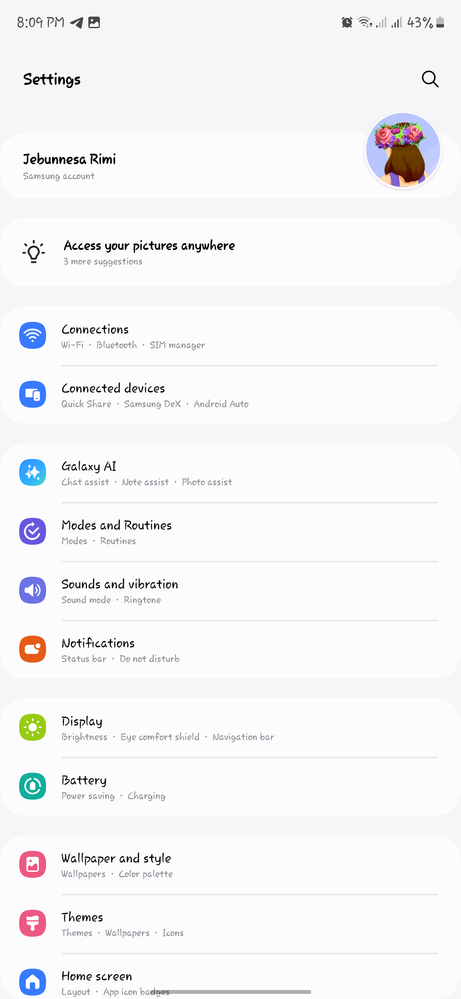
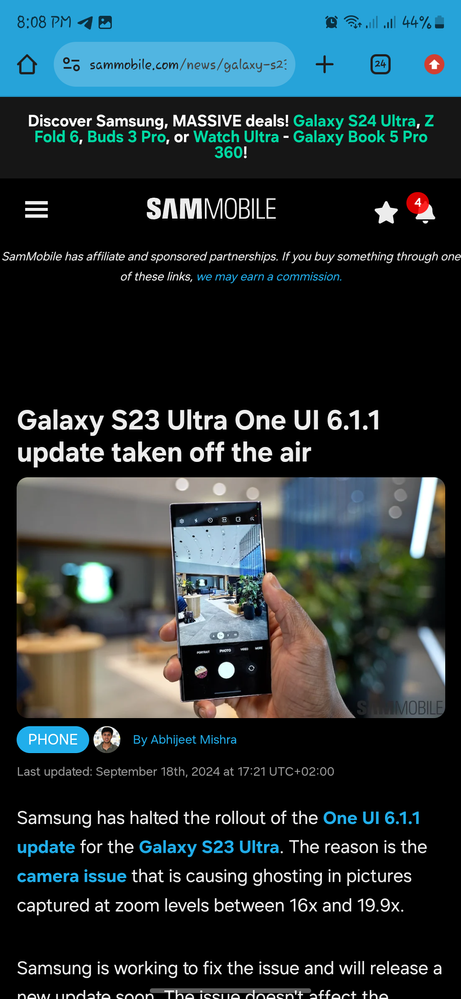
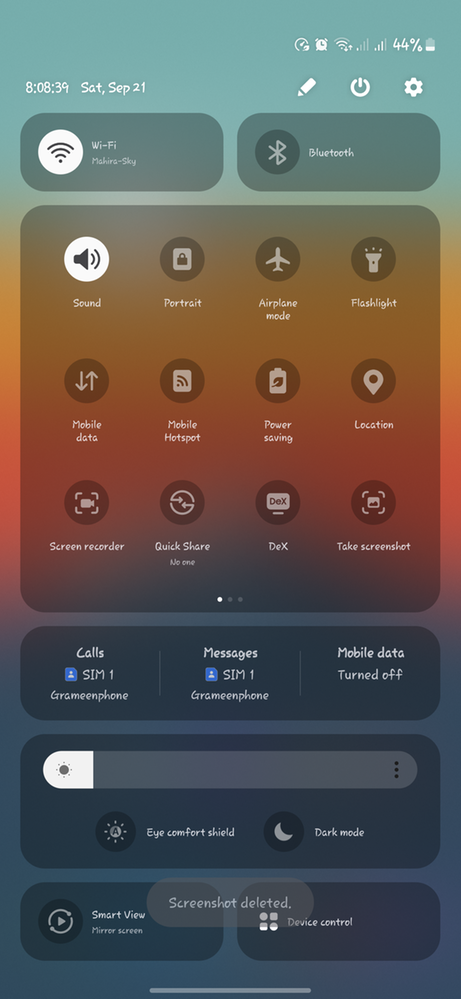
I set the font size to the lowest but still felt that the display size and contents are huge. I earlier used MIUI, which has the option to reduce the display size as well, so the fonts and icons look even smaller. But I was struggling with samsung. With the help of developer option I have been able to resize the fonts and contents even smaller than the usual. It now contains more contents than previous. 


image
Before


image
After


image
Before


image
After, it shows more option without scrolling.


image
Before


image
After


    • A

      AphiptyTwoS

      Active Level 8

      09-21-2024 05:27 PM


      in

       
      What about Screen Zoom?

      0 likes

      J

      Jebunnesa_Rimi

      Active Level 7

      09-21-2024 05:33 PM


      in

       
      Sorry I didn't understand?

      0 likes

    • S

      SG87

      Active Level 6

      09-21-2024 07:29 PM


      in

       
      which developer option to enable to make icons/font size small ? I wasn't able to get that.

      0 likes

      J

      Jebunnesa_Rimi

      Active Level 7

      09-21-2024 07:43 PM


      in

       
      Enable developer option. Scroll down a bit. Find minimum width. adjust the value based on your preferences. Increase the value if you want to reduce the size, and reduce the value if you want to increase the size. Mine was set at 411 and I adjusted to 480. Screenshot_20240922_013924_Settings_1000014902_1726947564.png

      0 likes

    • S

      SG87

      Active Level 6

      09-21-2024 07:49 PM


      in

       
      it is reducing the font size, but the icon size is still the same. I want to reduce the icon size as in Oneplus or Mi.

      0 likes

    • S

      SG87

      Active Level 6

      09-21-2024 07:50 PM


      in

       
      looking like this now1726948206956.jpg

      0 likes

      J

      Jebunnesa_Rimi

      Active Level 7

      09-21-2024 07:52 PM


      in

       
      Go to Goodlock then home up>home screen > app icon setting then reduce. I still have this problem, and that's why I use a third-party icon pack that looks smaller.

      0 likes

    • S

      SG87

      Active Level 6

      09-21-2024 08:04 PM


      in

       
      Thanks. Also can we change the icon font colors on home screen ?

      0 likes

    Related Content

    Display size

    Display size

    Display size

    display size

    display size