
Recently I removed the Google account from my this device and then when I added it back
1. Idon't see my Contacts reflecting in the Native Contacts app. I checked sync n see that the contacts sync option seems to be missing.
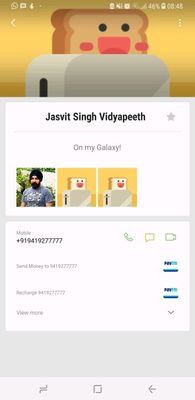
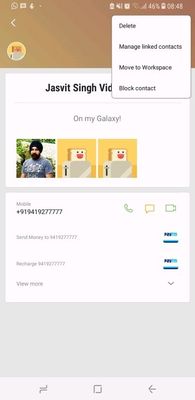
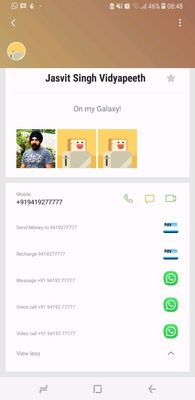
2. Moreover whatever contacts I see in my Contacts app I can not even edit them. It's very weird.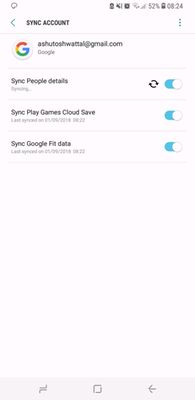
1. Idon't see my Contacts reflecting in the Native Contacts app. I checked sync n see that the contacts sync option seems to be missing.
2. Moreover whatever contacts I see in my Contacts app I can not even edit them. It's very weird.
sauravvishwakarma030
Active Level 7
8 years ago
in
0 likes
admin_
Expert Level 5
8 years ago
in
- Open contact app>>3 dot>>manage contacts>>Sync contacts>>Add account>>Google account.
- Open contact app>>3 dot>>settings>>Contacts to display>>All contacts.
- In case the issue still remains, we welcome you to approach us via remote access feature under support option in Samsung Members App.
Be sure to hit ♡ when you find an answer that works for you. For further assistance, you can get in touch with us via Live Chat option by following- http://livechat.support.samsung.com/Customer_new/IN. You can also connect us via Samsung Members web community by following mentioned url-https://community.samsungmembers.com/en_IN#/
0 likes