Mere aaj he hua hai morning mai , that too for the first time..i opened camera from lock screen short cut. Second time i opened phir khul gaya camera..😀😃
Hua tha lekin ab nhi ho raha restart kiya tha aur update krne ke bad se but first time camera open krne ke bad 1st click me capture nhi firse camera app refresh hota hai aur bad me click hoti hai picture
Kindly complaint to Samsung customer support through Samsung Members App as error report also send log files Along with this error report for this issue and wait for next update may be fix it by Samsung team soon. If you like please accept as a solution it's help to others users also, click on 3dots in my reply section and click on accept solution. Thanks.
As per your concern, we would request you to kindly perform the following steps to resolve your issue.
● Google have recently released a new August Google Mainline addressing Camera failed issue. you can easily install this update through the Google Play System Update option on their device.
Path: Here are the steps to follow: Go to Settings > Navigate to Security & Privacy >Select Update >Choose Google Play System Update>Restart your device to complete the installation. Note: This will ensure that your device is updated to the latest Mainline version.
● Reset the camera settings: Tap on Camera>Settings>Reset settings>Reset.
● You can reset your device by following the steps: 1. Kindly create a data backup of your device via the SMART switch mobile application or http://www.samsung.com/in/support/smartswitch pc suite. 2. Remember the Google password before resetting the device because it is required during initial setup. 3. If you do not remember then advise to reset (Forgot password) his/her Google account.
Path: Settings> General Management.>Reset>Temporary cloud backup or External storage backup>After backup tab on Factory data reset to reset your device to its factory default settings. This will erase all data, including files and downloaded apps.
In case the issue still occurs, kindly visit the service centre for a physical inspection of your device. You can locate your nearest service centre with this given link: https://www.samsung.com/in/support/service-center/
Dear sir, i have already done all the steps right from google play update to reseting the device. I think its hardware issue, as i can show u the mail proofs , am facing this issue since may 2024 .

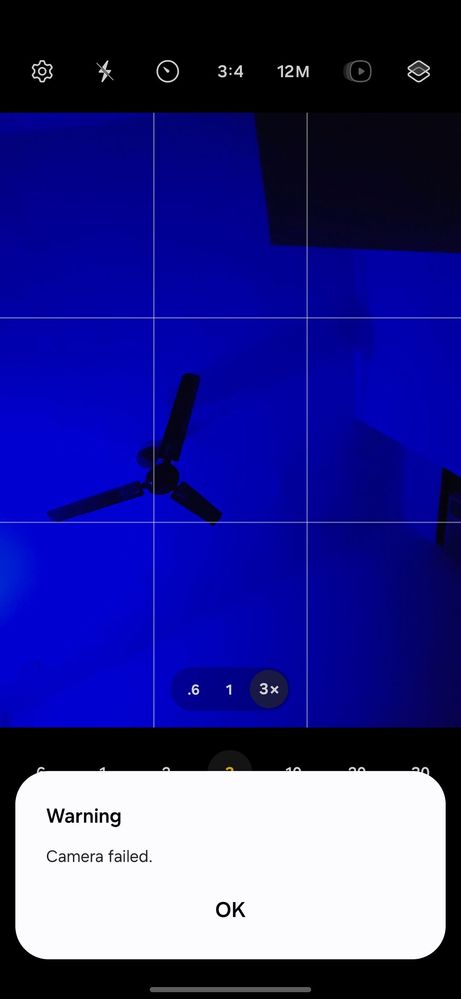
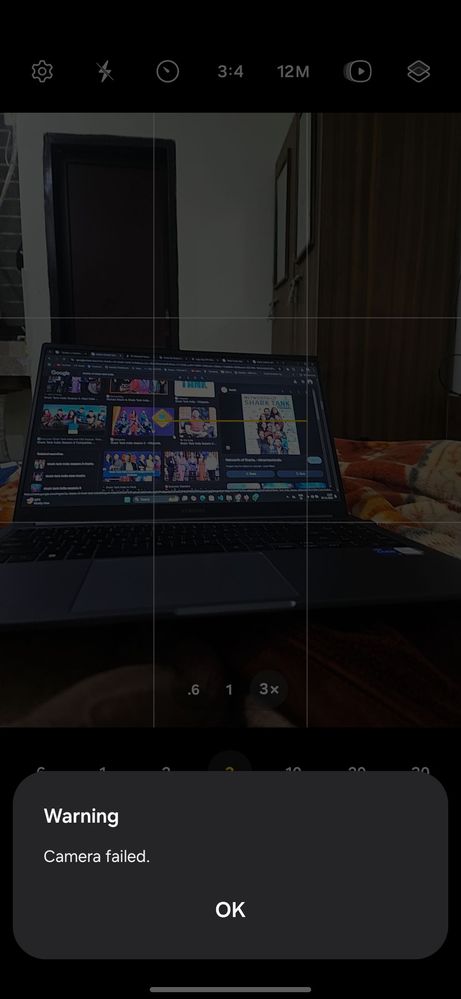
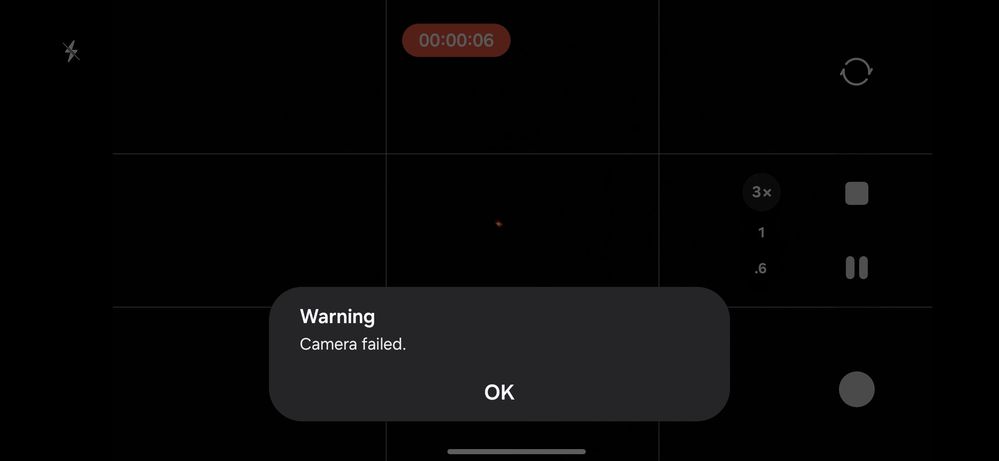
Defender130X
Active Level 8
12-19-2024 05:25 AM
in
Tejeshwar7051
Active Level 4
12-19-2024 05:28 AM
in
0 likes
Defender130X
Active Level 8
12-19-2024 12:15 PM
in
TheMMM218
Active Level 2
12-19-2024 05:28 AM
in
Tejeshwar7051
Active Level 4
12-19-2024 05:28 AM
in
0 likes
docdharma
Active Level 3
12-19-2024 05:33 AM
in
Tejeshwar7051
Active Level 4
12-19-2024 05:33 AM
in
0 likes
AudioJack35
Active Level 10
12-19-2024 06:13 AM
in
Tejeshwar7051
Active Level 4
12-19-2024 06:13 AM
in
0 likes
goodthings
Expert Level 5
12-19-2024 09:37 AM
in
goodthings
Expert Level 5
12-19-2024 09:37 AM
in
cs_member8
Moderator
12-20-2024 06:23 AM
in
Dear Samsung Member,
Greetings from Samsung Customer Support!
As per your concern, we would request you to kindly perform the following steps to resolve your issue.
● Google have recently released a new August Google Mainline addressing Camera failed issue. you can easily install this update through the Google Play System Update option on their device.
Path: Here are the steps to follow: Go to Settings > Navigate to Security & Privacy >Select Update >Choose Google Play System Update>Restart your device to complete the installation.
Note: This will ensure that your device is updated to the latest Mainline version.
● Reset the camera settings: Tap on Camera>Settings>Reset settings>Reset.
● Update the software if available: https://www.samsung.com/in/support/mobile-devices/samsung-galaxy-smartphone-how-to-update-software/
● You can reset your device by following the steps:
1. Kindly create a data backup of your device via the SMART switch mobile application or http://www.samsung.com/in/support/smartswitch pc suite.
2. Remember the Google password before resetting the device because it is required during initial setup.
3. If you do not remember then advise to reset (Forgot password) his/her Google account.
Path: Settings> General Management.>Reset>Temporary cloud backup or External storage backup>After backup tab on Factory data reset to reset your device to its factory default settings.
This will erase all data, including files and downloaded apps.
In case the issue still occurs, kindly visit the service centre for a physical inspection of your device. You can locate your nearest service centre with this given link: https://www.samsung.com/in/support/service-center/
Warm Regards,
Samsung Customer Support
0 likes
Tejeshwar7051
Active Level 4
12-20-2024 06:35 AM
in
I think its hardware issue, as i can show u the mail proofs , am facing this issue since may 2024 .
0 likes
Nnect111111110244111
Active Level 7
02-1-2025 07:54 AM
in
0 likes