All community
Sign In/Register
/
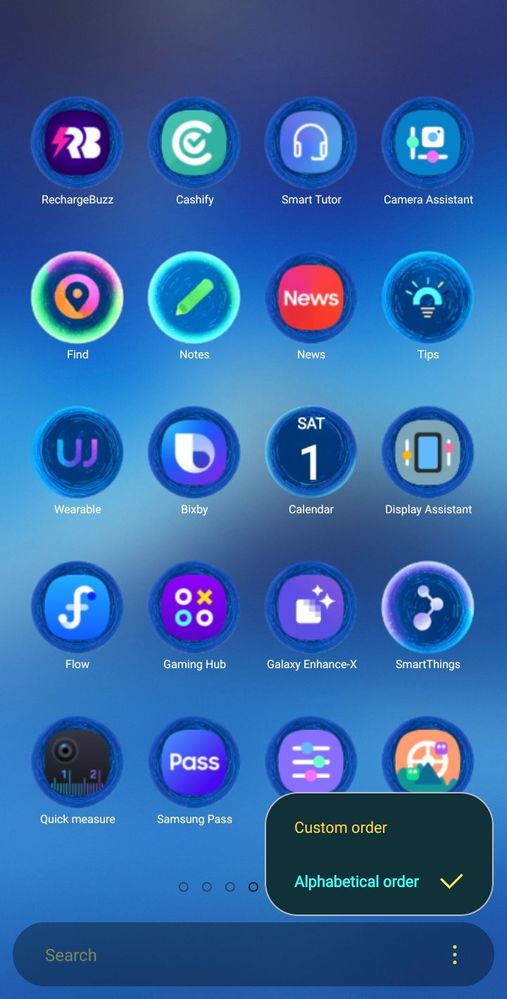
App Icons Don't Arrange In Alphabetical Mode
(Post creation time:
1 year ago
)
415 Views
SinghBipul
Active Level 7
last edited
in
3 likes
8 Comments
memris
Active Level 8
0 likes
Surya230
Expert Level 5
arrange app icons alphabetically
. Galaxy A 7 years ago
How to auto arrange the app icons
. Galaxy Store (Apps & more) 6 years ago
Alphabetical Auto-Sorting of App icons
. Galaxy S 2 years ago
Need alphabetical horizontal scrolling
. Galaxy S 1 year ago
How to arrange apps in M31?takes while to locate any app
. Tech Talk 6 years ago

memris
Active Level 8
1 year ago
in
0 likes
SinghBipul
Active Level 7
1 year ago
in
0 likes
memris
Active Level 8
1 year ago
in
0 likes
memris
Active Level 8
1 year ago
in
0 likes
Surya230
Expert Level 5
1 year ago
in
0 likes
SinghBipul
Active Level 7
1 year ago
in
0 likes
Surya230
Expert Level 5
1 year ago
in
0 likes
SinghBipul
Active Level 7
1 year ago
in
0 likes