Thank you for sharing your concern. It appears that there may be a third party app or other program that may be leading to what you are experiencing. Placing your device in safe mode disables all third party apps upon startup, to help determine if the use of a third party app is interfering with your device .restart your phone in safe mode. This will load only a few basic applications and every downloaded application will be disabled. Don't worry, this isn't permanent. While your phone is powered off, press the power button to turn on the phone, once you see the Samsung logo appear press the volume down key and hold it until you have completely booted up. You will see the words "Safe Mode" displayed in the corner of your screen if done correctly.

Samsung_India_
Active Level 10
10 years ago
in
0 likes
AHash
Active Level 3
10 years ago
in
0 likes
AHash
Active Level 3
10 years ago
in
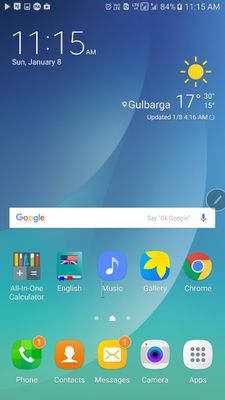
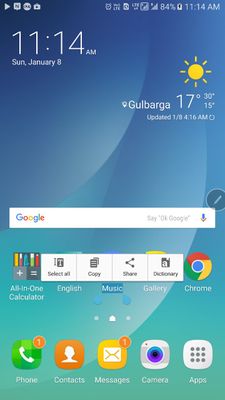
do something to make other apps use the text selecting feature through S pen..
0 likes