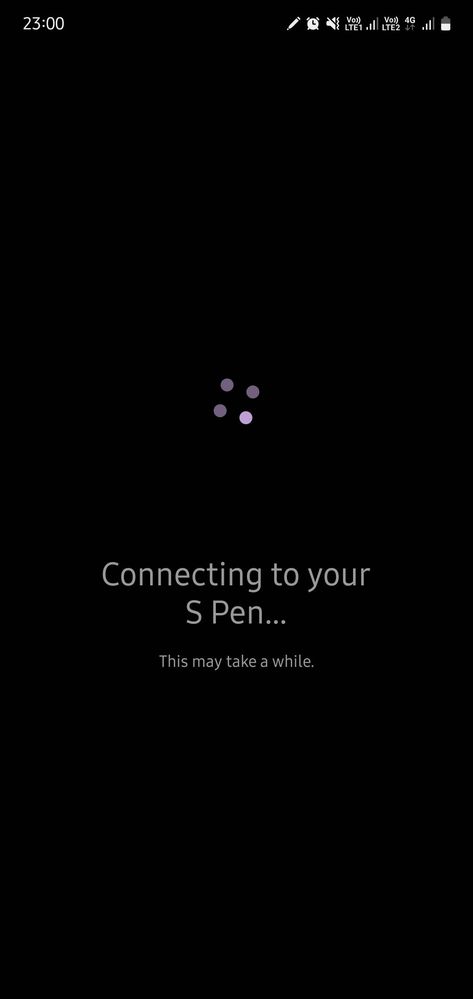
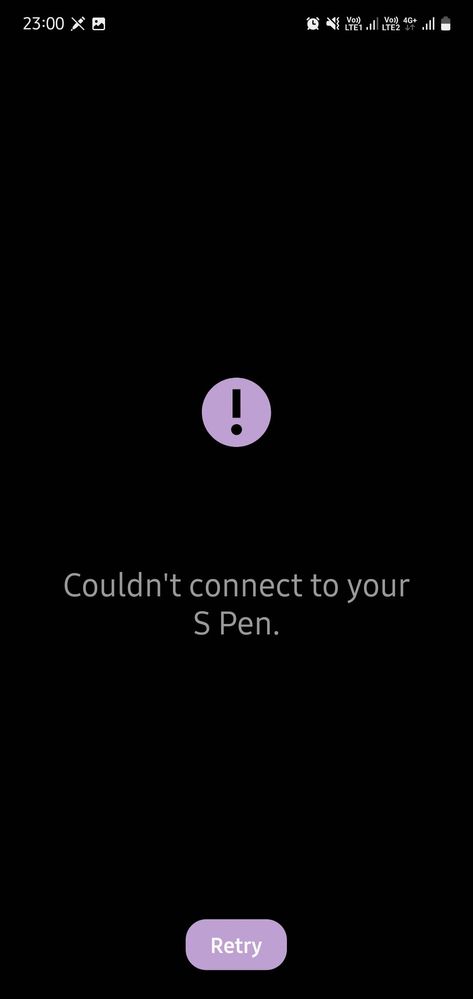
There's a notification saying 'S Pen Disconnected - Tap here to connect it again'. S Pen is able to write but air actions are not working. Reseting S Pen is doing nothing.
It will not work. The spen itself has a battery inside which causes the issue. Many note 10 devices facing this issue. If you purchase new spen it will work properly.
We acknowledge your query and apologize for the inconvenience caused to you and will surely assist you regarding the same. We request you to kindly visit the service center. You can locate your nearest service center with this given link: https://www.samsung.com/in/support/service-center/

NOOB_1ST_ACC
Expert Level 5
08-30-2022 05:48 PM
in
0 likes
TharaFuffa
Active Level 5
08-30-2022 05:54 PM
in
0 likes
NOOB_1ST_ACC
Expert Level 5
08-30-2022 06:03 PM
in
0 likes
Nealph
Active Level 7
09-2-2022 03:06 AM
in
cs_member8
Moderator
09-9-2022 06:44 PM
in
Dear Samsung Member,
Greetings from Samsung Customer Support!
We acknowledge your query and apologize for the inconvenience caused to you and will surely assist you regarding the same. We request you to kindly visit the service center. You can locate your nearest service center with this given link: https://www.samsung.com/in/support/service-center/
Thank you for writing to Samsung.
Warm Regards,
Samsung Customer Support
0 likes