
Is anyone facing HDR issue in front camera after Android 12 update.. ????????
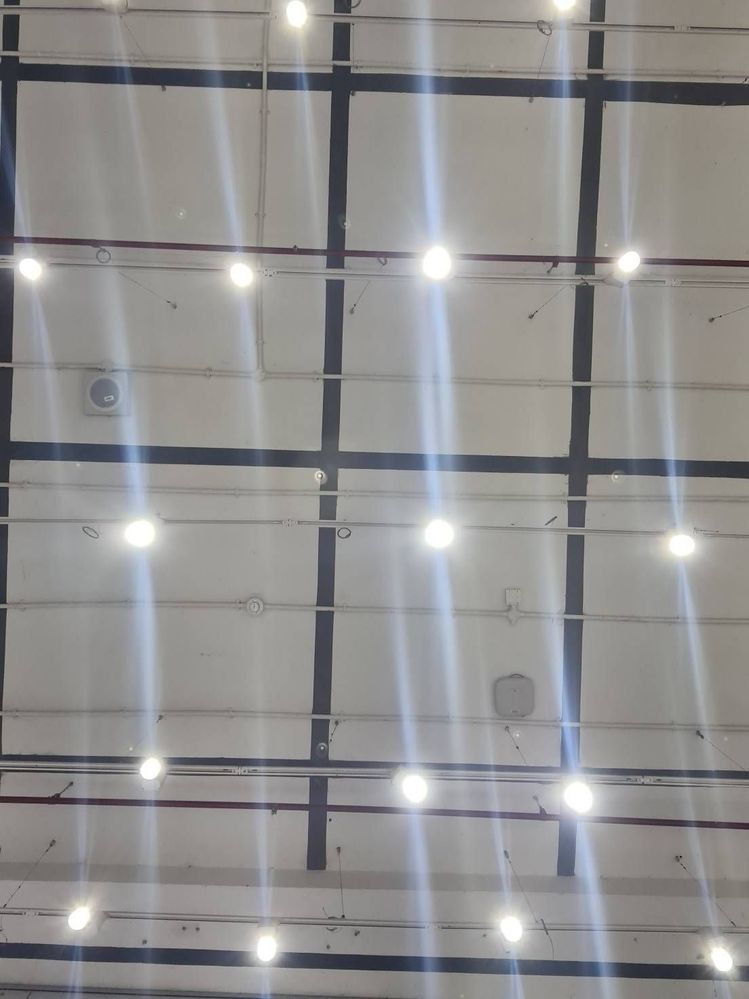
Note20 ultra Android 12
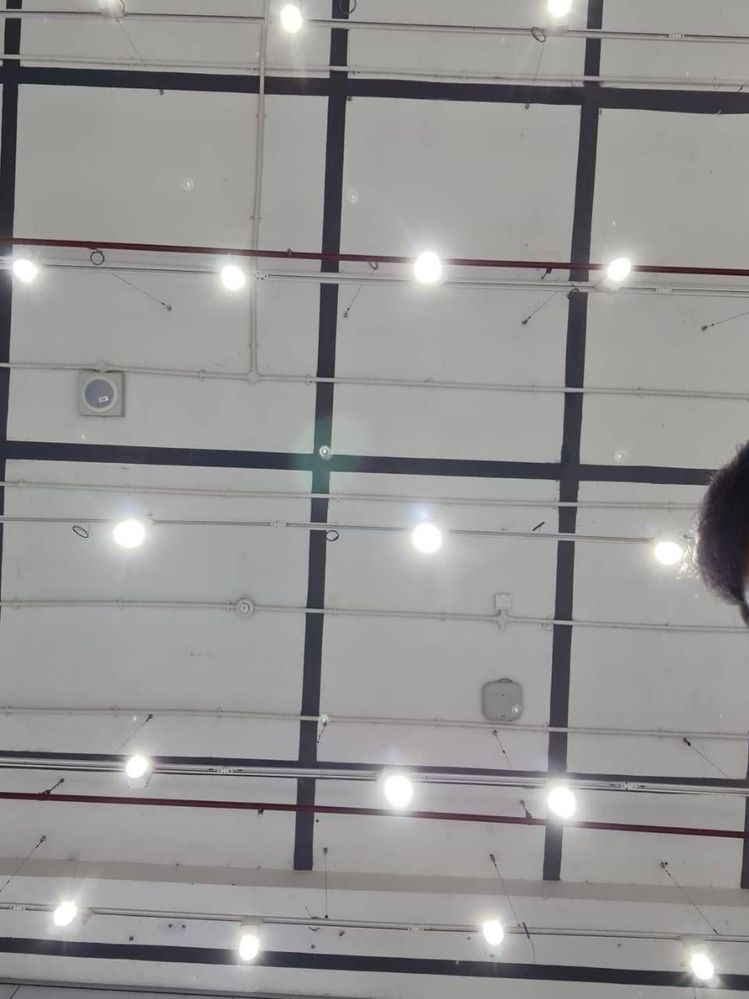
Note20 ultra android 11
See the comparison from Note20 ultra android 12 & Android 11
Note 20 ultra Android 12 First Image
Note 20 ultra Android 11 Second image
Anonymous User
Beginner Level 1
02-19-2022 11:59 AM
in
0 likes
Prince1002
Active Level 6
02-19-2022 12:03 PM
in
0 likes
Anonymous User
Beginner Level 1
02-19-2022 12:14 PM
in
If the photo is clear that means samsung camera app is broken.
And if it's a software problem most probably it will be fixed March update
Prince1002
Active Level 6
02-19-2022 12:27 PM
in
0 likes
saahir2400
Active Level 2
02-19-2022 04:59 PM
in
....
0 likes
Anonymous User
Beginner Level 1
02-19-2022 06:20 PM
in
0 likes
MuzikD
Expert Level 3
02-20-2022 08:47 AM
in
cs_member8
Moderator
03-23-2022 07:38 AM
in
Dear Samsung member,
Greetings from Samsung customer support.
Thank you for sharing your concern. We acknowledge your query and apologize for the same. We apologize for the inconvenience you are facing And please follow the easy troubleshooting steps which might help to solve the issue.
Check the physical condition of your camera lens.
1. Broken camera lens.
2. Scratchy camera lens.
Please check there is no laminated or tempered glass pasted on the camera.
Use a microfiber cloth or a cleaning wipe. Gently remove the fingerprint, dirt, and dust from the camera lens.
If the issue has not been resolved then Reset camera settings
Please follow the below steps:
Step1: From the home screen tap on Camera.
Step2: Tap on Settings.
Step3: Scroll up and tap on Reset settings.
Step4: Tap on Reset.
In case the issue still occurs. Please register your concern in Samsung Members Application (Open Samsung Members Application > Get help > Send Feedback >Ask questions).
Thank you for writing to Samsung.
Warm Regards,
Samsung Customer Support
0 likes