
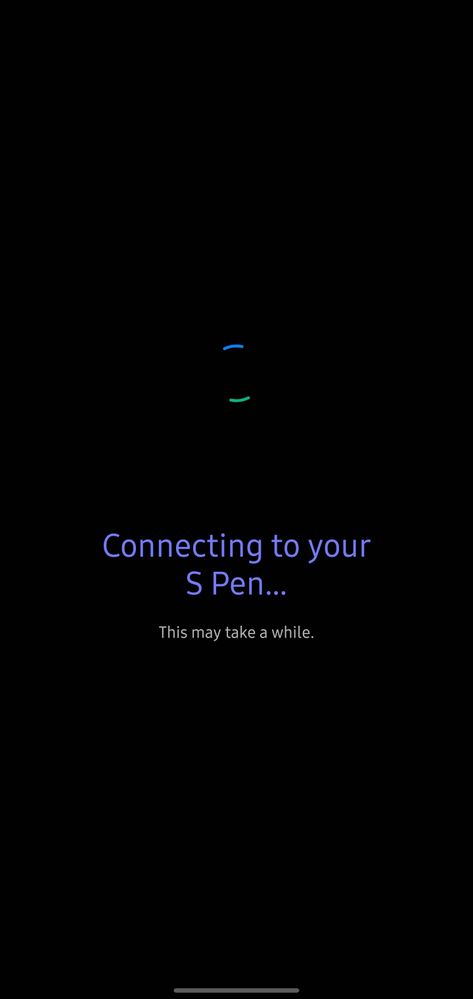
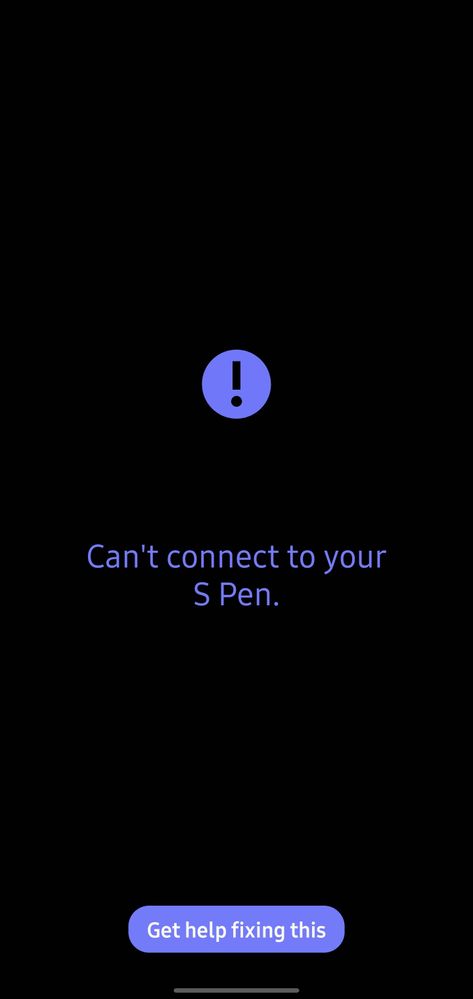
I am not able to use Air Actions on my Note 10 Plus as the S Pen is disconnected. I am not able to reconnect it to the device. Please refer images attached below. I have already updated my device to latest software but no resolution. Also do keep in mind that Note 10 plus has received December security patch twice. So even after updating 2nd time the issue still exists.
chakali
Beginner Level 2
12-15-2020 02:49 PM
in
0 likes
Parthh10
Active Level 8
12-15-2020 02:53 PM
in
0 likes
chakali
Beginner Level 2
12-15-2020 02:49 PM
in
0 likes
HarpreetSinghMakol
Expert Level 3
12-16-2020 07:15 AM
in
0 likes
Parthh10
Active Level 8
12-16-2020 07:19 AM
in
HarpreetSinghMakol
Expert Level 3
12-16-2020 09:15 PM
in
0 likes
Parthh10
Active Level 8
12-16-2020 09:33 PM
in
0 likes
cs-member13
Expert Level 4
12-17-2020 05:20 PM
in
Dear Samsung Member,
Greetings from Samsung Customer Support!
Be assured, in order to connect your S Pen in your device kindly go through below given steps:-
1. Insert the S Pen into the slot to start the connection.
2. Open the notification panel by sliding down from the top of the device.
3. Expand the options in the notification panel.
4. Slide the notification panel to the left.
5. Tap S Pen remote.
6. Tap it again to reactivate it.
If the issue still persist, kindly visit your nearby service center for the physical inspection of your device. Please be assured, our team will surely help you with this. You can search for the nearby service center from given link:-
https://www.samsung.com/in/support/service-center/
Thank you for writing to Samsung.
Warm Regards,
Samsung Customer Support
0 likes
Anonymous User
Beginner Level 1
12-31-2020 01:19 AM
in
0 likes
DeepakAsir
Active Level 6
01-8-2021 07:44 AM
in
0 likes
ashokwarrior
Beginner Level 4
06-9-2021 10:09 AM
in
that is not the case for sure.. it gets connected for 1 second where it shows 100% charged and then gets disconnected
0 likes
MDKaif230
Active Level 7
07-12-2021 02:25 PM
in
Plz retweet and rply to my post on twitter.. Every note 10+ users are facing the same issue and Samsung isn't even listening
0 likes