
title:

Camera stopped working after latest security patch update in galaxy note 9

(Post creation time:  

5 years ago

)

628 Views

K

kshitij

Active Level 2

last edited


5 years ago


in

 
After updating my phone with latest update. My camera app stopped working. Front and back both camera are not working with inbuilt camera app. With other apps only back camera is working! 
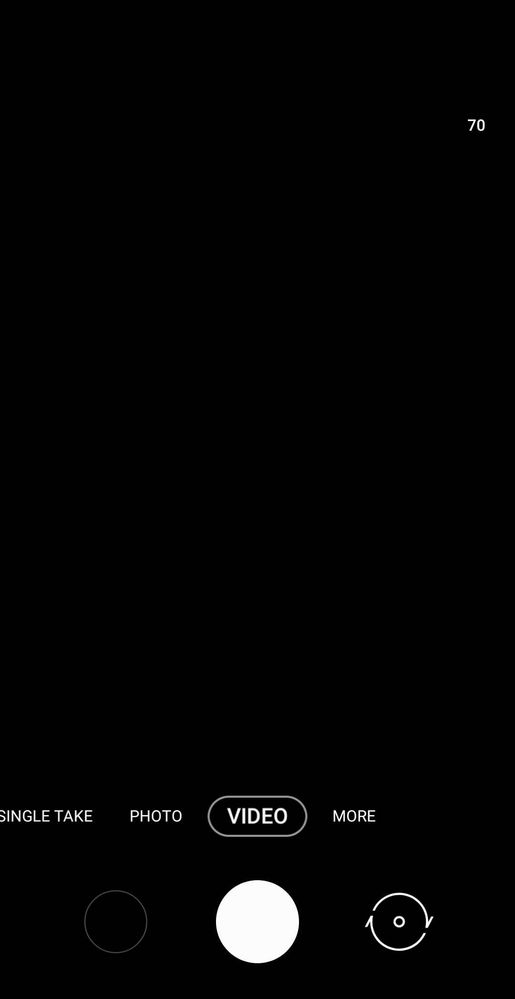
image

Samsung is being pathetic day by day. Kindly resolve this so I can use my phone properly. 
    • C

      chitti1998

      Expert Level 2

      5 years ago


      in

       
      Clear data and cache of camera app and check.

      0 likes

      K

      kshitij

      Active Level 2

      5 years ago


      in

       
      I did it already. It starts back camera but after I try to flip cam to selfie it stops again.

      0 likes

    • A

      animeshmodi

      Expert Level 5

      5 years ago


      in

       
      Clear data of camera app and try again. If problem persists, visit service centre.

      0 likes

    • RK

      5 years ago


      in

       
      SEEMS LIKE THEY JUST RELEASING UNTESTED SOFTWARE UPDATES TO USERS !
      #WakeupSamsung
    • S

      Sidhabhi

      ★★

      5 years ago


      in

       
      Once reset camera to default settings and try

      Also perform reset apps preferences

      0 likes

      K

      kshitij

      Active Level 2

      5 years ago


      in

       
      I did everything. After every reset and data clear only back cam starts working as soon as I flip cam, it stops again.

      0 likes

      C

      chitti1998

      Expert Level 2

      5 years ago


      in

       
      Send feedback complain to samsung through samsung members app.

      0 likes

    • S

      Samsung_Support2

      Expert Level 3

      5 years ago


      in


      Dear Samsung Member,

      Greetings from Samsung Customer Support!

      We would request you to register your concern in Samsung Members Application. So, that our concern team gets back to you as soon as possible.

      Please follow this path to register your concern in Samsung Members Application (Open Samsung Members Application > Get help > Send Feedback > Error report/Ask questions).

      Note. please attach the error log file within 15 minutes of the error occurred.

      Thank you for writing to Samsung.

      Warm Regards,
      Samsung Customer Support

      0 likes