
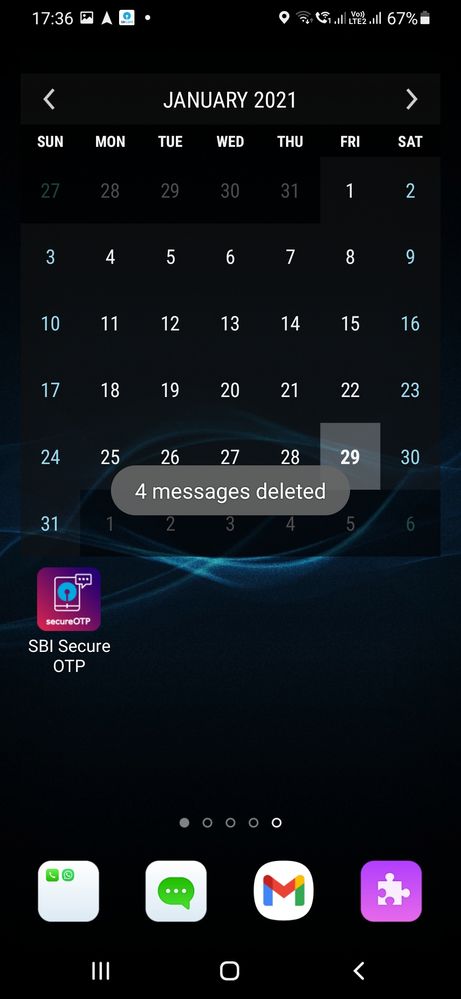
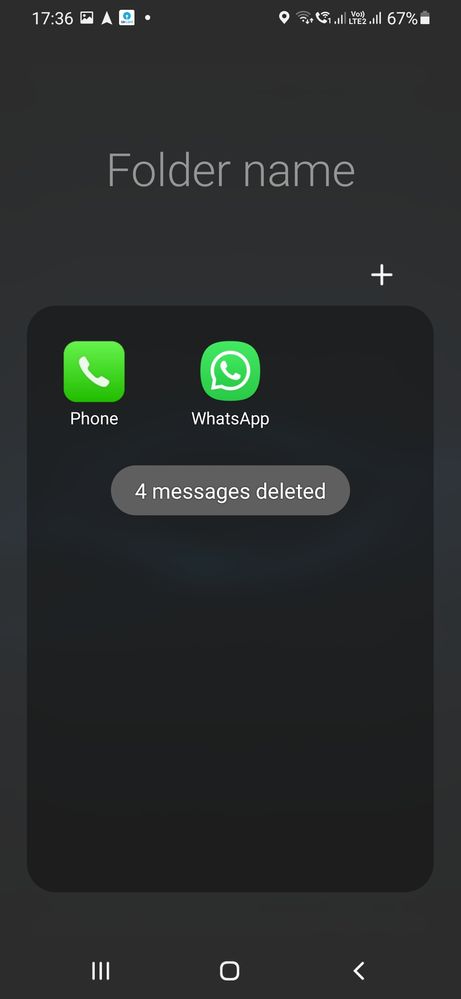
I have galaxy M31 and post update to Android-11 (done through service centre) I am facing a peculiar problem; if I do something (copy, scan, screen shot or such thing), a pop up message comes on to the screen, however it doesn't disappear immediately; it stays on the screen for quite a long time blocking that part of the screen, so to do anything next, I have to wait a long time for this pop up message to disappear? How to get rid of this nuicence?? I have enclosed below the screen shots, anybody to help me??
_HK02_
Expert Level 2
6 years ago
in
0 likes
Dush19
Active Level 6
6 years ago
in
0 likes
Samsung_Support1
Moderator
6 years ago
in
Dear Samsung Member,
Greetings from Samsung Customer Support!
Please register your concern in Samsung Members Application (Open Samsung Members Application > Get help > Send Feedback > Error report/Ask questions).
Thank you for writing to Samsung.
Warm Regards,
Samsung Customer Support
0 likes
somasoma
Beginner Level 2
6 years ago
in
Go To Settings-> accessibility-> advance settings : under advance settings you can see" Time to take action" option and select"default". instead seconds or minutes.
NOte: it is not bug.
0 likes