
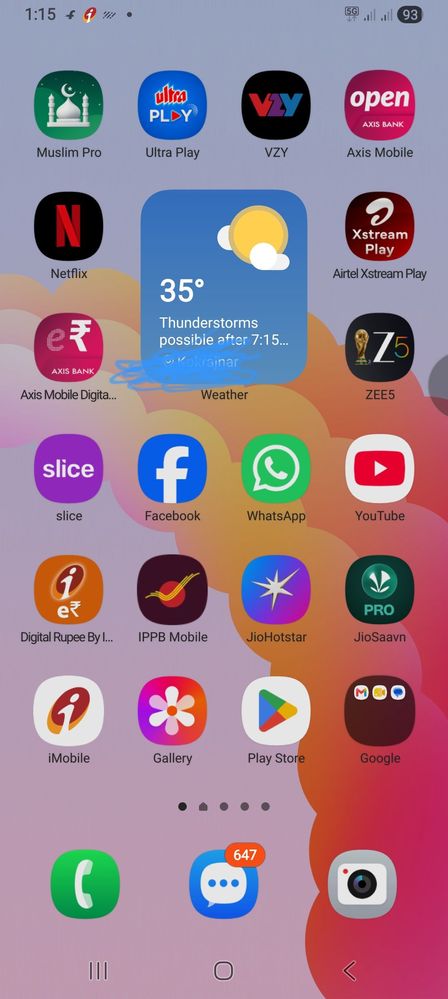
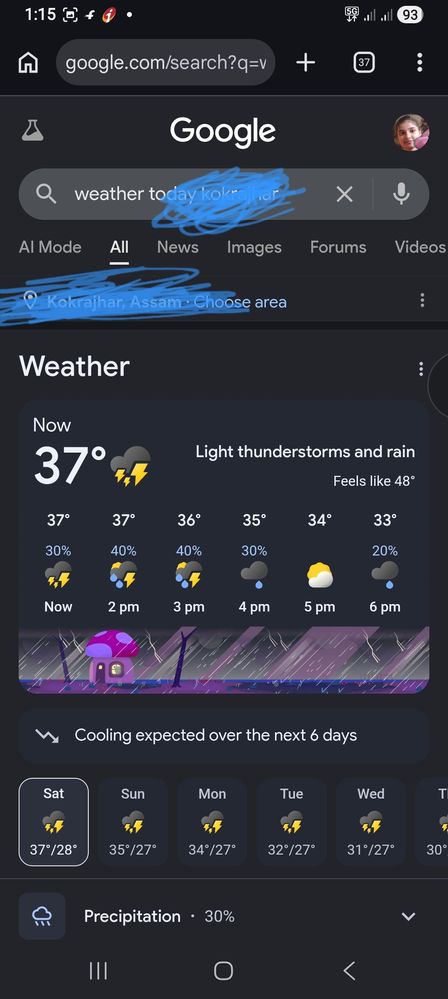
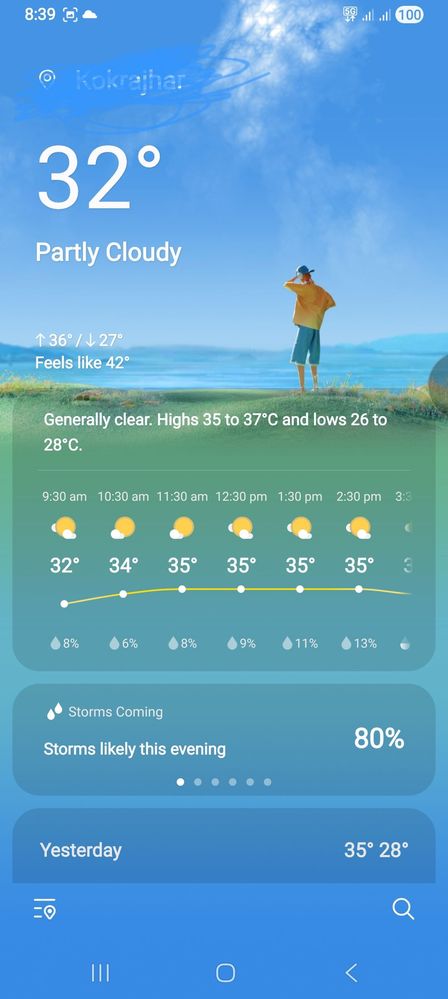
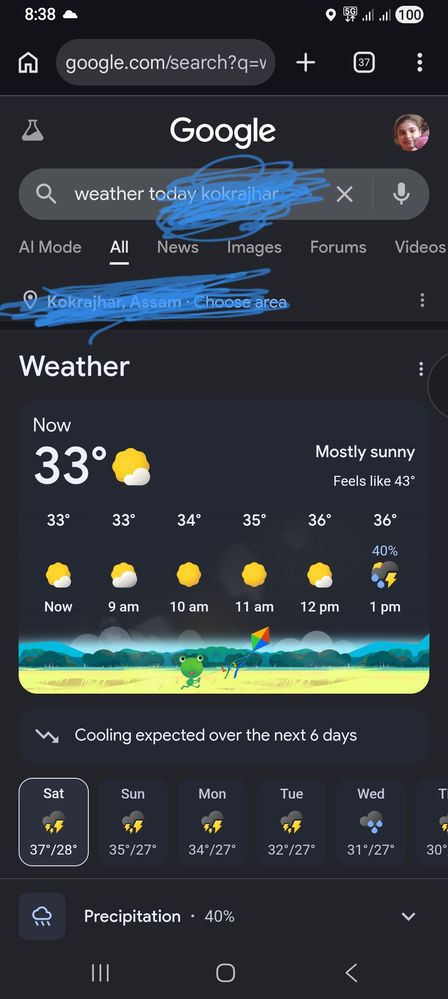
I don't understand how mobile weather reports work. I don't understand how mobile weather works. Whether the weather is more or less when online or offline, the weather is updated. There is no accurate and accurate news about the current weather. There is no mobile home page. It shows what the temperature was a while ago. But if you go to Google, you get live updates on the current weather. I don't know why live updates with weather news are not available on the Home Page.
JARVISRishabH
Expert Level 5
5 months ago
in
0 likes
Sadek786
Active Level 3
5 months ago
in
0 likes
Akash505
Expert Level 5
5 months ago
in
0 likes
cs_member10
Moderator
5 months ago
in
Dear Samsung Member,
Greetings from Samsung Customer Support!
As per your concern, we would request you to kindly perform the following steps to resolve your issue.
● Check app cache: Settings > Device care > Storage > CLEAN NOW.
● Reset the device Settings: Settings > General Management > Reset settings>Reset all settings to their default.
● Update the software if available: https://www.samsung.com/in/support/mobile-devices/samsung-galaxy-smartphone-how-to-update-software/
● You can reset your device by following the steps.
1. Kindly create a data backup of your device via the SMART switch mobile application or http://www.samsung.com/in/support/smartswitch pc suite.
2. Remember the Google password before resetting the device because it is required during initial setup.
3. If you do not remember password then advise to reset (Forgot password) your Google account.
Path: Settings> General Management.>Reset>Temporary cloud backup or External storage backup>After backup tab on Factory data reset to reset your device to its factory default settings.
This will erase all data, including files and downloaded apps.
If the issue persists, kindly report the problems with a log file. To share a log file, click on the Samsung Members Application (Open Samsung Members Application > Support> Tap on send feedback> Choose Composer> Select error report> select the appropriate issue category> Type your query and send).
Warm Regards,
Samsung Customer Support
0 likes