
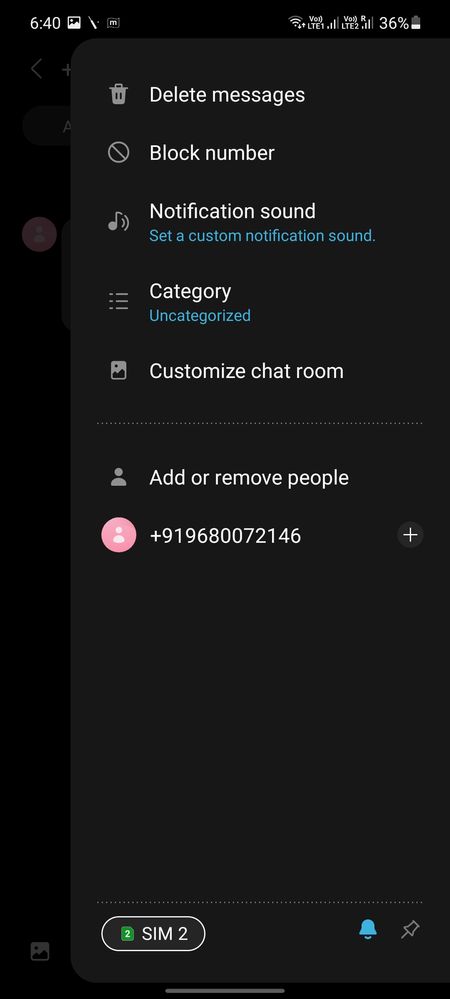
Hi writing this after getting the new one ui 3.1 update on my M51. Previously while sending a sms we used to have sim selection if we are using dual sim. But now it's not present at the place where we send the message. It comes in the selection on right side. This will work fine if we are sending sms from message app directly. But if we are doing any sms verification from a app let's say gpay, the app would create a message and open the message app by default. But the problem here is I don't have the option to change the sim now. If I change the sim by using the option available on right the message is getting cleared. Please check this issue its really frustrating. Bring back the sim selection option on the main page of sending the message.
Shank_Sar
Active Level 9
03-18-2021 04:31 PM
in
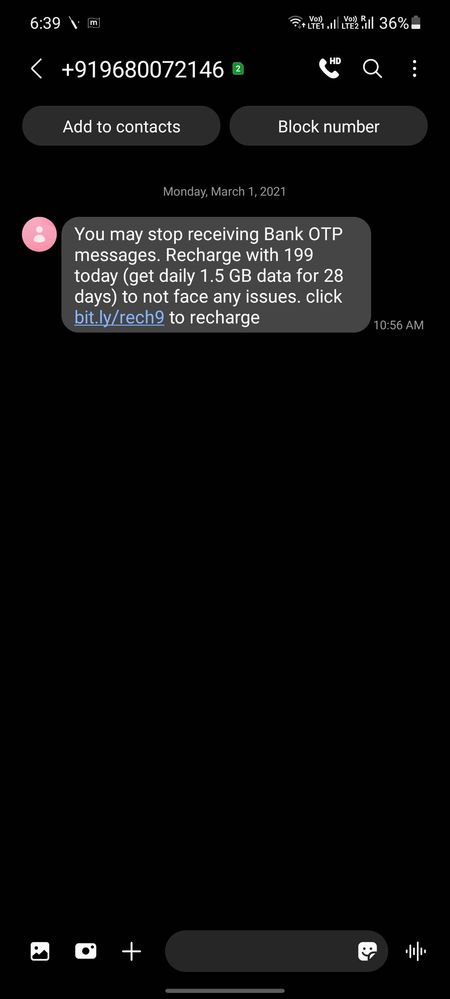
The screenshot of the message that you have shared, I think, it's a spam message.
0 likes
SriRaghava
Beginner Level 2
03-18-2021 05:25 PM
in
SandeepSty
Active Level 6
03-23-2021 10:08 AM
in
0 likes
SandeepSty
Active Level 6
03-23-2021 10:09 AM
in
0 likes