First of all try clearing all apps from recent ones especially the ones those have locks. Those locked apps do not show that button when locked. So mayeb that bugged. U can remove recent tabs from developer options
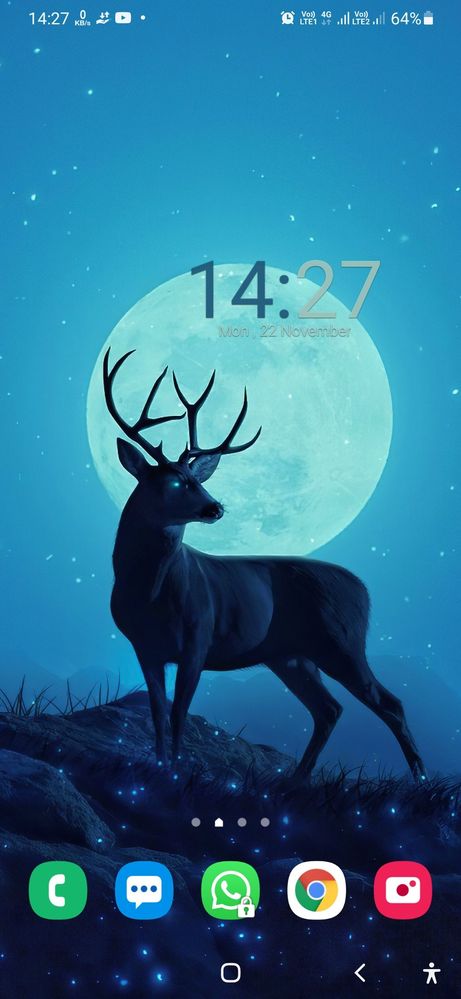
Thank you for sharing your concern. I would like to inform you there is some changes in the interface now swipe option is available you just swipe up to check the whole application. . We acknowledge your query and apologize for the same and your feedback is also noted.

Selected Answer
RαʝҽʂԋKυɱαɾ21
Expert Level 5
5 years ago
in
AND CHECK AGAIN
0 likes
RαʝҽʂԋKυɱαɾ21
Expert Level 5
5 years ago
in
NOW CHECK STILL PROBLEM??
0 likes
jerryash21
Active Level 4
5 years ago
in
0 likes
RαʝҽʂԋKυɱαɾ21
Expert Level 5
5 years ago
in
SETTINGS > GENERAL MANAGEMENT > RESET > RESET SYSTEM SETTINGS
NOW AGAIN CHECK
0 likes
_HK02_
Expert Level 2
5 years ago
in
0 likes
jerryash21
Active Level 4
5 years ago
in
0 likes
cs-member13
Expert Level 4
5 years ago
in
Dear Samsung member,
Greetings from Samsung customer support.
Thank you for sharing your concern. I would like to inform you there is some changes in the interface now swipe option is available you just swipe up to check the whole application. . We acknowledge your query and apologize for the same and your feedback is also noted.
Thank you for writing to Samsung.
Warm Regards,
Samsung Customer Support
0 likes