
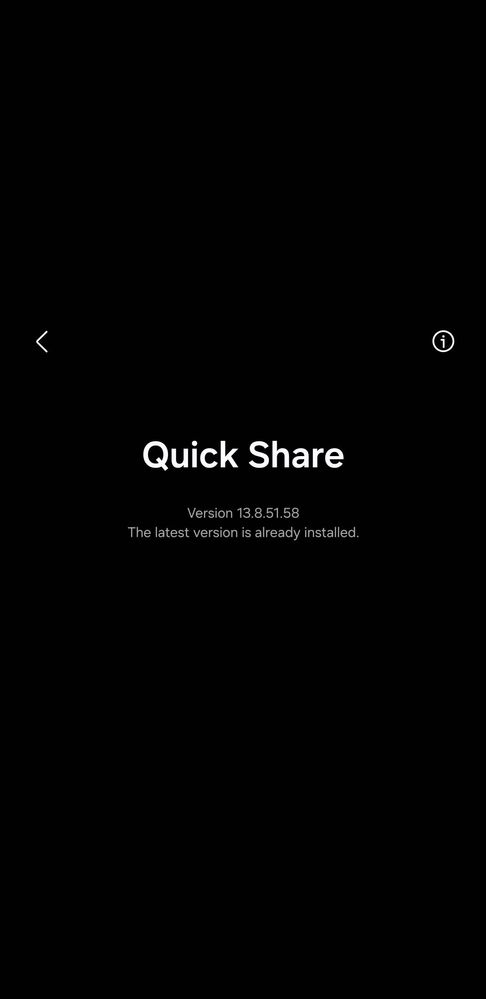
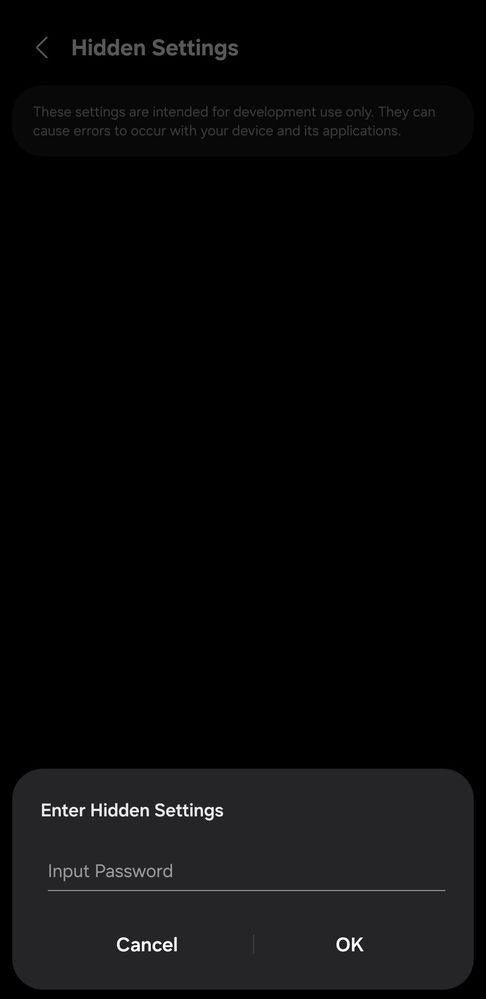
I was randomly touching many times on Quick share about and that it's open new popup and asking for the password, I have try to enter my screen lock password but it says it's wrong.
Is any one have solution?
I'm just curious about it.
OMKALEESH
Expert Level 3
7 months ago
in
AndroidAlchemist
Active Level 7
7 months ago
in
_S24FEuser_
Active Level 6
7 months ago
in
cs_member10
Moderator
7 months ago
in
Dear Samsung Member,
Greetings from Samsung Customer Support!
As per your concern, we would request you to kindly perform the following steps to resolve your issue.
Accessing the Hidden Setting Password:
To reproduce the prompt, follow these steps:
• Go to Settings.
• Select Connected devices.
• Choose Quick Share.
• Tap About Quick Share.
• Continuously click on Quick Share approximately 10-12 times. This should trigger the "Enter hidden setting password" prompt.
If the issue persists, kindly report the problems with a log file. To share a log file, click on the Samsung Members Application (Open Samsung Members Application > Support> Tap on send feedback> Choose Composer> Select error report> select the appropriate issue category> Type your query and send).
Warm Regards,
Samsung Customer Support