Kindly reset factory data with backup then try to it's again. If you like please accept as a solution it's help to others users also, click on 3dots in my reply section and click on accept solution. Thanks.
In case the issue still occurs, kindly report the problems with a log file. Also, share video clips and images for better understanding. To share a log file, click on the Samsung Members Application (Open Samsung Members Application > Support> Tap on error report > Type your query > Send).

2015Z1user
Beginner Level 2
3 years ago
in
goodthings
Expert Level 5
3 years ago
in
0 likes
_Jatin_
Active Level 8
3 years ago
in
0 likes
cs_member8
Moderator
3 years ago
in
Dear Samsung Member,
Greetings from Samsung Customer Support!
As per your query, please follow the troubleshooting steps to resolve the issue: -
Restart the device:
Press and hold the Power and Volume buttons down simultaneously for more than 7 seconds to restart it.
Reset app preferences: Go to, Settings > Apps > Tap on More option > Tap on Reset App Preferences.
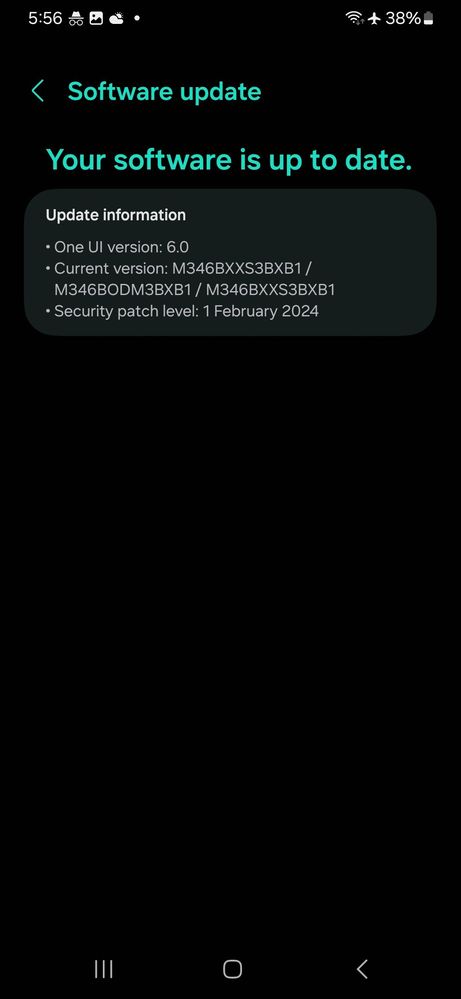
Update the software if available: https://www.samsung.com/in/support/mobile-devices/samsung-galaxy-smartphone-how-to-update-software/
Reset your device: https://www.samsung.com/in/support/mobile-devices/samsung-galaxy-mobile-how-to-perform-a-factory-res...
In case the issue still occurs, kindly report the problems with a log file. Also, share video clips and images for better understanding. To share a log file, click on the Samsung Members Application (Open Samsung Members Application > Support> Tap on error report > Type your query > Send).
Warm Regards,
Samsung Customer Support.
0 likes
Acknowledgeme
Active Level 8
3 years ago
in
0 likes