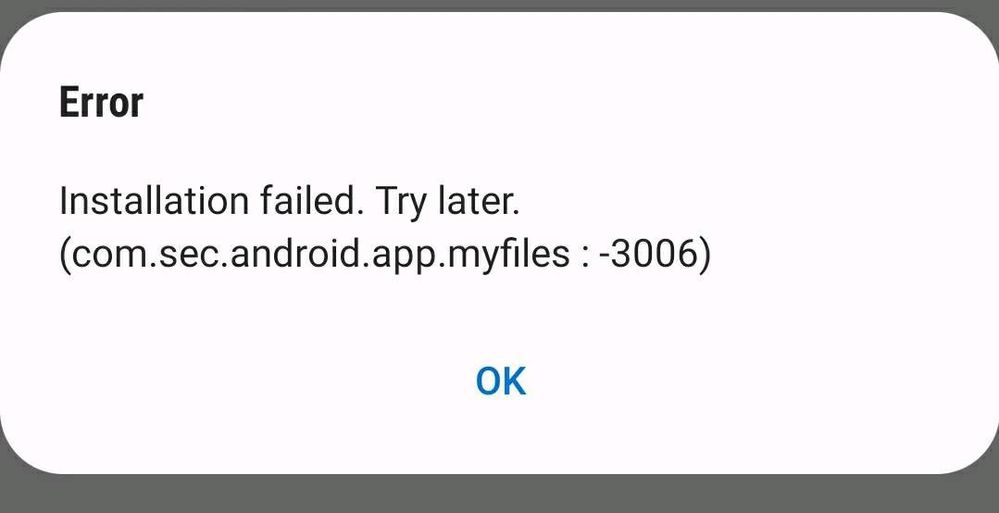
It appears the latest Galaxy Apps update does not work on your phone.
plz uninstall updates from Galaxy Apps, and load the restored version, cancell the update prompt and then went into the available apps update area, then click update all and than all the apps are get updates.
Hey Arin1, I guess you should turn out to the feedback section for help.
Please follow the steps as below to report an error on the feedback section.
Log in Samsung Members app > Click “+ button” at the bottom right > Click “Send feedback” > Click “Error reports” > Add detail of symptom and attach the system log data (click checkbox)
*When you abstract the log file. Please check off the pop-up message: log file delivered

maxius29
Active Level 3
7 years ago
in
0 likes
Sagar1
Active Level 6
7 years ago
in
plz uninstall updates from Galaxy Apps, and load the restored version, cancell the update prompt and then went into the available apps update area, then click update all and than all the apps are get updates.
Thanks
0 likes
Naimkhan
Active Level 9
7 years ago
in
clear the data of the app .
then try to install it again ..
0 likes
Naimkhan
Active Level 9
7 years ago
in
then you can install it ..
Naimkhan
Active Level 9
7 years ago
in
and accept the solution ..
have a good day 😊
0 likes
Emmanuel_J12
Moderator
7 years ago
in
Hey Arin1, I guess you should turn out to the feedback section for help.
Please follow the steps as below to report an error on the feedback section.
Log in Samsung Members app > Click “+ button” at the bottom right > Click “Send feedback” > Click “Error reports” > Add detail of symptom and attach the system log data (click checkbox)
*When you abstract the log file. Please check off the pop-up message: log file delivered
You can also check this link which explains in detail the entire steps to send feedback: https://r2.community.samsung.com/t5/Community-Guidelines/Send-Feedback-Report-a-Bug-to-Samsung/m-p/3...
0 likes
AMICAL么PATŔØN
Active Level 3
7 years ago
in
i have already reported the feedback
0 likes