
I am not able to get rid of data warning notification on my M33 5G device
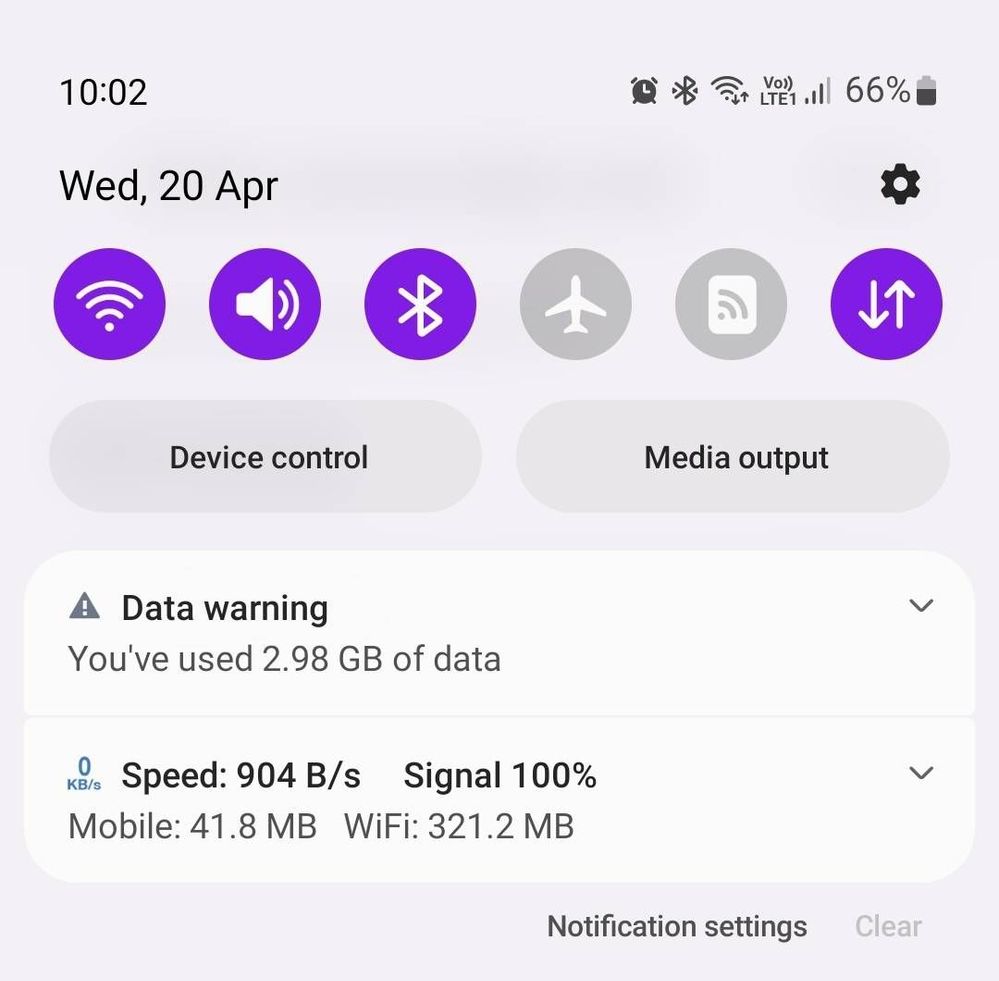
Data warning notification
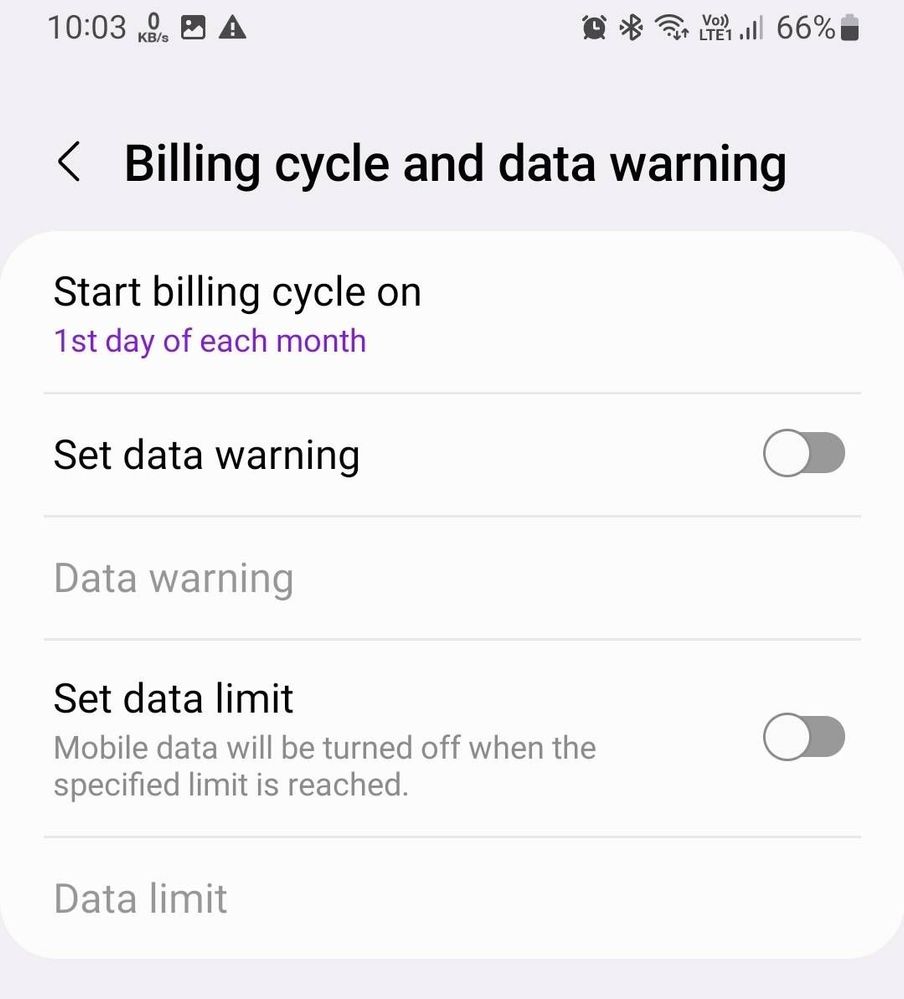
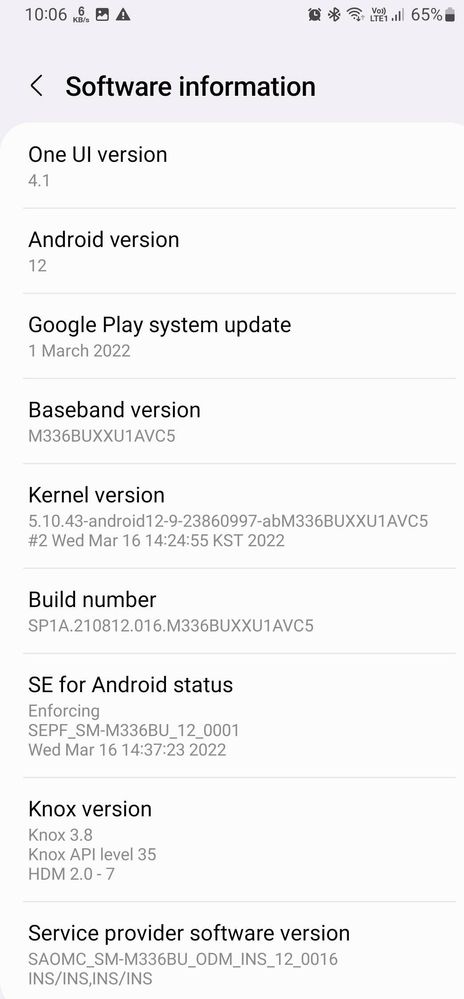
Here is the issue
I have turned off all data warning for mobile data and still unable to get rid of this notification.
Current version
This seems not updating notification even restarting my phone for multiple times.
Is there anything I am missing??
Wondering about OneUI 4.1..
chndn811
Active Level 10
5 years ago
in
As a workaround, Provide higher value for data warning. It will not be shown on notification panel.
HSarvesh
Active Level 5
5 years ago
in
0 likes
SiddharthaMalakar
★
5 years ago
in
Thank you 😊
samfan91
Expert Level 1
5 years ago
in
0 likes
HSarvesh
Active Level 5
5 years ago
in
0 likes
Sidhabhi
★★
5 years ago
in
If problem still persists
Go for normal phone reset settings
Settings>general management>select reset>click on reset settings
Note: this will change all settings to default
0 likes
rejiab
Active Level 7
5 years ago
in
Then set limit 30 gb or 60 gb as per your data plan
HSarvesh
Active Level 5
5 years ago
in
1. Attempted to reset all network settings - no change observed.
2. Attempted to reboot my phone in safe mode and see if I still have the same notification. - I was able to still see notification in safe mode.
3. Technician ask me to reset the all settings for the phone and try out.
Even after resetting all settings this notification was still on.
Ideally when data warning and data limit are turn off on this notification shouldn't have been visible in the first place.
Technician told me that they will be escalating this issue internally for latest patch which has been delivered for one UI 4.1.
Only option I have to get rid of this notification is long press the same notification and click on notification settings, under
Android system
I have to disable
-- network alerts.
Once disabled, that does notification goes off. Please note this is only work around and not a solution.
Thank you.
VasuGalaxyF23
Active Level 7
5 years ago
in
PiyushMidha
Active Level 1
5 years ago
in
I was facing the same.
Solution
Long press on notification.. press setting. The turn off network alert.
32bitboy
Active Level 5
5 years ago
in
This is a BUG, @Samsung needs to fix it.
Its like you see a tiger ahead of you and you close your eyes to make it disappear.
0 likes