
The text on the clock widget never chamges. Even if I expand the widget across The whole screen. Screen attached.
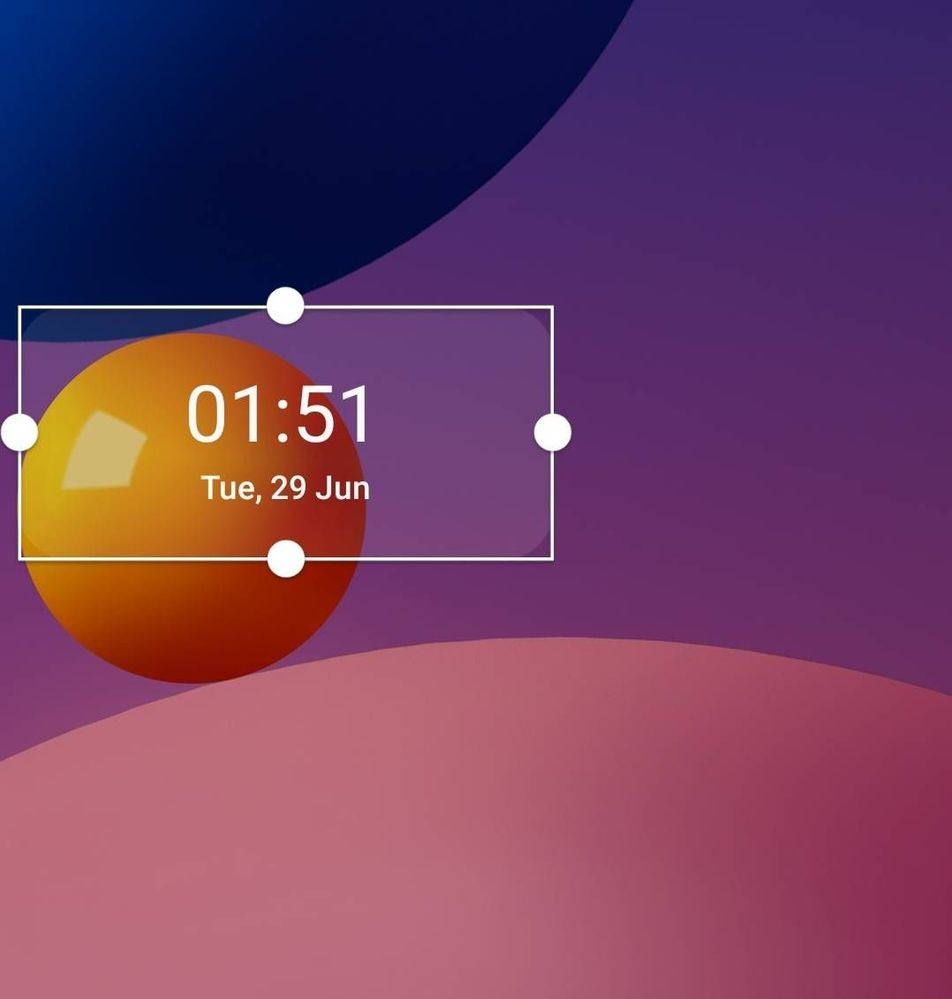
Small Widget same text size
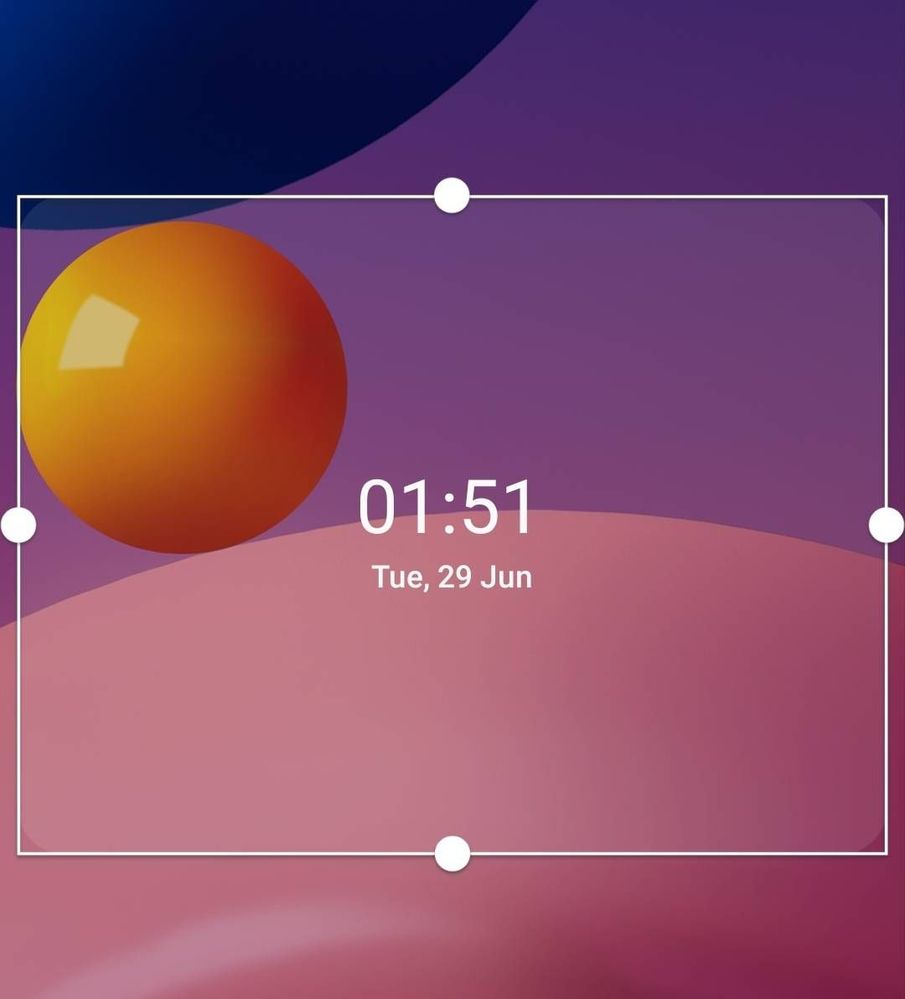
Large Widget same text size
I am forced to use Google Clock which has a working widget and a lock screen that works in landscape on my huge phone. (Another problem I raised with Samsung but no consideration)
These half baked software make me regret buying a Samsung phone.
The Samsung Clock doesn't even disable and now I have bedtime and alarms set in both clocks.
Why force people to use half cooked software?
Anyway, anyone have a solution to this?
cs-member13
Expert Level 4
07-1-2021 03:56 PM
in
Dear Samsung Member,
Greetings from Samsung Customer Support!
We would request you to register your concern in Samsung Members Application. So, that our concern team gets back to you as soon as possible.
Please follow this path to register your concern in Samsung Members Application (Open Samsung Members Application > Get help > Send Feedback > Error report/Ask questions).
Note. please attach the error log file within 15 minutes of the error occurred.
Thank you for writing to Samsung.
Warm Regards,
Samsung Customer Support
0 likes
shishirtanwar
Active Level 3
07-1-2021 04:40 PM
in
But thank you for the completely unrelated suggestion 😊
0 likes