
After one ui update Camera quality of my galaxy m51 is down Auto HDR mode can't support
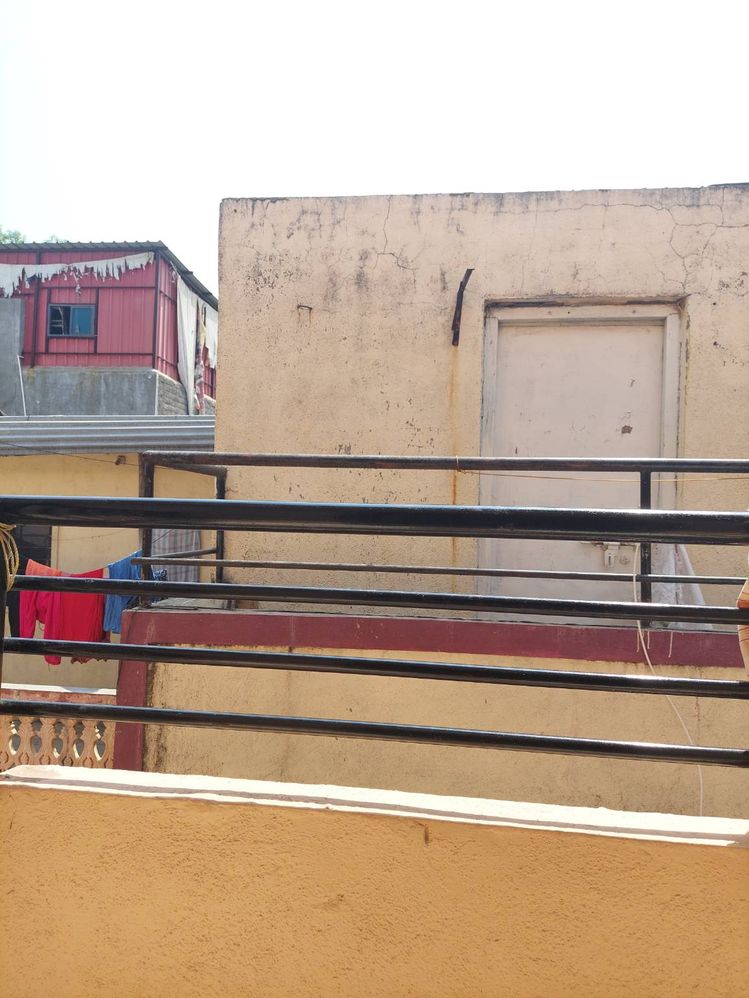
After Update Auto HDR can't work And also Sky colour is white so there is no difference between Mi Phone And Samsung phoneSamsung is known for camera quality So i hope samsung team as soon as improve the camera
Over heating issues
Galaxy m 51 is known for camera
But after update i see there is no difference between MI phone and Samsung
So i hope samsung team as soon as improve camera quality
SG05
Active Level 5
03-22-2021 05:54 AM
in
Samsung_Support1
Moderator
03-25-2021 08:55 AM
in
Dear Samsung Member,
Greetings from Samsung Customer Support!
Please perform the below mentioned steps to resolve the issue:
* Clear camera lens with microfiber cloth or a cleaning wipe. Gently remove the fingerprint, dirt and dust from the camera lens.
* Reset camera settings
Camera > Settings > Reset settings > Reset.
For further assistance, register your concern in Samsung Members Application (Open Samsung Members Application > Get help > Send Feedback > Error report/Ask questions).
Thank you for writing to Samsung.
Warm Regards,
Samsung Customer Support
0 likes
UtsavSanghavi
Beginner Level 2
04-11-2021 04:36 AM
in
0 likes