We acknowledge your query and apologize for the same. Please perform the below mentioned steps to resolve the issue:
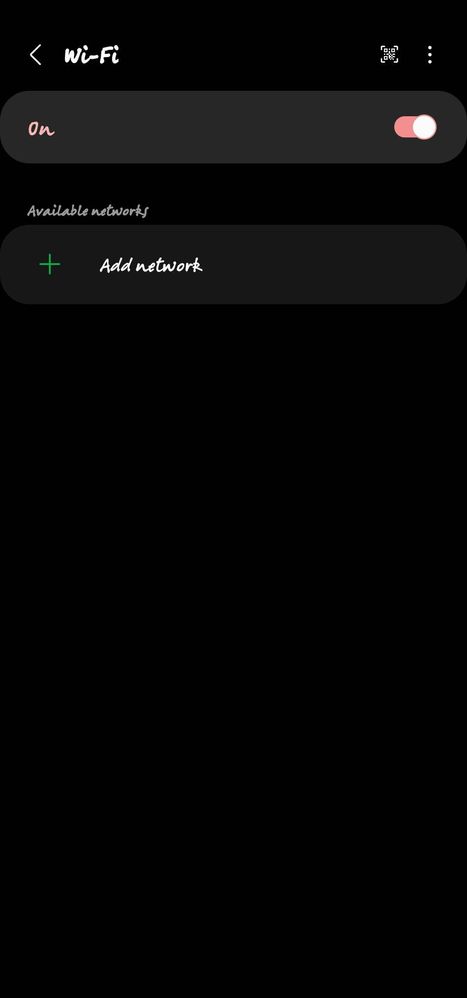
* Forget the Network: Go to apps screen >Settings >Connections > Wi-Fi >Wi-Fi network >Tap and hold the Wi-Fi network that you're having trouble with until the menu allows you to select Forget Network.
* Reset Network Settings: Go to apps screen >Settings >General Management >Reset >Reset Network Setting.
For further assistance, register your concern in Samsung Members Application (Open Samsung Members Application > Get help > Send Feedback > Error report/Ask questions).

Guddu-S20FE5G
Active Level 9
08-1-2022 11:30 AM
in
sabbirahamedabir
Active Level 4
08-1-2022 12:59 PM
in
dexterrr
Active Level 4
08-1-2022 01:10 PM
in
cs_member8
Moderator
08-8-2022 07:06 AM
in
Dear Samsung Member,
Greetings from Samsung Customer Support!
We acknowledge your query and apologize for the same. Please perform the below mentioned steps to resolve the issue:
* Forget the Network: Go to apps screen >Settings >Connections > Wi-Fi >Wi-Fi network >Tap and hold the Wi-Fi network that you're having trouble with until the menu allows you to select Forget Network.
* Reset Network Settings: Go to apps screen >Settings >General Management >Reset >Reset Network Setting.
For further assistance, register your concern in Samsung Members Application (Open Samsung Members Application > Get help > Send Feedback > Error report/Ask questions).
Thank you for writing to Samsung.
Warm Regards,
Samsung Customer Support