All community
Sign In/Register
/
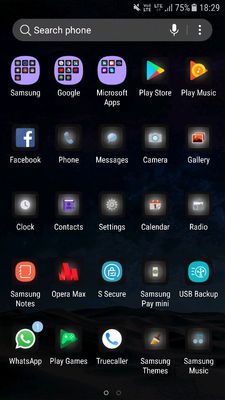
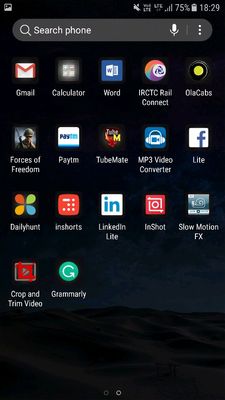
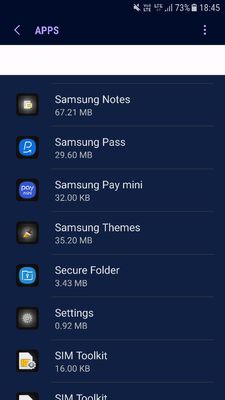
Secure folder missing
(Post creation time:
08-14-2018 01:07 PM
)
883 Views
vittuvj
Active Level 3
last edited
03-14-2019 05:55 PM
in
Missing
apps
0 likes
5 Comments
someshmohakud
Active Level 7
08-14-2018 01:45 PM
2 likes
MiraclePanda
Expert Level 2
08-14-2018 02:22 PM
3 likes
08-15-2018 10:00 AM
1 like
current
Beginner Level 2
08-22-2018 03:32 PM
08-22-2018 03:34 PM
. Galaxy Z Flip | Galaxy Z Fold 11-17-2021 09:55 AM
missing secure folder
. Secure Folder 01-5-2021 06:06 PM
Missing secure folder
. Galaxy A 08-23-2024 06:16 AM
secure folder missing on m30s
. Secure Folder 10-5-2019 11:43 AM
missing of secure folder
. Secure Folder 05-22-2021 12:41 PM

someshmohakud
Active Level 7
08-14-2018 01:45 PM
in
MiraclePanda
Expert Level 2
08-14-2018 02:22 PM
in
vittuvj
Active Level 3
08-15-2018 10:00 AM
in
current
Beginner Level 2
08-22-2018 03:32 PM
in
0 likes
current
Beginner Level 2
08-22-2018 03:34 PM
in
0 likes