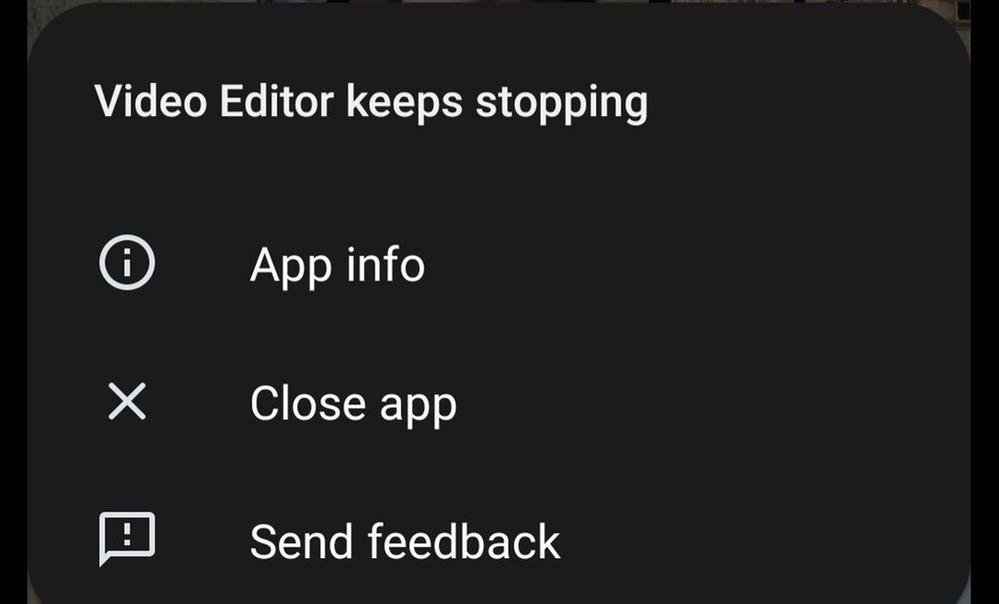
My dear you are absolutely right now. ✅️ it's same again and again F23 5G & M33 5G devices also from last 3 months. I think it's a Bug, so please complaint to Samsung customer support through Samsung Members App as error report also send log files Along with this error report for this issue. Thanks.
As per your concern, we would request you to kindly perform the following steps to resolve your issue.
Clear app cache through Device care: Settings > Device care > Storage > CLEAN NOW.
Note: To delete files or uninstall apps that you do not use anymore, select a category under USER DATA. Then, tick items to select and tap DELETE or UNINSTALL.
The clear cache memory of a particular application: Settings > Apps > Now pick the app that you like to clear off the cache memory > Storage > Clear Cache.
Reset the device Settings: Settings > General Management > Reset settings>Reset all settings to their default.
In case the issue still occurs. Please visit the service center for a physical inspection of your device. You can locate your nearest service center with this given link: https://www.samsung.com/in/support/service-center/

goodthings
Expert Level 5
3 years ago
in
0 likes
cs_member10
Moderator
3 years ago
in
Dear Samsung Member,
Greetings from Samsung Customer Support!
As per your concern, we would request you to kindly perform the following steps to resolve your issue.
Clear app cache through Device care:
Settings > Device care > Storage > CLEAN NOW.
Note: To delete files or uninstall apps that you do not use anymore, select a category under USER DATA. Then, tick items to select and tap DELETE or UNINSTALL.
The clear cache memory of a particular application:
Settings > Apps > Now pick the app that you like to clear off the cache memory > Storage > Clear Cache.
Reset the device Settings: Settings > General Management > Reset settings>Reset all settings to their default.
Update the software if available: https://www.samsung.com/in/support/mobile-devices/samsung-galaxy-smartphone-how-to-update-software/
You can check the device in safe mode and for the safe mode you can tap on the given link. https://www.samsung.com/in/support/mobile-devices/safe-mode-on-samsung-phones/
You can reset your device by following the steps from the below link.
https://www.samsung.com/in/support/mobile-devices/samsung-galaxy-mobile-how-to-perform-a-factory-reset/
In case the issue still occurs. Please visit the service center for a physical inspection of your device. You can locate your nearest service center with this given link: https://www.samsung.com/in/support/service-center/
Warm Regards,
Samsung Customer Support
0 likes