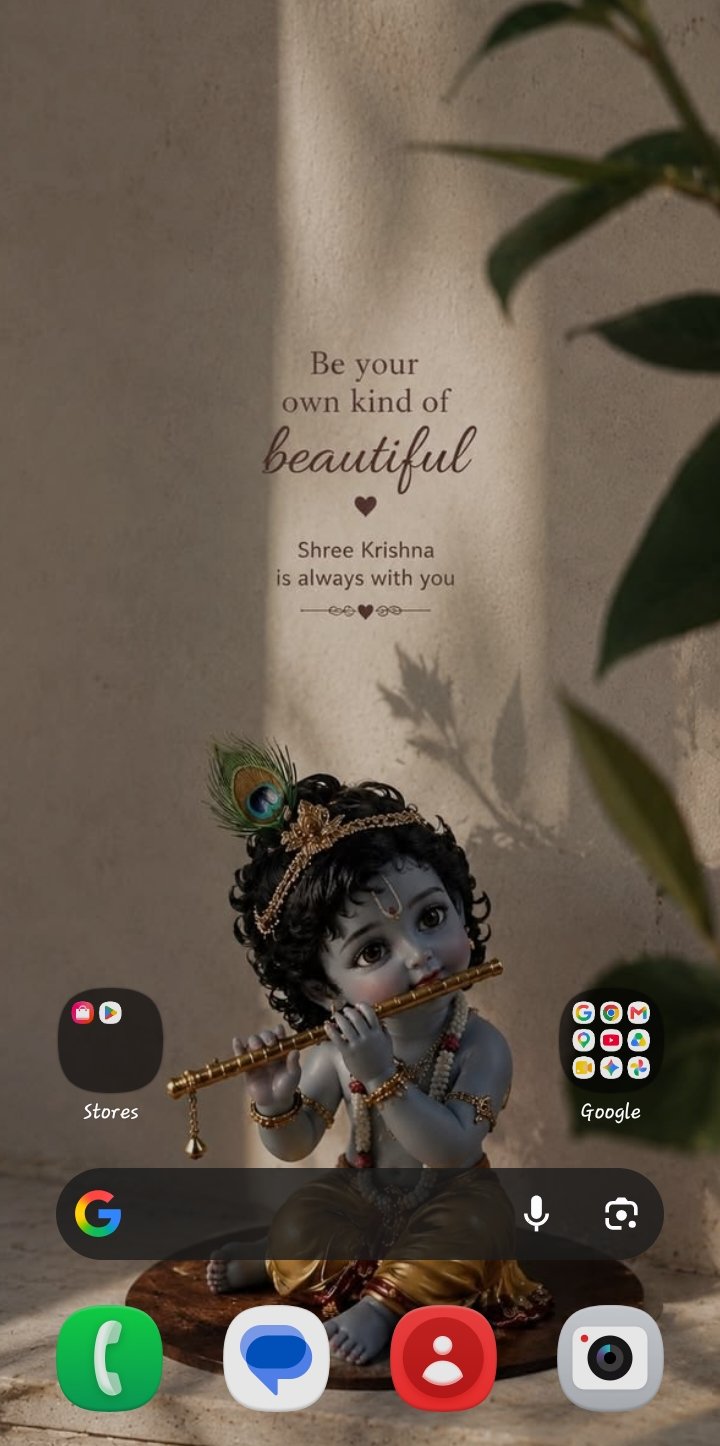
1. Open Home Screen Settings: (Pinch or long-press) Go to your home screen, then pinch inward with two fingers or touch and hold an empty space on the screen. -- A menu panel will pop up at the bottom of your screen.
2. Tap Settings: (Gear icon) Tap the Settings (gear icon) button located at the bottom right of the panel.
3. Disable the Search Bar: (Toggle off) Scroll down and look for the option labeled Show search on home screen. Tap the toggle switch next to it to turn it Off. -- The persistent search bar at the bottom or top of your home screen will immediately disappear.

Akash11011
Expert Level 5
11-10-2026 02:08 PM
in
It is not remove
Members_BVSVdQC
Beginner Level 3
11-10-2026 02:10 PM
in
🔥
0 likes
LaxmiSingh
Beginner Level 5
11-10-2026 02:10 PM
in
So what I do or is it fix in new update of One UI 9
Akash11011
Expert Level 5
11-10-2026 02:10 PM
in
Yes i think in new update it will be removed
0 likes
SataruGojoo
Expert Level 3
11-10-2026 02:14 PM
in
1.
Open Home Screen Settings:
(Pinch or long-press)
Go to your home screen, then pinch inward with two fingers or touch and hold an empty space on the screen.
-- A menu panel will pop up at the bottom of your screen.
2.
Tap Settings:
(Gear icon)
Tap the Settings (gear icon) button located at the bottom right of the panel.
3.
Disable the Search Bar:
(Toggle off)
Scroll down and look for the option labeled Show search on home screen. Tap the toggle switch next to it to turn it Off.
-- The persistent search bar at the bottom or top of your home screen will immediately disappear.