
1.There is a glitch or any settings problem which may be I am unaware, but when I slide down the new separate style quick panel the entire screen became black except the quick settings. But the background is supposed to be blur style .
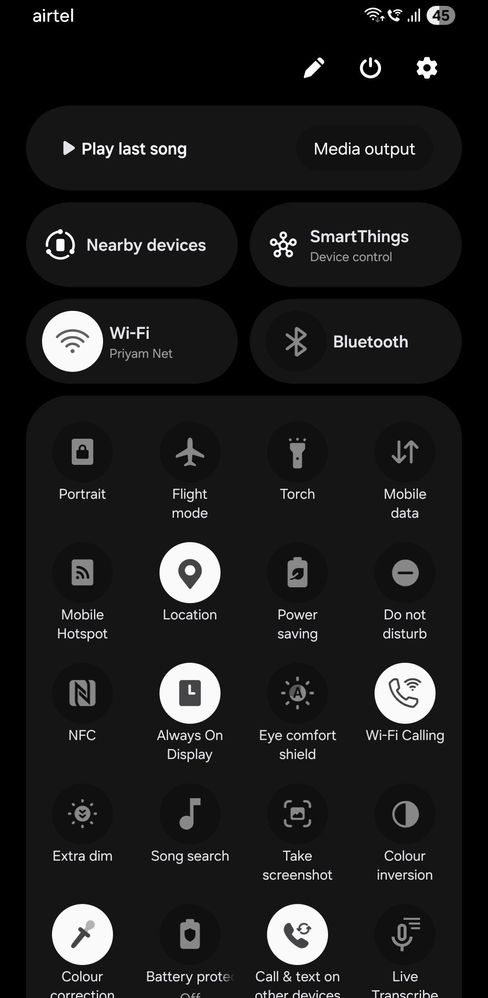
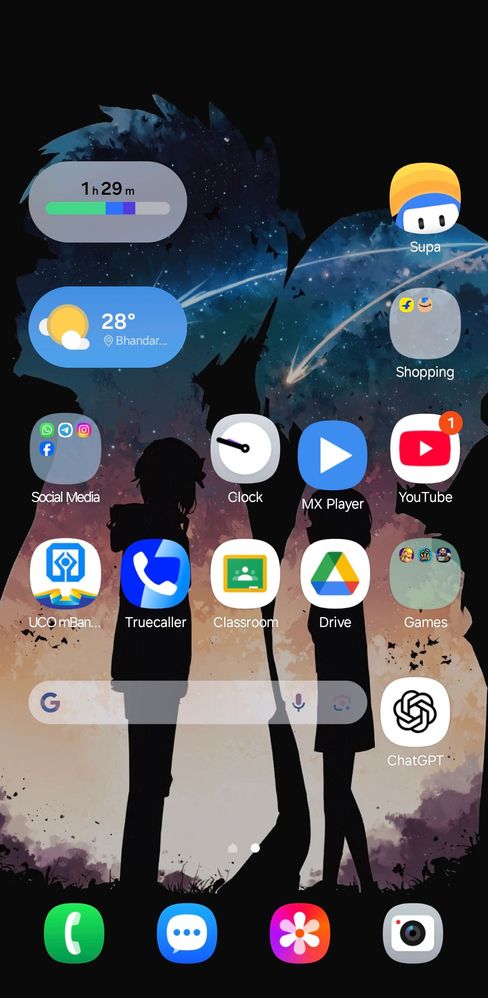
Look the background is fully black.
2. There is another problem that occurred just now. When I restart my device the colours become faded and it look very dull.
Look the colours are not natural . The are looking like faded away 🥲💀
Selected Answer
sidharth3768
Active Level 8
05-22-2025 04:18 AM
in
deypriyam
Active Level 4
05-22-2025 04:20 AM
in
2nd problem solved but the 1st one can not resolved
0 likes
deypriyam
Active Level 4
05-22-2025 04:21 AM
in
0 likes
Selected Answer
JahanaraBegum
Active Level 5
05-22-2025 05:05 AM
in
deypriyam
Active Level 4
05-22-2025 05:08 AM
in
0 likes
cs_member10
Moderator
05-23-2025 03:17 AM
in
Dear Samsung Member,
Greetings from Samsung Customer Support!
As we have checked you have mentioned that your issue has already been resolved. If you have any further queries please feel free to get in touch with us.
Warm Regards,
Samsung Customer Support
0 likes