Apologies for the delay in response. However, understanding the criticality of the situation; we had to ensure the well-being and safety of our employees which led to the delay in response.
Hope your issue is resolved. In case the issue still persists please follow the below mentioned steps.
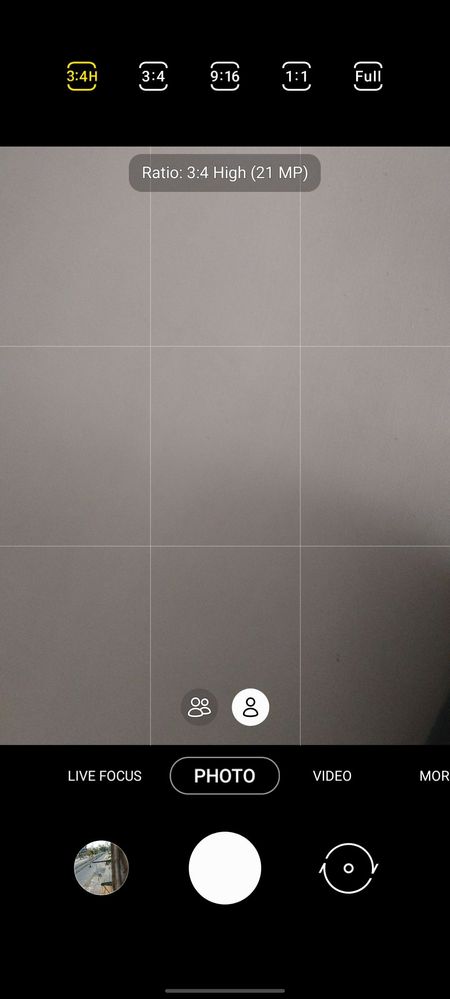
Reset camera settings: Click Camera > Go to Camera Settings > Reset Settings.
Clear camera app data: Go to Settings > Apps > Camera > Select Storage > Clear Data and click OK.
For further assistance, register your concern in Samsung Members Application (Samsung Members App > Feedback >Error report > Attach log file for any issue)

Ranjha01
Active Level 5
7 years ago
in
0 likes
Anonymous User
Beginner Level 1
7 years ago
in
Prano
Active Level 7
7 years ago
in
Please accept this guy suggestion as solution.
RushabhShah
Active Level 7
7 years ago
in
sayanm50
Active Level 9
7 years ago
in
0 likes
bimanmitra
Active Level 1
7 years ago
in
0 likes
bnjha72
Active Level 10
7 years ago
in
0 likes
RushabhShah
Active Level 7
7 years ago
in
I got it
0 likes
cs_member9
Active Level 7
7 years ago
in
Dear Samsung Member,
Greetings from Samsung Customer Support!
Apologies for the delay in response. However, understanding the criticality of the situation; we had to ensure the well-being and safety of our employees which led to the delay in response.
Hope your issue is resolved. In case the issue still persists please follow the below mentioned steps.
For further assistance, register your concern in Samsung Members Application (Samsung Members App > Feedback >Error report > Attach log file for any issue)
Thank you for writing to Samsung.
Warm Regards,
Samsung Customer Support
RushabhShah
Active Level 7
7 years ago
in
0 likes