
One handed mode
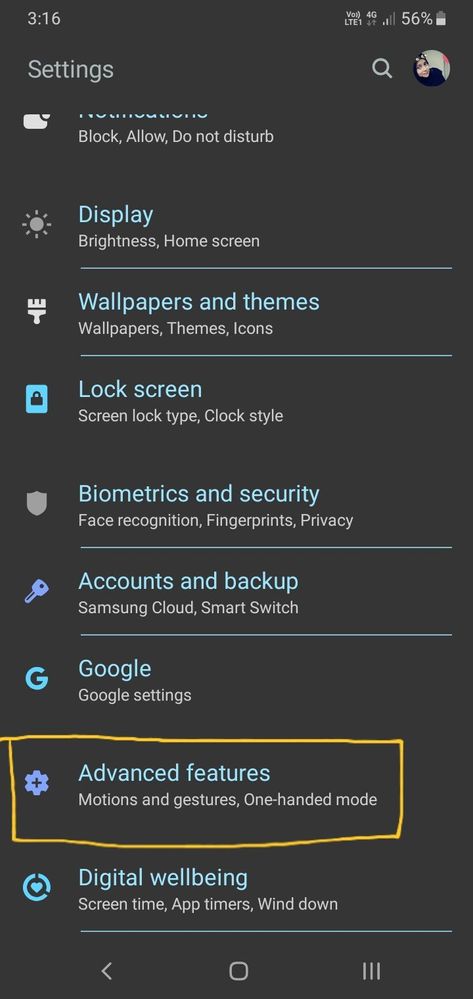
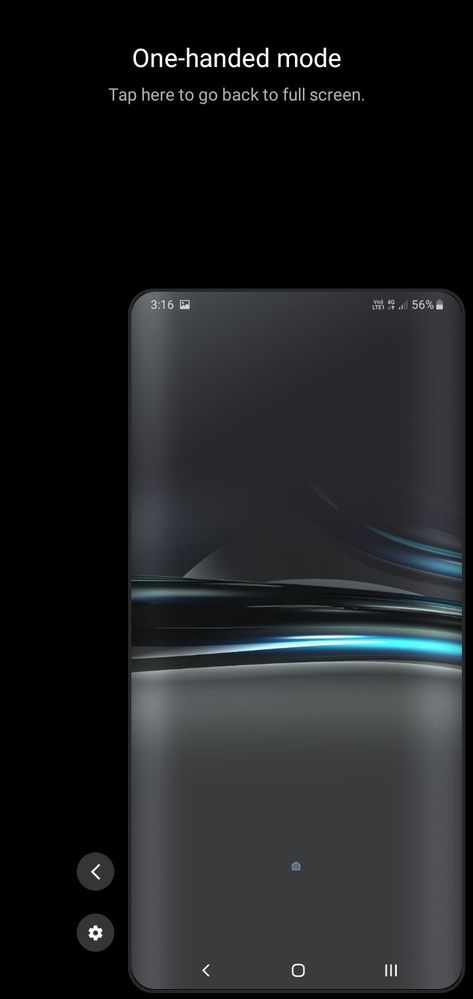
1 : go to the setting then click on Advance feature
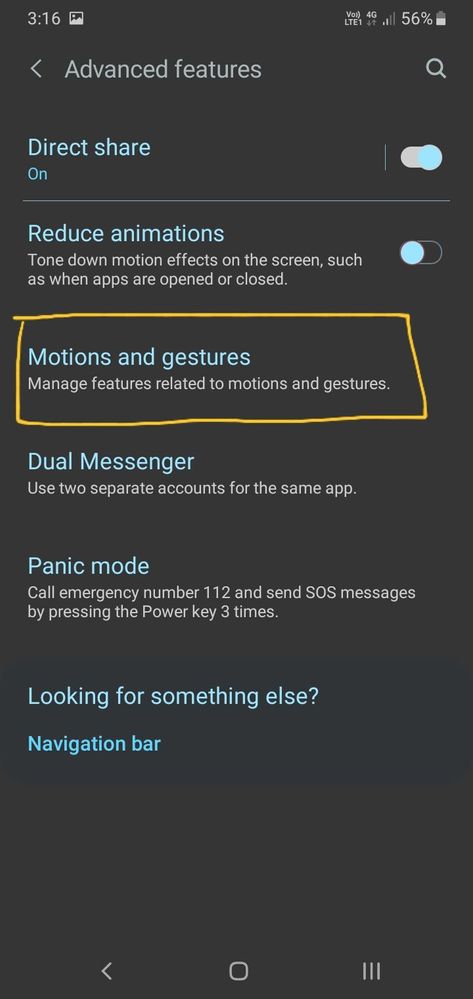
2 : click on motion and gesture
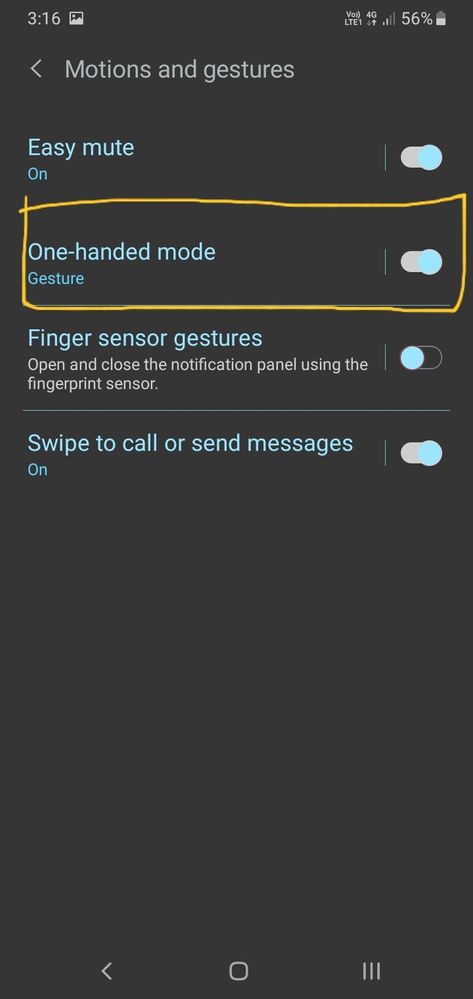
3 : then click on one handed mode
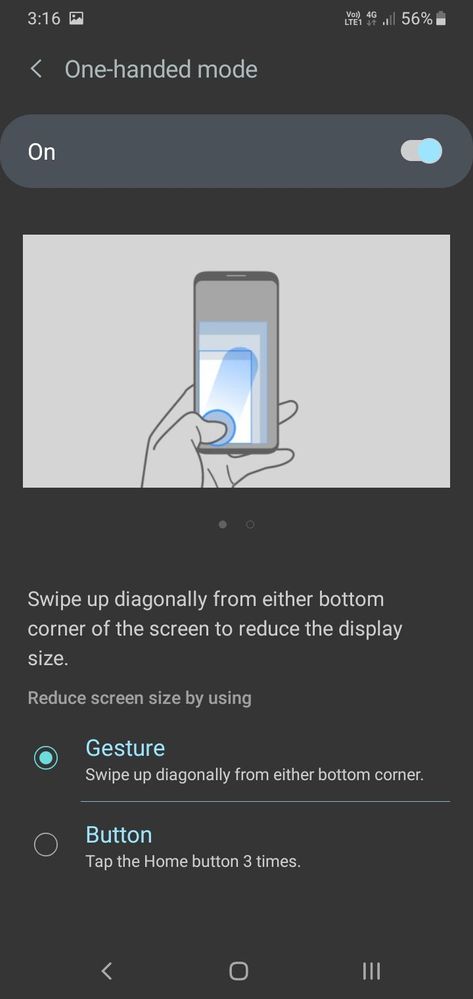
4 : do as directed
Then you will be able to enjoy the one handed mode feature. It's very useful feature. Enjoy it.
Follow the steps as shown above to enjoy it
No replies and comments found