
Hello @IndiaBetaTeam ,
I really hope you understand what I am asking.
In One UI 5.1 , I was able to use separate/independent eSIM on Galaxy Watch with following steps:
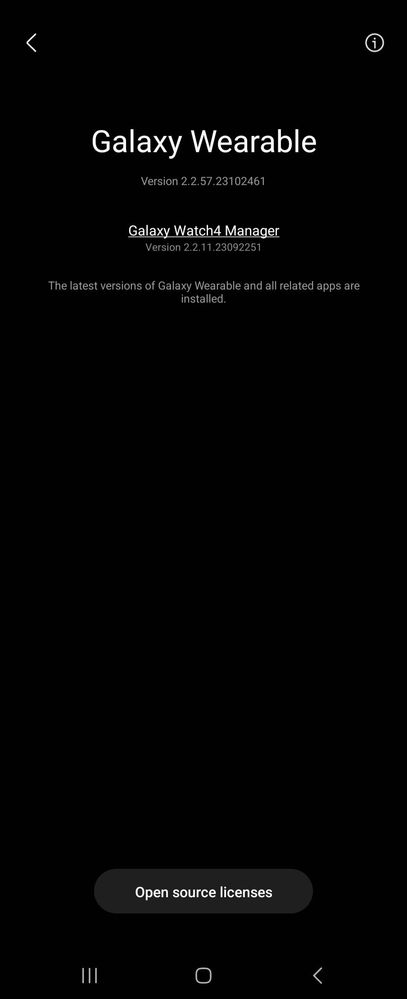
Open the Galaxy Wearable app
Tap the three bar menu in upper left corner
Tap "About Galaxy Wearable"
Tap the page heading "Galaxy Wearable" five times quickly to bring up the hidden menu
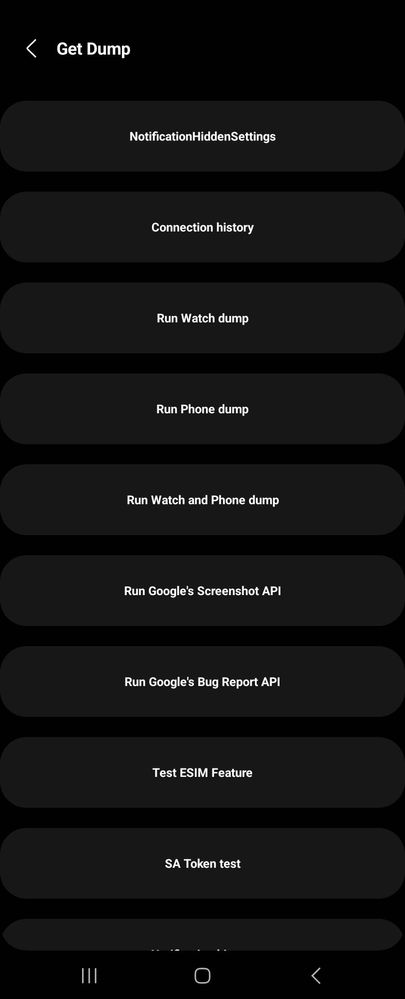
Tap "Test ESIM Feature"
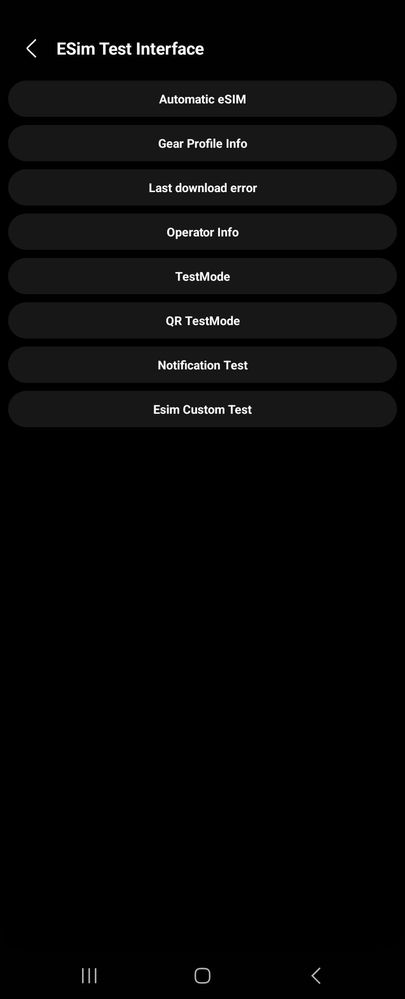
Tap "Current QR TestMode: off. This will turn it on
Back out to main Galaxy Wearable screen and tap "Watch settings"
Tap "Mobile Plans". This will bring up the QR code scanner
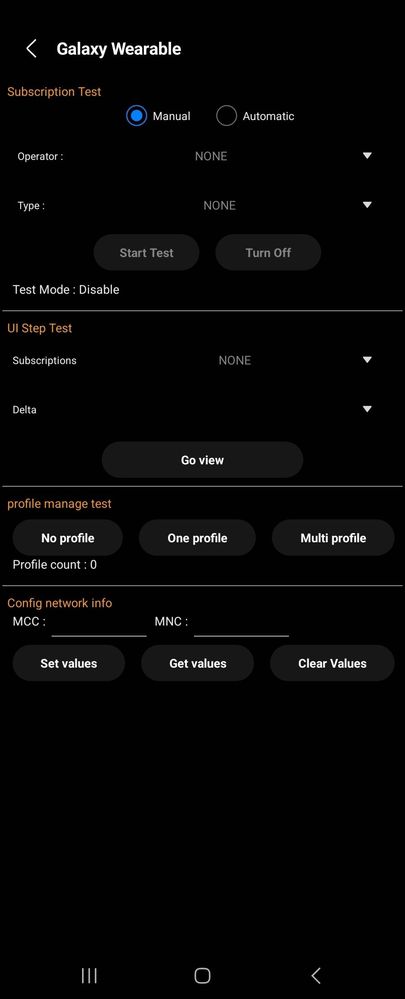
Those Option are not there any more for Z Fold 5 OneUI 6 Beta builds.
Reference Screenshots:
Again . . . .
Please don't reply with your same standard script. Sending logs only helps if that option is present. Missing options doesn't create log.
Just curious if that option will be back in future beta builds.
No replies and comments found