
Since the update to Samsung Members Website, I find that it's often slow to load, and I frequently have to refresh the site for it to display properly..
It's definitely not my WiFi connection.. 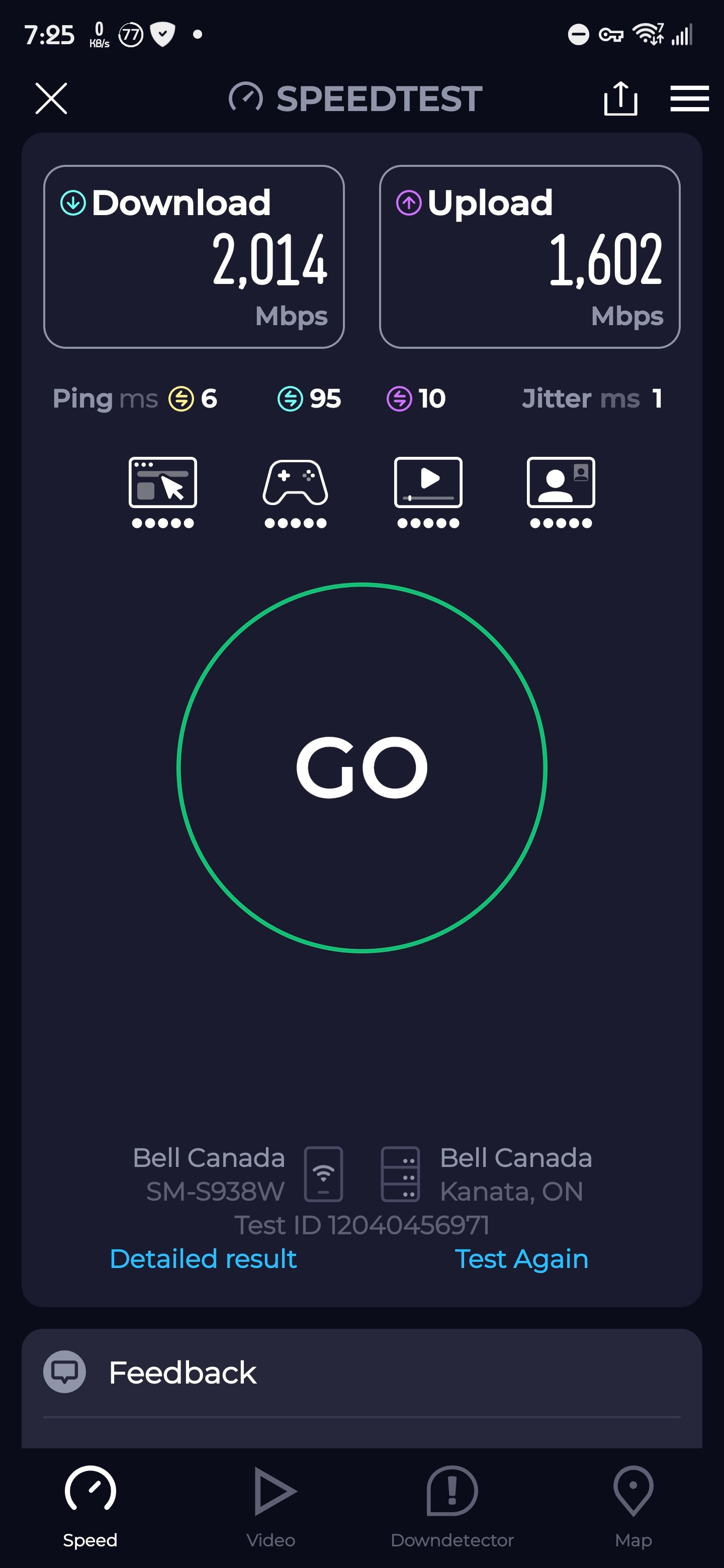
Since the update to Samsung Members Website, I find that it's often slow to load, and I frequently have to refresh the site for it to display properly..
It's definitely not my WiFi connection..
Tallman
★
2026/11/27 02:54 PM
in
I do when I sit in front of my desktop. The speed is fine for me.
AmeriCanuck
★
2026/11/27 03:55 PM
in
I haven't really been on the website too much since the update, or the app for that matter, but I will try to check it out over the course of today and the weekend and provide some better feedback for you for comparison.
0 likes
Haisley
Moderator
2026/11/27 05:57 PM
in
Hello RedDogRabbit,
Thank you for bringing this to our attention and sharing your experience with the Samsung Members web version.
We appreciate you flagging this after the recent update. While we continue working to improve platform stability and performance, here are a few quick steps that can sometimes help clear up display or loading glitches after a web update:
1. Clear your browser’s cache and cookies for the Samsung Members site.
2. Try opening the site in a private/incognito window or test it on a different web browser to see if the behavior continues.
3. Disable any browser extensions (such as ad blockers or script blockers) temporarily, as they can occasionally conflict with updated site elements.
Please try the steps above and let us know how it goes.
0 likes