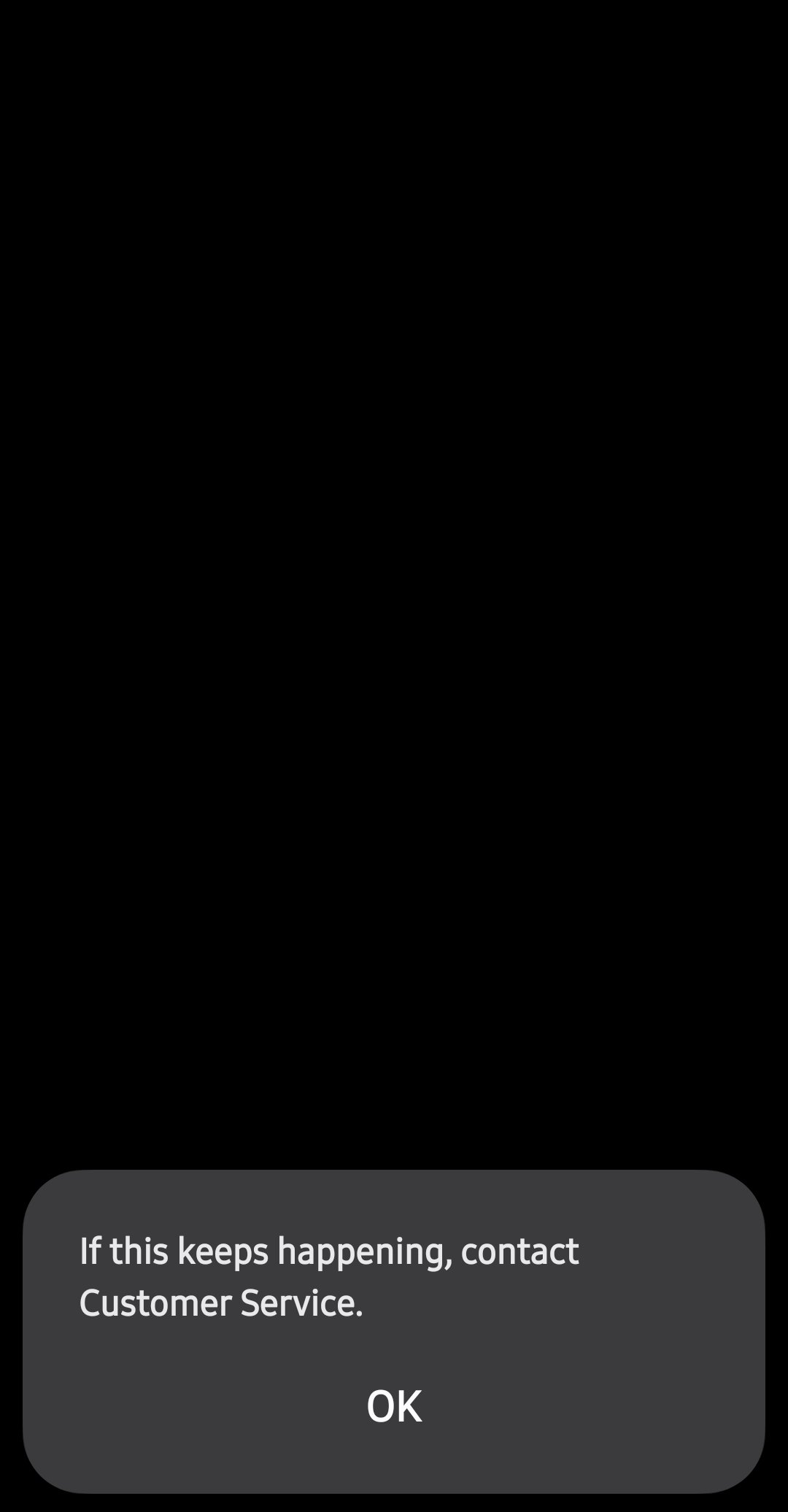
We are sorry to hear that you are experiencing an error while setting up your Secure Folder, and we understand how inconvenience it can be when a key security feature blocks you from completing setup.
As Robertz suggested the steps, kindly try them and let us know the output.

RobertZ
Expert Level 1
2026/11/10 01:51 AM
in
Go to Settings, Apps. Find Secure Folder then uninstall it. After that go to the Play Store and install Secure Folder from there.
Haisley
Moderator
2026/11/10 05:29 PM
in
Hello Members_LBGKop3,
We are sorry to hear that you are experiencing an error while setting up your Secure Folder, and we understand how inconvenience it can be when a key security feature blocks you from completing setup.
As Robertz suggested the steps, kindly try them and let us know the output.
0 likes